
Introduction: The Struggle With Landing Page Copy
If you’ve ever stared at a blank page wondering how to write landing copy that actually converts, you’re not alone.
SaaS founders, marketers, and creators often know their product inside out, but struggle to turn features into customer-centered, persuasive messaging. The result? Pages that look nice… but don’t drive enough sign-ups, trials, or purchases.
That’s where AI — and especially smart prompt engineering — becomes a powerful secret weapon. By learning how to guide ChatGPT with structured, targeted prompts, you can draft landing page copy that resonates with your audience, builds trust, and nudges them to act.
In this post, we’ll share 15 proven ChatGPT prompts for landing pages that you can copy, paste, and adapt to your own SaaS or service — along with frameworks, examples, and a tool to take it further.
15 ChatGPT Prompts for Landing Pages
Here’s a mix of prompts designed to sharpen your headlines, craft persuasive body copy, and address common conversion blockers.
1. Hero Headline Prompt
“Write 10 variations of a short, benefit-driven landing page headline for [product/service], targeting [ideal customer persona], focusing on their desired outcome.”
✅ Use when you need quick, compelling options for your hero section.
2. Subheadline Clarifier
“Explain what [product] does in one sentence, highlighting how it works and why it’s different from competitors.”
Great for clarifying value in plain English.
3. Feature-to-Benefit Transformer
“Turn the following features into customer benefits for [target audience].”
Paste your bullet list → get persuasive benefit-focused copy.
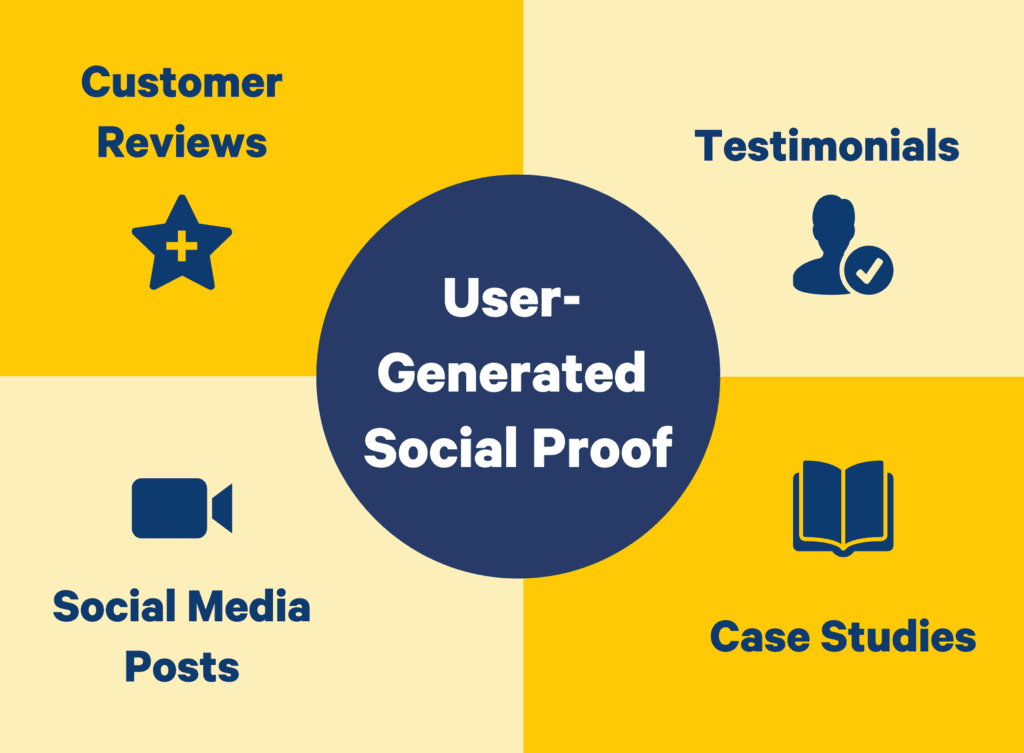
4. Social Proof Generator
“Write 5 short testimonial-style snippets showing how [customer persona] benefited from [product/service].”
Helpful if you don’t yet have a large library of reviews.
5. Pain-Point Hook
“List 7 common frustrations [audience] faces when trying to [achieve goal], then position [product/service] as the solution.”
This doubles as copy and customer insight research.
6. CTA Variation Prompt
“Write 10 creative but clear calls-to-action that emphasize urgency, simplicity, and customer benefit for [product/service].”
7. Landing Page Layout Copy
“Generate a full wireframe outline of landing page copy sections (headline, subheadline, CTA, features, testimonials, FAQ) tailored for .”

8. Objection Crusher
“List the top objections [audience] might have about buying [product/service] and create persuasive, trust-building responses for each.”
9. Trust Builder Copy
“Write 5 short blurbs that highlight credibility factors (awards, partnerships, guarantees, security features) for [product].”
10. Industry-Specific Tone Adaptation
“Rewrite this landing page copy in a tone that appeals to [industry/profession], balancing authority and relatability.”
11. Comparison Table Generator
“Create a comparison table that shows how [product] outperforms [competitors] in terms of price, features, and ease of use.”
12. Above-the-Fold Copy Set
“Generate a hero headline, subheadline, and CTA button text that align together for [product/service].”
13. Storytelling Opener
“Write a short customer success story that could be used as the opening hook for a landing page targeting [audience].”
14. Risk Reversal Copy
“Craft 5 variations of copy around free trial, money-back guarantee, or zero-risk offers for [product].”
15. FAQ Landing Page Copy
“Write 6 frequently asked questions (with answers) that address doubts about [product/service], including price, results, and ease of use.”
How to Use These Prompts Strategically
The real power isn’t just copying these prompts into ChatGPT — it’s structuring your input for clarity, audience, and desired output.
For example:
- Always define your ideal customer persona (e.g., “busy SaaS founder,” “freelance marketer,” “enterprise IT manager”).
- Specify the tone of voice (professional, casual, witty, etc.).
- Give ChatGPT context like product features, brand values, or audience frustrations.
This ensures that the AI generates copy aligned with your brand and market.
Where My Magic Prompt Fits In
Instead of manually tweaking each input, you can save time with tools like My Magic Prompt, which provides:
- 🪄 Prompt Builder — customize prompts step-by-step for precision.
- 📂 Prompt Templates — pre-built frameworks for landing pages, ads, and more.
- ⚡ AI Toolkit — streamline workflows across ChatGPT, Claude, Gemini, and other models.
You can even grab the Magic Prompt Chrome Extension to generate optimized prompts while you work inside your browser.
That way, your landing page copy process goes from scattered and slow → to structured, repeatable, and conversion-focused.
External Expert Insights
Don’t just take our word for it:
- Harvard Business Review has written extensively about how AI augments human creativity in marketing.
- TechCrunch frequently covers the growing role of AI in product-led growth and SaaS marketing strategies.
- OpenAI itself recommends prompt clarity and structure for the best AI-generated results.
These sources confirm that structured prompting isn’t a gimmick — it’s the future of digital marketing.
FAQs: ChatGPT for Landing Page Copy
1. What’s the difference between good and bad AI prompts?
A good prompt is specific, audience-focused, and context-rich. A bad prompt is vague, leading to generic copy.
2. Can ChatGPT really replace a copywriter?
Not exactly. Think of it as a creative accelerator — it drafts fast, but you still refine and humanize.
3. How do I make sure my landing page copy doesn’t sound robotic?
Use tone directives in your prompts (“conversational, witty, professional”) and always review outputs with a human touch.
4. What’s the best way to organize prompts for landing pages?
Use a prompt library or a tool like My Magic Prompt to keep templates structured and easy to reuse.
5. Can I A/B test AI-generated copy?
Yes — in fact, AI lets you generate multiple variations quickly, perfect for running controlled tests.
Final Thoughts
Writing high-converting landing page copy doesn’t have to be a grind. With the right ChatGPT prompts for landing pages, you can spark fresh ideas, clarify your message, and move faster — without sacrificing quality.
If you’re ready to take your copy to the next level, explore My Magic Prompt and its Chrome Extension to streamline your workflow and unlock even more templates.