
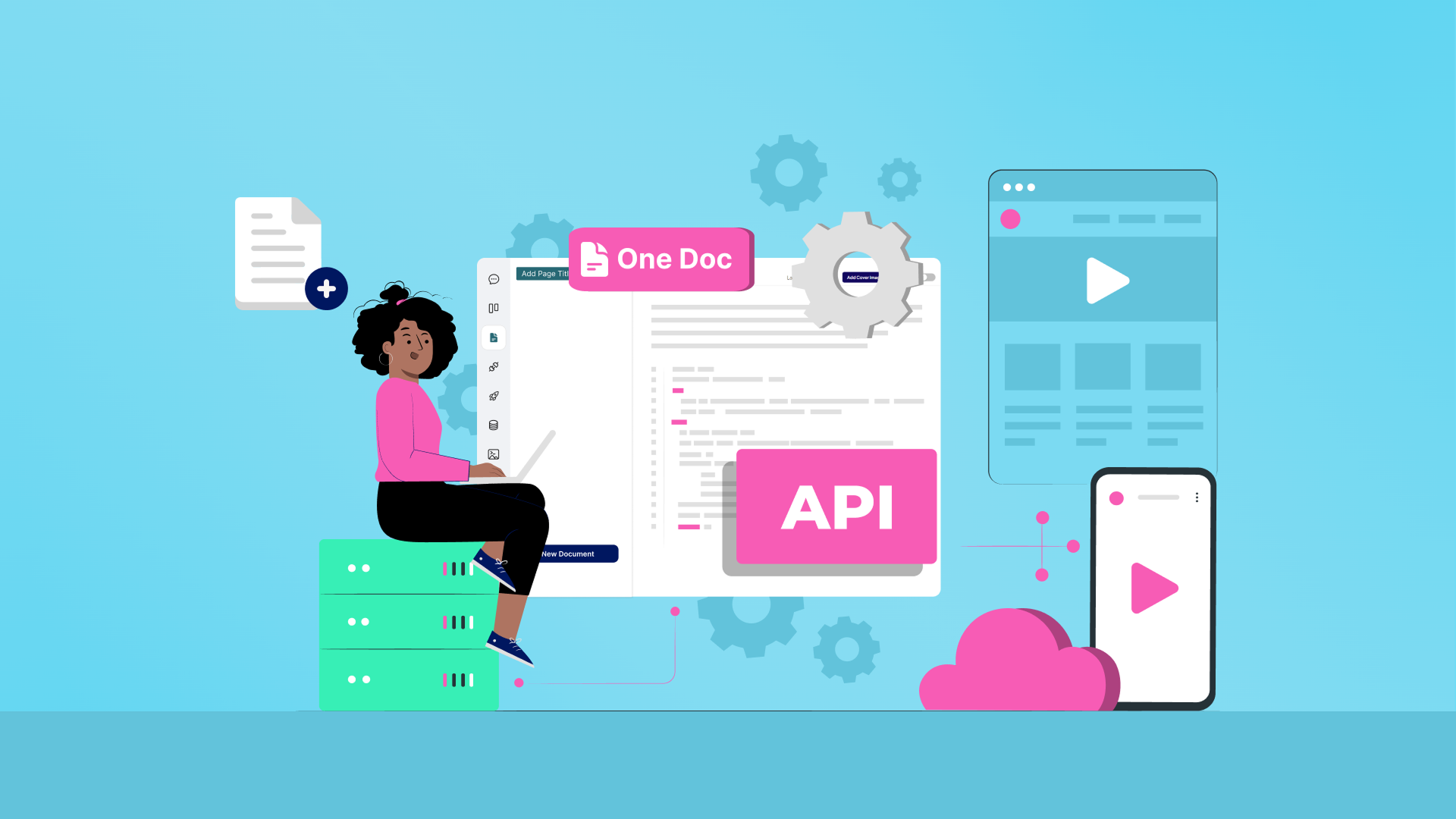

Introduction: The API Documentation Struggle
If you’ve ever shipped an API, you know the struggle: documentation is essential, but writing and maintaining it is time-consuming. Developers want clear, usable examples — but your product evolves faster than your docs. That’s where AI prompts for API documentation come in.
Instead of spending weeks polishing guides, you can use AI to generate summaries, SDK quick starts, and example code in minutes. With the right prompts, your docs stop being a bottleneck and start becoming a competitive advantage.
Framework: How to Use AI Prompts for API
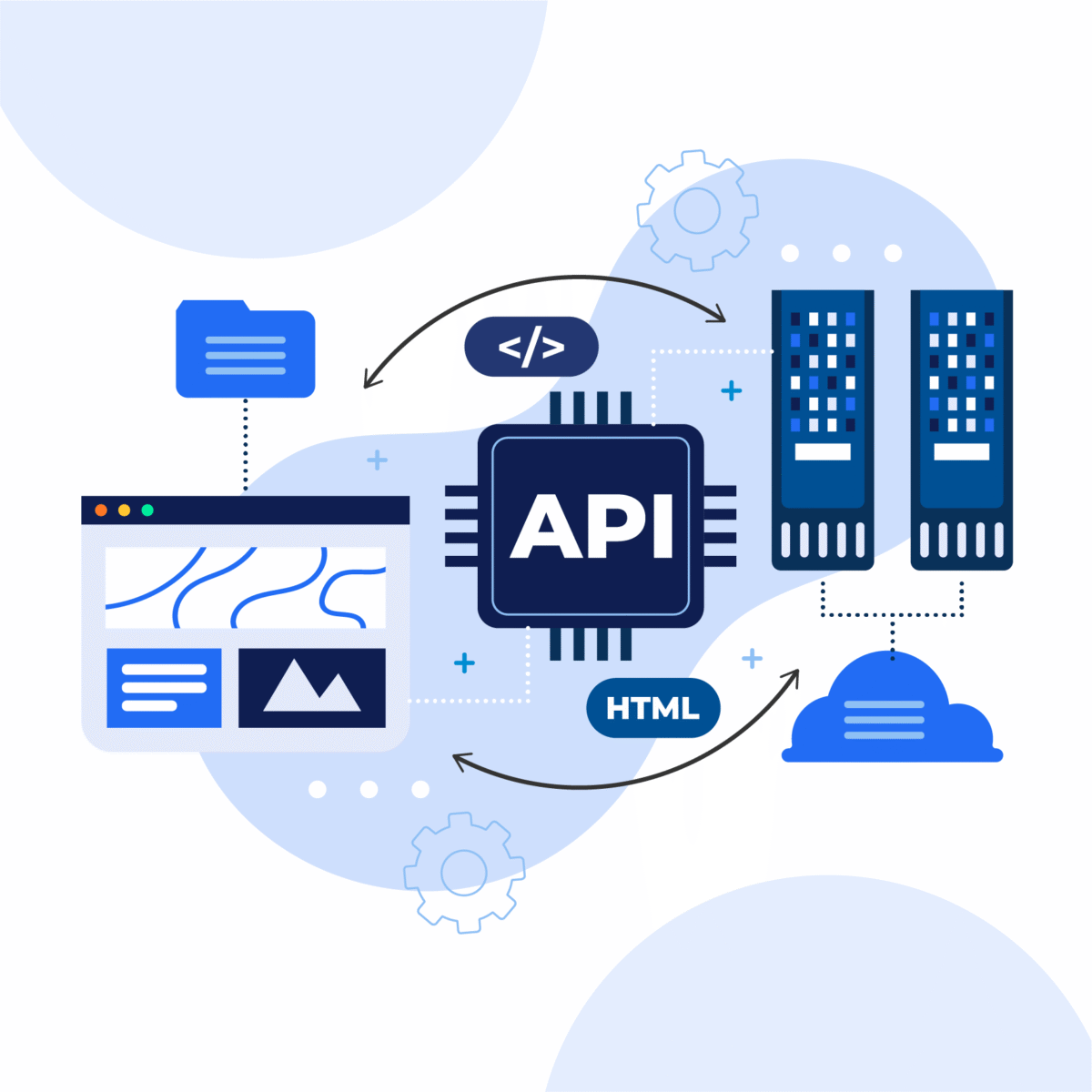
Documentation
- Generate Summaries for Key Endpoints
Prompt:
“Summarize this API endpoint in 3 bullet points, focusing on input, output, and a real-world use case.” - Create Example Code Snippets
Prompt:
“Write a Python example for this API endpoint that shows authentication, a sample request, and error handling.” - Draft Step-by-Step Tutorials
Prompt:
“Generate a beginner-friendly tutorial for this API that covers setup, first call, and best practices.” - Write SDK Guides
Prompt:
“Generate an SDK quick-start guide for this API in Node.js. Include installation, authentication, and a sample function call.” - Consistency Checks
Prompt:
“Rewrite this section to follow a friendly, step-by-step tutorial tone with labeled code blocks.”
📷 Image Alt Text Suggestion: “example AI prompt to generate Python API snippet”
Real-World Benefits of AI in API Documentation
- Faster Onboarding – Developers can start using your API within minutes.
- Multi-Language Coverage – AI drafts code in Python, JavaScript, Ruby, or Java instantly.
- Error Handling Guides – Prompts like “List common error codes with developer-friendly explanations” make troubleshooting painless.
📷 Image Alt Text Suggestion: “developer-friendly AI API documentation example”
How My Magic Prompt Makes This Easier
With My Magic Prompt, you don’t need to guess what to ask. Its prompt builder and pre-made templates help you:
- 📋 Save prompt frameworks for API docs, SDKs, and guides
- 🧩 Reuse tested prompts across different APIs
- 🚀 Use the Magic Prompt Chrome Extension to draft docs while working directly in your API reference
📷 Image Alt Text Suggestion: “screenshot of My Magic Prompt extension generating API guide”
Best Practices for AI-Powered API Docs

- ✅ Be Specific – Define endpoint, audience, and output.
- ✅ Set Context – Beginner vs. advanced devs need different docs.
- ✅ Iterate – Use refinement prompts to polish the output.
- ✅ Always Review – Validate technical accuracy before publishing.
📷 Image Alt Text Suggestion: “AI documentation checklist for developers”
FAQs: AI and API Documentation
1. What makes a good prompt for API docs?
Good prompts are clear, specific, and define the output format.
2. Can AI replace technical writers?
Not entirely — AI accelerates drafting, but human review ensures accuracy.
3. How does AI help developer onboarding?
Concise summaries, SDK guides, and code snippets reduce time-to-first-call.
4. What tools can organize API prompts?
My Magic Prompt’s AI toolkit helps organize and reuse prompts for consistent docs.
5. Are companies already using AI for docs?
Yes — platforms like OpenAI and TechCrunch’s coverage of AI in developer tools show how AI-driven docs are shaping the future.
Conclusion: Smarter Docs, Happier Developers
API documentation is no longer a chore. With AI prompts for API documentation, you can generate summaries, SDK guides, and examples in hours instead of weeks.
Using My Magic Prompt means you don’t just move faster — you also get structured, reusable workflows that scale with your product.
🤍 Want to make your docs a developer magnet? Try My Magic Prompt today and start building better documentation with AI.