

Prompting for AI Video Generation: A 2026 Guide to Sora, Runway & Pika
December 16, 2025
Building a Second Brain with AI: A Guide to Personal Knowledge Management
December 23, 2025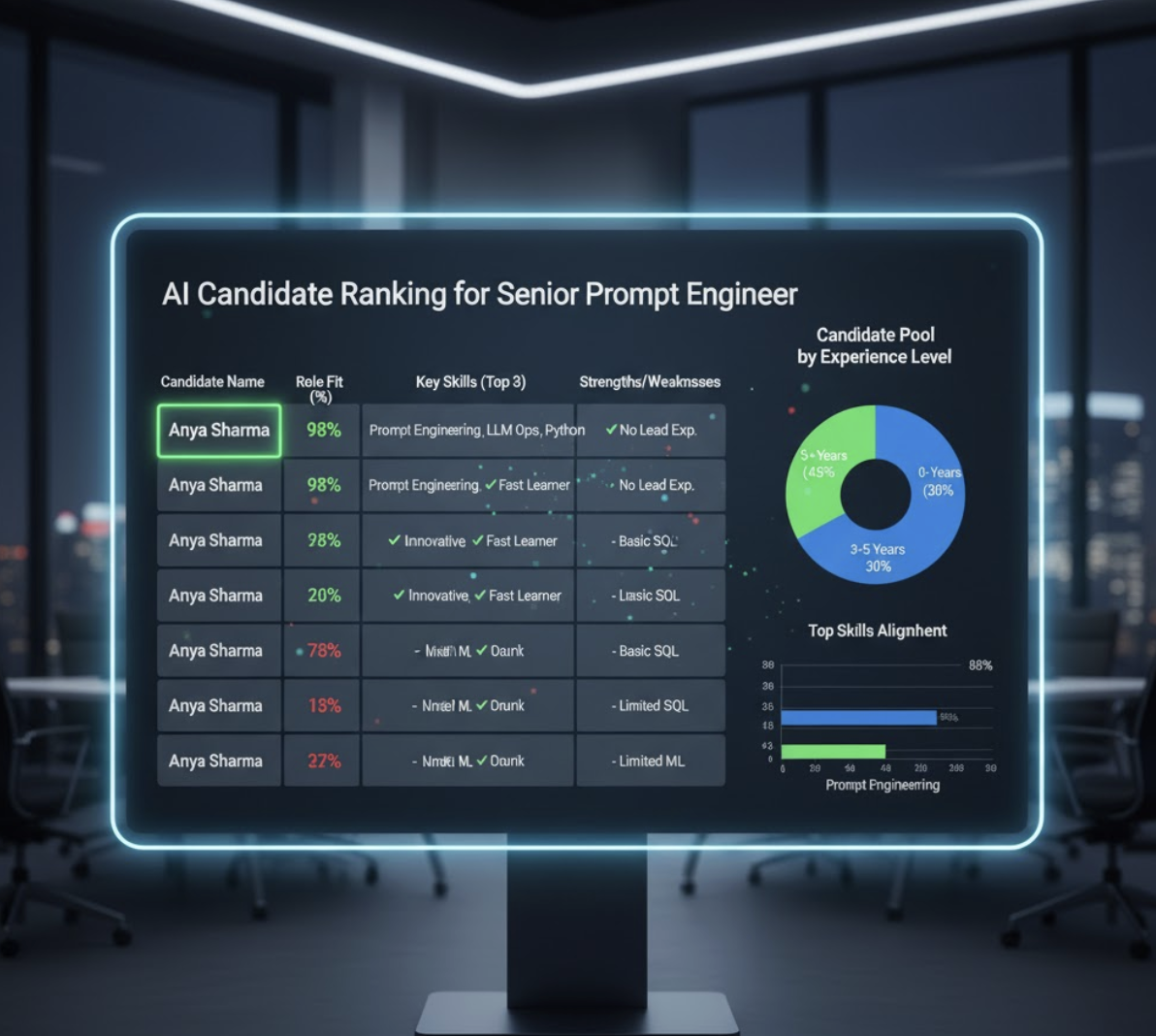
Introduction: The HR Hustle Meets AI Efficiency
HR professionals are the backbone of every organization, but their workload often feels endless: sifting through resumes, crafting job postings, onboarding new hires, and managing compliance paperwork. While essential, these tasks can drain time and energy that could be spent building relationships or improving company culture.
Enter AI for HR—a game-changer in how talent teams hire, engage, and retain employees. With tools like ChatGPT, Claude, and My Magic Prompt, HR departments can now automate repetitive work, make smarter decisions, and add a human touch back into human resources.
This guide breaks down how to use AI prompts effectively in three key HR functions: resume screening, job description writing, and onboarding—plus how My Magic Prompt can elevate your workflow.

1. Smarter Resume Screening with AI
The Challenge: Reviewing hundreds of resumes manually takes hours—and human bias can creep in, even unintentionally.
The Solution: Use AI to pre-screen resumes based on objective criteria, highlight top candidates, and generate structured comparisons.
Example Prompt for Resume Screening
“Act as a hiring manager evaluating resumes for a [Job Title]. Rank candidates based on experience with [Skill/Technology] and summarize their top 3 strengths and weaknesses in a table.”
✅ Why it Works: This prompt defines context, criteria, and expected output (a table)—helping AI deliver organized, actionable insights.
💡 Pro Tip: With My Magic Prompt, you can generate reusable templates for resume screening. Adjust skill requirements or weighting factors instantly—no need to re-engineer your entire prompt.
2. Writing Inclusive and Compelling Job Descriptions
The Challenge: Many job descriptions are either too generic or unintentionally biased, deterring diverse candidates.
The Solution: AI helps HR teams write more inclusive, keyword-optimized job postings that resonate with the right talent.
Example Prompt for Job Descriptions
“Write an engaging job description for a [Job Title] at a [Type of Company]. Include a short mission statement, 4 key responsibilities, 3 must-have qualifications, and highlight company culture in an inclusive tone.”
Framework for Effective Job Descriptions:
- Role Overview: Define the mission and value of the position.
- Key Responsibilities: Use action verbs and measurable outcomes.
- Qualifications: Separate must-haves from nice-to-haves.
- Culture Fit: Add a human touch that reflects the company’s personality.
Pro Tip: Use My Magic Prompt’s Chrome Extension to A/B test multiple job description versions—one emphasizing benefits, another highlighting career growth—and measure engagement on your careers page.
3. Personalized Employee Onboarding with AI
The Challenge: Onboarding is often too rigid or overwhelming—new hires receive the same generic checklist regardless of their role or experience.
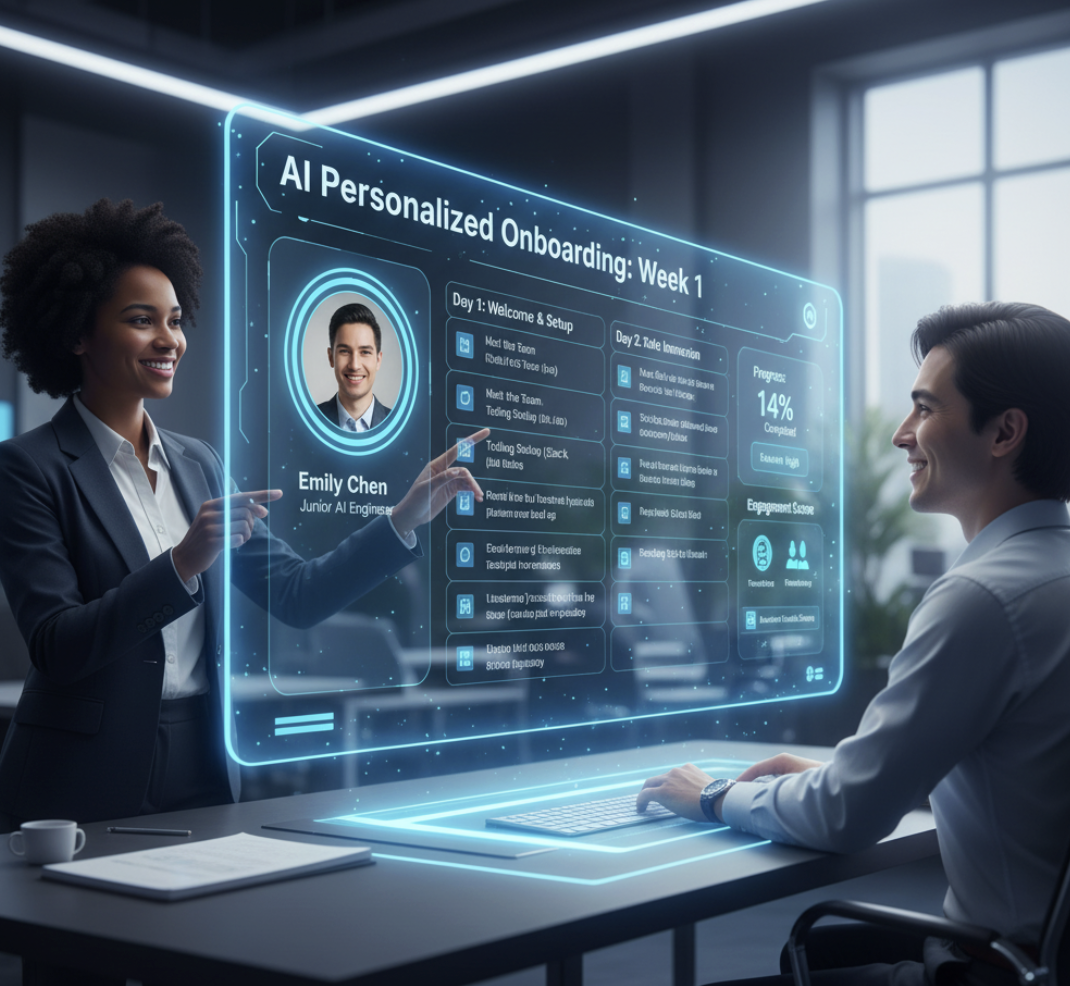
The Solution: Use AI to create adaptive onboarding plans tailored to each role, learning style, or department.
Example Prompt for Onboarding
“Create a personalized 7-day onboarding schedule for a new [Role]. Include key goals, recommended tools, and team introductions for each day.”
How to Apply This:
- Convert outputs into dynamic onboarding guides.
- Automate follow-up messages and feedback surveys.
- Personalize training recommendations by skill level.
Pro Tip: Use My Magic Prompt’s Prompt Builder to save your onboarding flows and update them easily when company policies change.
4. Best Practices for Using AI in HR
| HR Function | AI Use Case | Prompt Example |
|---|---|---|
| Resume Screening | Rank candidates objectively | “Rank resumes by leadership experience and software skills.” |
| Job Descriptions | Write inclusive, SEO-optimized listings | “Write a job post highlighting growth opportunities and hybrid flexibility.” |
| Onboarding | Personalize welcome plans | “Create a 2-week plan for a remote marketing manager.” |
How My Magic Prompt Fits In
My Magic Prompt simplifies AI adoption for HR professionals by:
- Offering pre-built prompt templates for recruiting, onboarding, and training.
- Enabling prompt personalization—adjust tone, complexity, and structure instantly.
- Acting as your AI workflow companion, connecting seamlessly to ChatGPT, Claude, and Gemini.
🔗 Explore My Magic Prompt:
5. FAQs: AI for HR Professionals
1. How can AI improve HR efficiency?
AI automates repetitive administrative tasks, helping HR teams focus on strategy and people rather than paperwork.
2. Is AI reliable for resume screening?
Yes, when guided by clear prompts. Tools like My Magic Prompt help reduce bias and increase consistency in evaluations.
3. Can AI write job descriptions that reflect company culture?
Absolutely. You can instruct AI to mirror your brand voice or emphasize diversity, collaboration, or innovation.
4. What’s the difference between a good and bad AI prompt?
A good prompt sets context, tone, and output format. A weak one is vague, missing goals or structure.
5. How can I organize my HR prompts?
Save prompts in My Magic Prompt’s template library, categorize them by function (recruiting, onboarding, performance reviews), and share them with your team.
6. Is it safe to use AI for HR tasks?
Yes—especially if your AI tool doesn’t store confidential data. My Magic Prompt focuses solely on prompt generation, not data collection.
Final Thoughts
AI isn’t here to replace HR—it’s here to empower it. When used thoughtfully, AI helps HR professionals become more strategic, inclusive, and efficient.
By mastering AI prompts, you can transform hiring, improve employee experiences, and free up time for what really matters: people.
💡 Try My Magic Prompt today to start building smarter prompts for your HR workflows—and make AI your newest team member.