

AI for HR Professionals: Screening Resumes, Writing Job Descriptions, and Onboarding
December 18, 2025
AI for Local Businesses: Generating Google Business Posts and Local SEO Content
December 25, 2025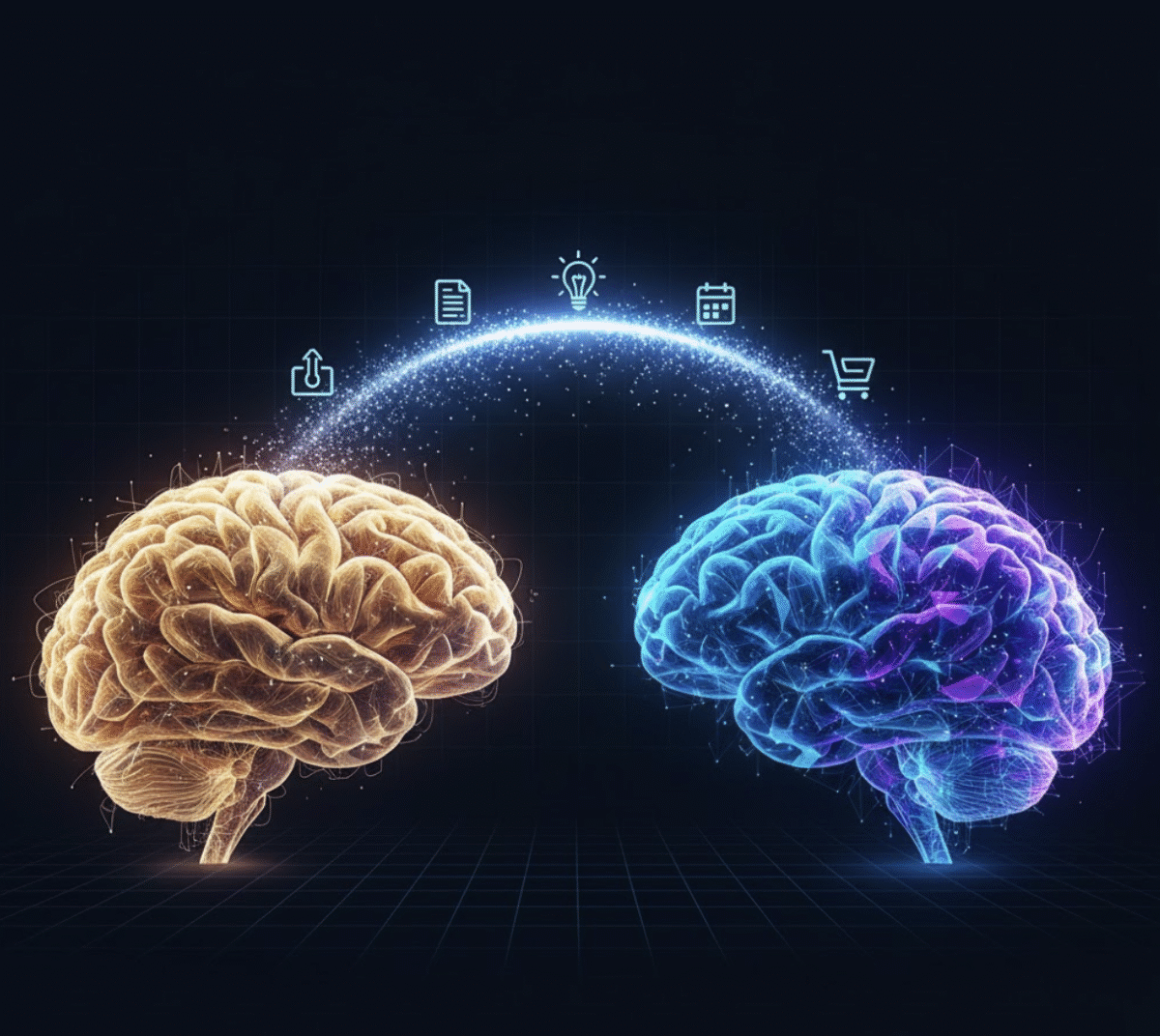
✍️ Introduction: The Overwhelmed Digital Mind
In the age of information overload, our brains are juggling more tabs than ever — emails, ideas, meeting notes, research links, and personal goals. No wonder productivity gurus like Tiago Forte popularized the concept of a Second Brain — an external system for organizing your thoughts and knowledge.
Now, with AI Second Brain tools, that concept goes from possible to powerful. AI can help you capture, process, and retrieve ideas with almost zero friction — transforming how you think, create, and remember.
In this guide, we’ll show you how to build your own AI-powered Second Brain using smart prompt workflows and tools like My Magic Prompt to supercharge your personal knowledge management.
🧠 What Is a “Second Brain” — and Why Add AI?
A Second Brain is a digital extension of your mind — a place where ideas, learnings, and inspirations live outside your head but remain easily accessible.
Traditionally, people use tools like Notion, Evernote, or Obsidian for this. But with AI Second Brain systems, you can:
- Automate note organization and tagging.
- Summarize research or meeting notes instantly.
- Generate connections between ideas using natural language.
- Build personalized prompt templates for reflection, ideation, or goal tracking.

⚙️ How to Build Your AI Second Brain (Step-by-Step Framework)
1. Capture Everything Effortlessly
Start by collecting ideas, links, quotes, and notes using AI. You can use My Magic Prompt’s Chrome Extension to create structured prompts that turn messy thoughts into categorized notes.
Example prompt:
“You are my knowledge capture assistant. Organize the following note into themes, keywords, and actionable ideas: [paste your text here].”
💡 Pro Tip: Save this as a reusable prompt template in My Magic Prompt’s Prompt Builder so you can capture ideas in seconds.
2. Organize and Retrieve with Context
Your Second Brain is only as strong as its organization. AI can tag, summarize, and cross-link your information automatically.
Try this workflow:
- Use AI to summarize each note in 2–3 sentences.
- Generate tags or keywords for faster search.
- Create “idea maps” — AI-generated connections between your notes.
Prompt Example:
“Summarize the following notes and suggest 5 related themes I should link it to in my Second Brain.”
This helps your AI Second Brain become more context-aware — understanding relationships between your notes, not just storing them.
3. Reflect, Review, and Refine
Reflection turns stored knowledge into wisdom. With AI, you can schedule weekly reviews or ask AI to surface forgotten insights.
Prompt Example:
“Review my last 10 entries and summarize key lessons or emerging themes I should revisit.”
This keeps your digital mind active — not just a database, but a dialogue with your past self.

4. Create from Your Knowledge Base
Your AI Second Brain isn’t just about storage — it’s a creative engine. Use prompts to draft blog posts, reports, or ideas directly from your stored notes.
Prompt Example:
“Using my notes on [topic], write a structured blog outline with 3 key insights and actionable steps.”
By using My Magic Prompt’s AI Toolkit, you can streamline the jump from idea to execution.
📚 Best Practices for Maintaining Your AI Second Brain
- Set clear categories: Create sections like Projects, Resources, and Inspirations.
- Use AI summaries: Let AI condense long articles so you only keep the essence.
- Automate tagging: Use consistent keywords or let AI suggest them.
- Regularly prune data: Ask AI to find outdated or duplicate notes.
- Integrate across tools: Connect your Second Brain with Google Docs, Notion, or Obsidian.
❓ FAQ: Building an AI Second Brain
1. What’s the difference between a traditional Second Brain and an AI Second Brain?
A traditional one relies on manual input; an AI Second Brain uses automation to organize, summarize, and even connect your ideas intelligently.
2. Can I use ChatGPT or Claude as my Second Brain?
Yes — tools like ChatGPT or Claude can serve as your conversational layer. Pair them with prompt builders like My Magic Prompt to keep your workflows consistent and efficient.
3. How do I organize my prompts?
Save your most-used ones in My Magic Prompt’s Prompt Templates — so you can access them instantly without rewriting them.
4. What’s a good prompt for reflection?
“Review my notes this week and summarize 3 ideas I should act on.”
5. Is an AI Second Brain safe for personal data?
Yes, as long as you use privacy-respecting tools and avoid uploading sensitive information to public AI models.
🤍 Build Smarter with My Magic Prompt
Your Second Brain deserves smart prompts. My Magic Prompt helps you create, organize, and reuse AI prompts that make your personal knowledge management effortless.
Try the Magic Prompt Chrome Extension and start turning information overload into clarity today.