
Prompting for 3D Model Generation: A Guide to Tools like Shutterstock AI & Masterpiece X
January 8, 2026
15 Best ChatGPT Prompts for Sales Copy That Convert
January 15, 2026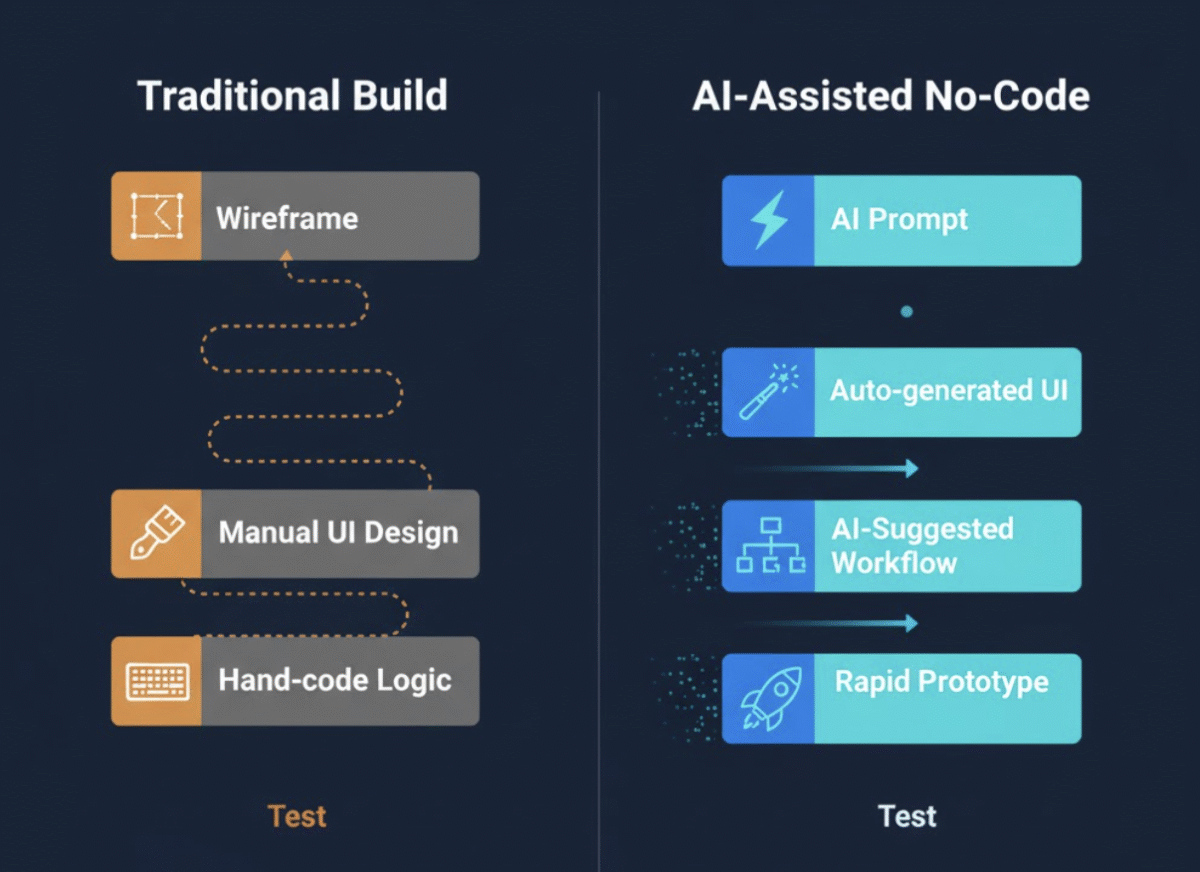
✍️ Introduction: The Rise of the No-Code AI Engineer
Imagine building an app over a weekend without writing a single line of code. With AI-powered no-code tools, that’s no longer a fantasy—it’s the new normal. Entrepreneurs, freelancers, and innovators are using platforms like Bubble, Webflow, and Glide alongside AI assistants to automate design, logic, and even content generation.
Welcome to the era of the No-Code AI Engineer—a creative hybrid who combines smart prompting with visual app builders to turn ideas into products at record speed.
🚀 Why No-Code + AI Is a Game-Changer
Traditional app development can be expensive, time-consuming, and technically demanding. No-code tools remove the need to code, and AI enhances creativity and automation, enabling you to:
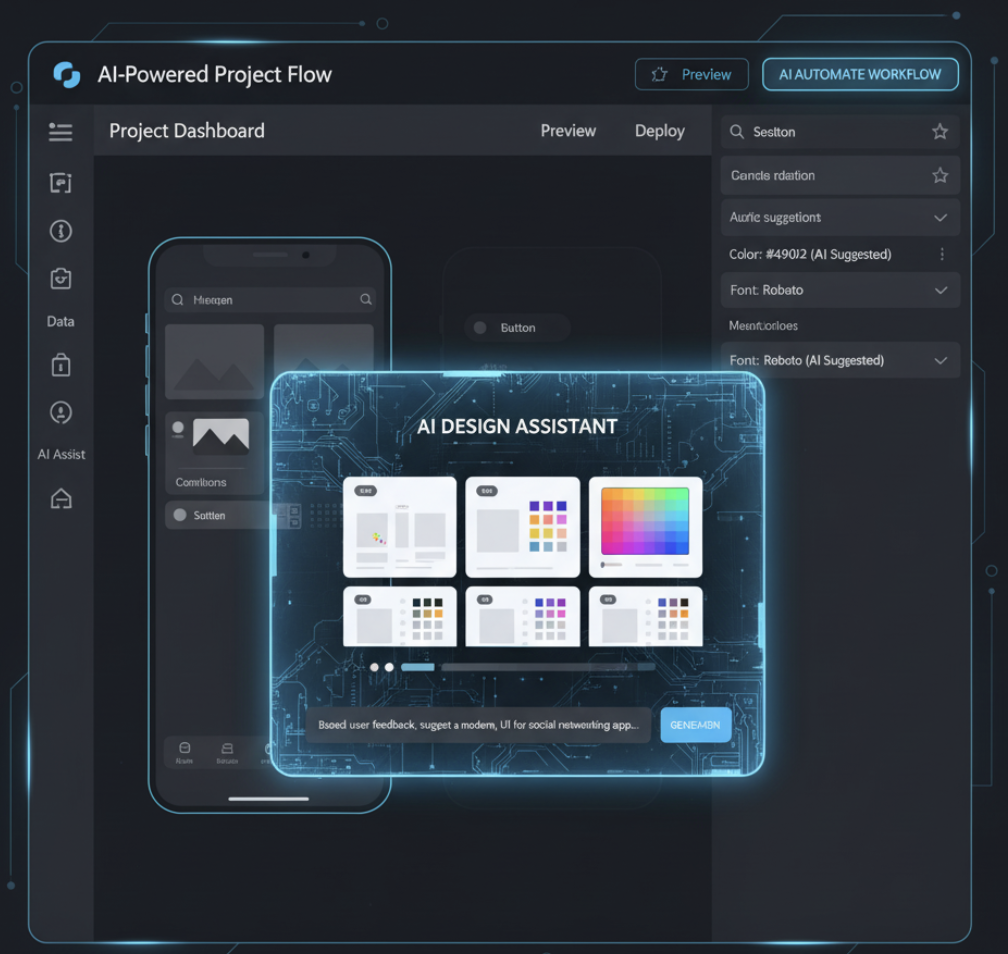
- Generate design layouts and color palettes from text prompts.
- Auto-write copy for landing pages, onboarding flows, and UI elements.
- Prototype apps faster with AI-driven workflows.
- Debug logic and optimize user journeys using conversational prompts.
AI doesn’t replace developers—it empowers creators to build and iterate faster.
🧠 How AI Prompts Supercharge No-Code Platforms
Prompting is the secret skill that separates casual users from efficient builders. With the right prompt, AI can generate structured data, app logic, or even full Bubble workflows.
Here’s how AI prompt engineering can enhance your no-code toolkit:
1. Prompting for UI and UX Ideas
Use structured prompts to describe the style, flow, and components of your interface.
Example Prompt:
“Design a clean, minimalist dashboard for a fitness tracking app. Include charts, a progress tracker, and motivational quotes.”
2. Prompting for Database Design
AI can generate schema suggestions for your app’s database, saving hours of planning.
Example Prompt:
“Create a database schema for a marketplace app with users, listings, payments, and reviews.”
3. Prompting for App Logic & Workflows
Automate workflows or logic suggestions directly in your no-code builder.
Example Prompt:
“Generate step-by-step logic for a user onboarding process that includes email verification and personalized tutorials.”
🛠 Tools Every No-Code AI Engineer Should Know
Here are key tools and how they fit into your workflow:
| Tool | Purpose | AI Integration Potential |
|---|---|---|
| Bubble | Visual app builder | AI-generated logic, UI, workflows |
| Webflow | Website designer | AI copywriting, responsive design prompts |
| Glide | Mobile app builder | AI-assisted data transformation |
| My Magic Prompt | Prompt optimization tool | Generate structured, high-quality prompts for any AI task |
💡 Use My Magic Prompt to craft advanced prompts that generate consistent results across tools like Bubble and Webflow.
🧩 Integrating My Magic Prompt into Your No-Code Workflow
Building AI prompts manually can lead to vague or inconsistent outputs. My Magic Prompt simplifies this with:
- Prompt Templates: Pre-made frameworks for design, content, or logic.
- Prompt Builder: An intuitive interface to structure multi-layered prompts.
- AI Toolkit: A Chrome Extension for instant prompt suggestions across apps.
🔗 Explore: Magic Prompt Chrome Extension
By integrating My Magic Prompt with your no-code tools, you can streamline app ideation, design, and content workflows.
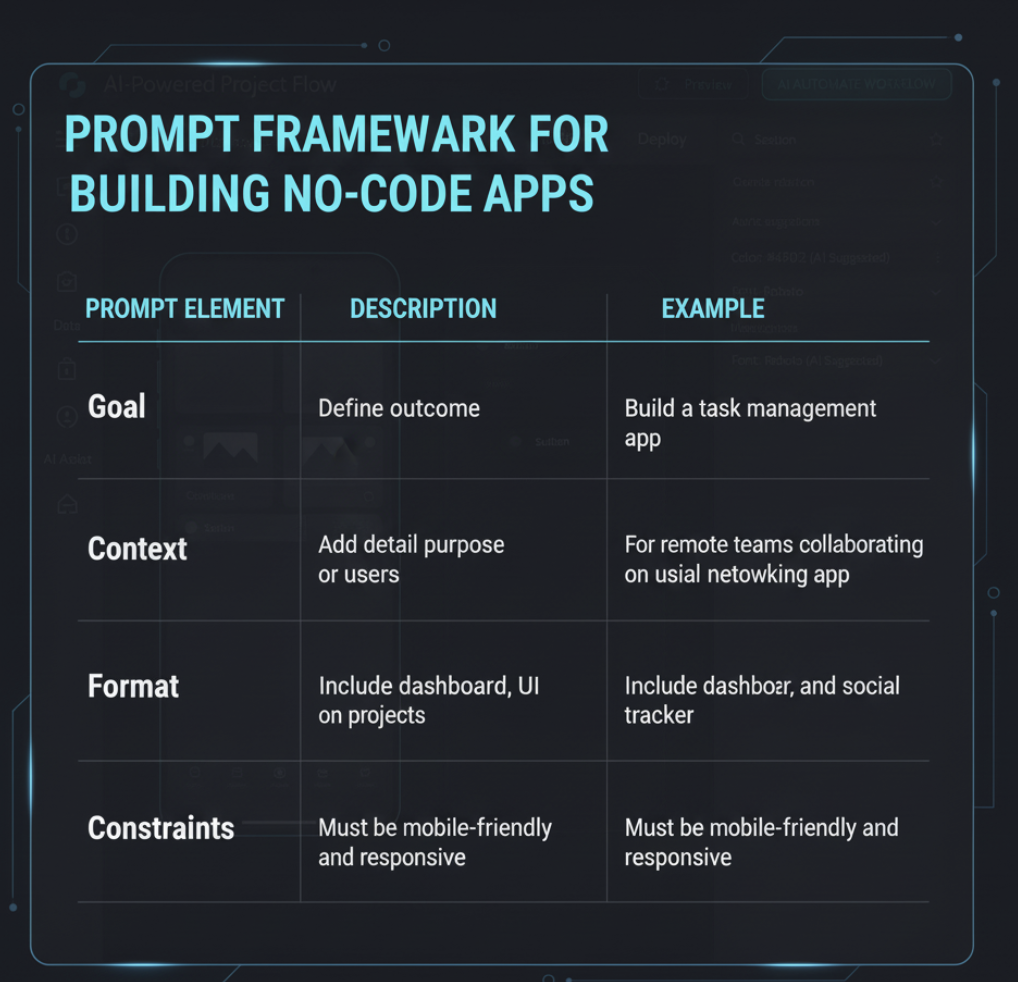
💬 Prompt Framework for Building No-Code Apps
Here’s a quick framework to make your prompts more effective:
| Prompt Element | Description | Example |
|---|---|---|
| Goal | Define the outcome | Build a task management app |
| Context | Add detail about purpose or users | For remote teams collaborating on projects |
| Format | Specify structure or style | Include dashboard, task list, and progress tracker |
| Constraints | Set limits or rules | Must be mobile-friendly and responsive |
Using this structure in My Magic Prompt ensures clarity, focus, and precision.
❓FAQ: The No-Code AI Engineer’s Guide
1. What is a No-Code AI Engineer?
A No-Code AI Engineer uses AI and visual development tools to build apps, automate workflows, and generate design assets without writing code.
2. Do I need coding experience to use AI with no-code tools?
Not at all! Tools like Bubble and Webflow are built for non-developers. AI makes them even easier to use.
3. How can AI improve no-code app quality?
AI assists with UI design, automates workflows, generates content, and reduces build errors.
4. Can I use AI to generate full apps automatically?
Yes, partially. AI can create prototypes, workflows, and assets—but human refinement ensures better UX and reliability.
5. How do I get better AI prompt results?
Use structured prompts and tools like My Magic Prompt to refine context and avoid vague outputs.
🤍 Final Thoughts: Build Smarter, Not Harder
Becoming a No-Code AI Engineer isn’t about replacing developers—it’s about unlocking creativity and speed. With the right prompts and tools, you can turn ideas into functional products faster than ever.
Explore more ways to optimize your prompts and workflows with My Magic Prompt — your creative co-pilot for smarter AI-driven development.