

How to Build Prompts for Podcast Production
April 15, 2026
How to Create Prompts for Webinar Planning and Promotion
April 16, 2026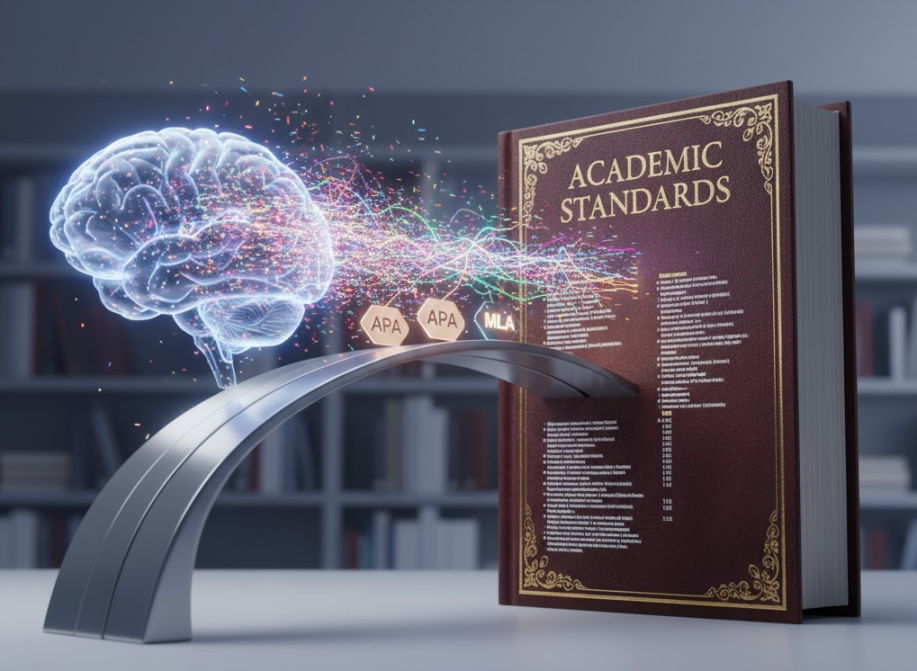
✍️ Introduction: The AI Citation Struggle Is Real
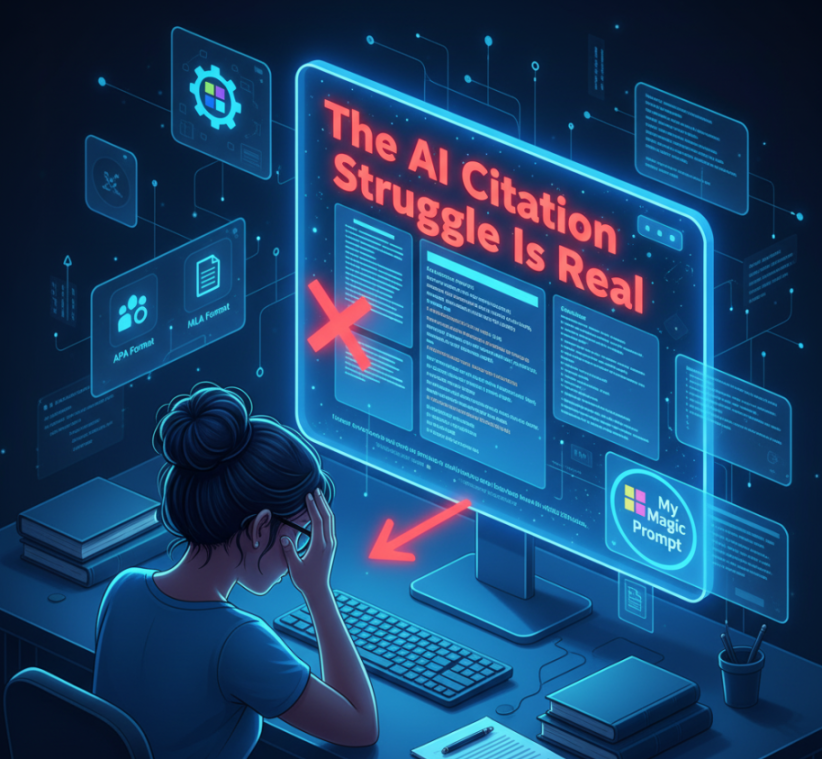
You’ve just asked ChatGPT to write a short academic paper—and it looks great, until you realize the citations are off. The references are incomplete, the formatting is inconsistent, and the style doesn’t match APA or MLA requirements.
Sound familiar?
AI tools can speed up research writing, but without precise prompts, they often produce citation errors or generic academic writing. That’s why knowing how to instruct your AI clearly—especially about APA and MLA formats—is essential.
In this guide, we’ll show you how to craft AI academic prompts that follow citation and formatting standards. You’ll also learn how to save and reuse your prompts using My Magic Prompt, your go-to tool for organized, professional prompt workflows.
🎓 Why Use AI for Academic Writing (Responsibly)
AI isn’t a shortcut to skip critical thinking—it’s a tool for structure, speed, and consistency.
When used well, AI can:
- Draft structured outlines for essays and research papers
- Suggest phrasing that fits academic tone
- Format citations and references properly (with human review)
- Save time formatting in APA or MLA style
✅ Always verify AI outputs for accuracy and ethics. Treat AI as an assistant, not an author.
🧠 How to Prompt AI for APA and MLA Style
Most errors happen because the AI isn’t told what formatting or citation rules to follow. Fix that by making your instructions explicit, structured, and repeatable.
Below is a framework you can adapt in My Magic Prompt or any AI chat tool.
📘 APA Format Prompt Template
Prompt:
“Write a [word count]-word [essay/research paper/literature review] about [topic] using APA 7th edition style. Include in-text citations and a properly formatted References section with at least [number] credible sources. Follow these rules:
- Use double spacing and 12pt Times New Roman font.
- Include a title page and reference list.
- Format citations correctly (Author, Year) in parentheses.
- Ensure sources are real, verifiable, and scholarly.”
Example:
Write a 1,000-word essay about the effects of remote work on productivity using APA 7th edition style with at least five peer-reviewed sources.
📗 MLA Format Prompt Template
Prompt:
“Write a [word count]-word essay on [topic] in MLA 9th edition format. Include proper in-text citations and a Works Cited page. Follow these rules:
- Use 12pt Times New Roman font and double spacing.
- Include the student name, instructor name, course, and date in the header.
- Follow MLA citation rules (Author page number).
- List all cited works alphabetically on the Works Cited page.”
Example:
Write a 1,200-word literary analysis of To Kill a Mockingbird in MLA 9th edition format with accurate citations and a Works Cited page.
🧩 Bonus: Academic Output Refinement Prompts
Once you’ve generated your essay, use these follow-up prompts to refine the results:
For citation accuracy:
“Double-check and reformat all citations and references to ensure they fully match [APA 7th / MLA 9th] style.”
For tone consistency:
“Edit the above text to sound more academic, concise, and objective—avoid informal language.”
For originality:
“Rewrite this essay in a unique voice while maintaining academic tone and structure.”
🛠 How My Magic Prompt Helps Students and Researchers
If you regularly write academic papers, My Magic Prompt can make your workflow significantly smoother:
- Save templates for APA, MLA, or Chicago style prompts.
- Use variables like
[topic]or[word count]for faster reuse. - Tag and organize prompts by subject (e.g., Literature, Psychology, Research Methods).
- Reuse across platforms like ChatGPT, Claude, and Gemini.
Try the Magic Prompt Chrome Extension to generate and fill in academic prompts directly in your browser.
🧭 Pro Tip: Create a folder in My Magic Prompt called “Academic Toolkit” where you store your APA/MLA prompt templates, citation checkers, and formatting refiners.
📚 Comparing APA vs MLA: Quick Reference Table
| Feature | APA 7th Edition | MLA 9th Edition |
|---|---|---|
| Used For | Social Sciences, Psychology, Education | Humanities, Literature, Arts |
| In-text Format | (Author, Year) | (Author Page) |
| Reference Page | References | Works Cited |
| Title Page | Required | Not Always Required |
| Running Head | Optional | Not Used |
❓ FAQ: AI Academic Prompts in APA and MLA
1. Can AI write accurate academic papers?
AI can help structure and format papers, but always verify sources and citations for accuracy.
2. How do I make sure my AI output follows APA or MLA rules?
Explicitly mention the style guide, citation format, and reference list requirements in your prompt.
3. Are AI-generated citations reliable?
Not always. AI can invent sources. Use citation managers like Zotero or verify using Google Scholar.
4. Can I use My Magic Prompt for other formats like Chicago or Harvard?
Yes! You can save prompts for any citation style or writing structure.
5. How can I avoid plagiarism with AI writing?
Always fact-check and paraphrase AI outputs. Treat them as drafts, not final submissions.
🤍 Final Thoughts: AI as Your Academic Co-Pilot
The key to using AI in academia isn’t automation—it’s augmentation. When guided with precise prompts, AI helps you stay focused on ideas while it handles structure and formatting.
Whether you’re a student writing your first essay or a researcher refining a manuscript, My Magic Prompt gives you the clarity, consistency, and control you need.
Explore more templates and academic prompt frameworks at My Magic Prompt.