
How to Build Prompts for Smarter Delegation
July 11, 2026
Why Good Prompts Beat Good Models
July 11, 2026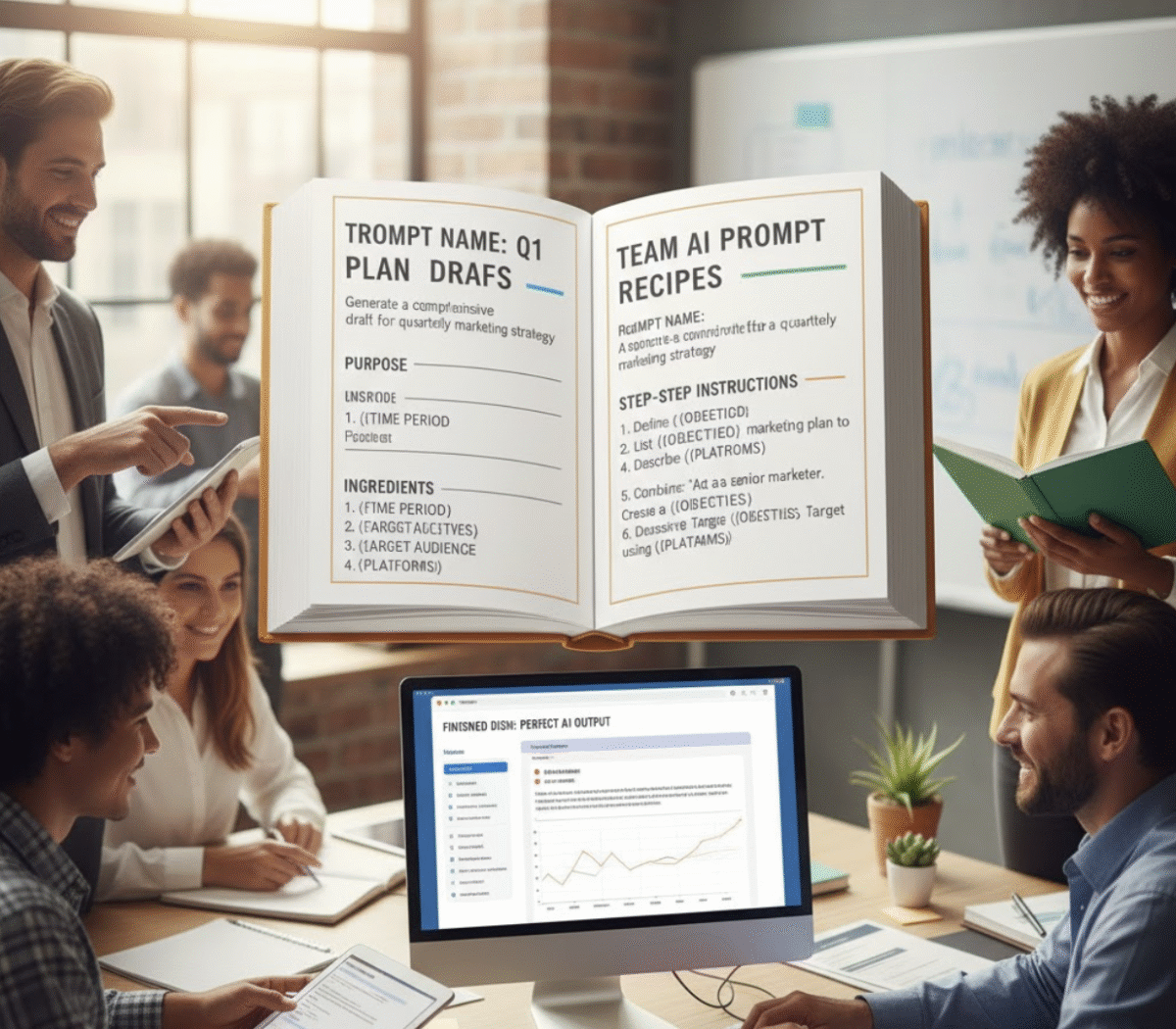
Introduction
AI tools are only as effective as the prompts that power them. For teams, inconsistent prompt usage can lead to confusion, mistakes, and lost productivity. Documenting prompts clearly ensures that everyone can leverage AI effectively, speeding up workflows and maintaining quality across projects.

Why Prompt Documentation Matters
Proper documentation ensures your team can consistently reproduce high-quality results. Key benefits include:
- Consistency: Every team member follows the same structure and approach.
- Efficiency: Reduces the time spent recreating or troubleshooting prompts.
- Training: New hires or collaborators can quickly understand AI workflows.
- Optimization: Track prompt versions and improvements over time.
Steps to Document Prompts for Team Training
1. Create Standard Operating Procedures (SOPs)
Outline the step-by-step process for using each prompt. Include:
- Purpose of the prompt
- Expected input and output
- Required AI model settings
2. Include Screenshots and Examples
Visual aids help team members understand context and expected results:
- Capture AI responses to sample prompts
- Annotate key parts of outputs
- Highlight common mistakes
3. Detail All Fields and Instructions
Provide clarity on every prompt component:
- Input variables and acceptable formats
- Optional modifiers or parameters
- Notes on AI behavior in different scenarios
4. Maintain Version Logs
Track changes to prompts to ensure team members use the latest, optimized version:
- Version number and date
- Summary of updates or improvements
- Responsible team member for changes
5. Use a Central Repository
Store all documentation in an accessible location:
- Shared drives, wiki, or AI platform documentation tools
- Tag by project, function, or AI use case
- Link to internal resources like My Magic Prompt templates and prompt builder tools
6. Best Practices
- Keep instructions concise and clear
- Review and update prompts regularly
- Encourage team feedback to improve prompt effectiveness
- Integrate prompts into broader workflows for maximum impact
Tools That Simplify Prompt Documentation
My Magic Prompt helps teams manage prompts efficiently by:
- Saving and organizing prompts for easy reuse
- Allowing collaborative editing and version tracking
- Integrating with popular AI models like ChatGPT, Claude, and Gemini
- Providing a library of curated prompts for specific business outcomes
FAQ Section
Q1: What’s the difference between a good and bad AI prompt?
A: A good prompt is clear, specific, and aligned with your desired output, while a bad prompt is vague, incomplete, or ambiguous.
Q2: How can I organize prompts for a large team?
A: Use a centralized repository with clear categories, version control, and SOPs for each prompt.
Q3: How often should prompts be updated?
A: Review prompts regularly or whenever AI outputs start deviating from expectations, documenting any changes.
Q4: Can prompts be shared across different AI models?
A: Yes, but document any model-specific parameters or adjustments to ensure consistent results.
Q5: How do I ensure team members follow prompt documentation?
A: Train new hires using SOPs, provide examples, and regularly review prompt usage in workflows.
Conclusion
Documenting prompts is the key to unlocking consistent, high-quality AI performance across your team. Explore My Magic Prompt for tools, templates, and a library to streamline prompt management and maximize productivity