

How to Audit a Prompt Library in 30 Minutes
April 2, 2026
The Best Prompts for Proposal Writing and Scope Drafting
April 4, 2026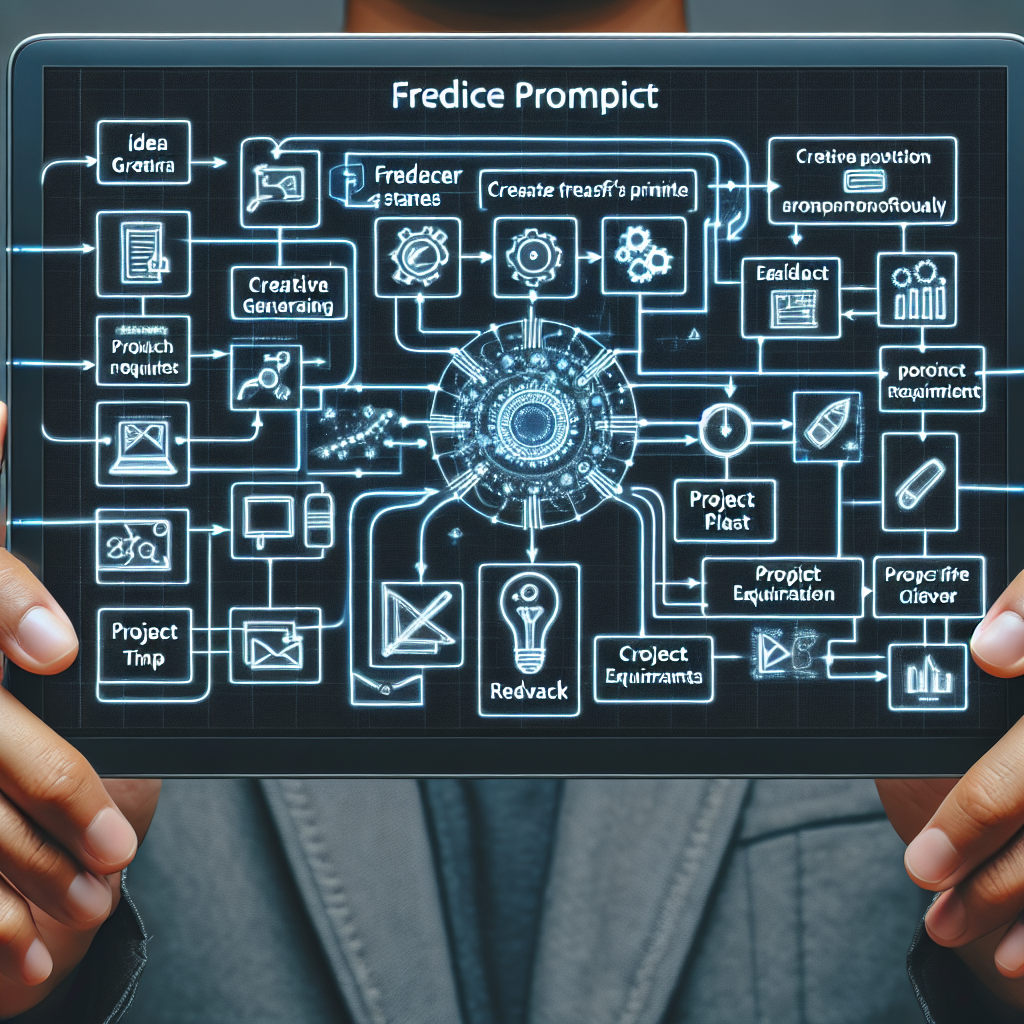
How to Build AI Workflows for Freelancers
Freelancers can use AI prompts to speed up proposals, research, content, and client communication without sounding robotic.
Freelancing is a balancing act—juggling client projects, proposals, research, and communication, often with little time to spare. AI productivity tools and prompt systems have emerged as powerful allies, but AI workflows for freelancers can feel overwhelming or generic if not set up strategically. The secret? Using high-quality prompts as part of repeatable workflows that save you time and help you stand out.
Why AI Workflows Matter for Freelancers
From solo designers to content writers, freelancers are turning to AI to streamline repetitive tasks. But simply asking ChatGPT or Claude for help isn’t enough—results vary wildly based on your prompts and process. By building AI workflows for freelancers, you can:
- Deliver faster, more professional proposals
- Automate research and content drafts without losing your voice
- Keep client communication clear, consistent, and personal
- Free up time for creativity and deep work
Pro Tip: Treat prompts like templates you can tweak, iterate, and save for different clients and projects.
Framework: Building Your AI Workflow
Here’s a simple framework to level up your freelancer prompts and turn them into a seamless, productive system:
- Map Your Repetitive Tasks: List tasks you do weekly—proposal writing, status updates, content drafts, research summaries, etc.
- Create Prompt Templates: For each task, design a prompt structure. For example:
“Write a concise project proposal for [client/project] that highlights [unique value], maintains a friendly tone, and answers common client concerns.” - Choose the Right AI Tool: Different LLMs (ChatGPT, Claude, Gemini) excel at different tasks. Test which works best for each workflow.
- Refine and Save: Iterate until the AI’s output matches your style. Save your best prompts as reusable templates—tools like My Magic Prompt make this easy.
- Automate & Integrate: Use browser extensions like MagicPrompt for Chrome to generate, store, and use prompts directly in your workflow.
Example: Proposal Workflow Prompt System
| Task | Sample Freelancer Prompt |
|---|---|
| Proposal Draft | “Draft a proposal for a [web design project] for [industry/client], focusing on value, timeline, and next steps. Keep it under 250 words.” |
| Status Update | “Summarize this week’s project progress for [client name], highlighting wins and next actions. Use a positive, professional tone.” |
| Content Outline | “Create a blog outline about [topic] targeting [audience], with 5 key sections and engaging subheadings.” |

Best Practices for Using AI Prompt Systems
- Iterate and personalize: AI outputs improve as you tweak prompts for your tone and client needs.
- Store your best prompts: Keep a prompt library for fast access—MagicPrompt helps you organize and optimize them.
- Stay human: Always review and edit outputs to ensure they sound authentic and fit your style. Learn more about AI best practices for freelancers.
FAQs: AI Workflows for Freelancers
- What is an AI workflow for freelancers?
- An AI workflow is a series of integrated tasks—like proposal writing or research—augmented by AI tools and prompt systems to save time and boost quality.
- How can I make my AI-generated content sound less robotic?
- Refine your prompts to include specific tone, context, and audience details. Always edit outputs to match your unique voice and client expectations.
- Which AI tools are best for freelancers?
- ChatGPT, Claude, and Gemini are popular choices. For prompt management and optimization, tools like My Magic Prompt can be a game-changer.
- How do I save and reuse my best prompts?
- Use a dedicated prompt system or browser extension such as MagicPrompt for Chrome to organize and access your prompt templates instantly.
- Can AI help with client communication?
- Absolutely. Use prompt templates for status updates, FAQs, or onboarding messages—just be sure to personalize before sending.
Ready to Upgrade Your Freelance Workflow?
Smart freelancers don’t just use AI—they design prompt systems that work for them. If you’re looking to build, save, and optimize your own prompt library, explore My Magic Prompt—it’s the not-so-secret weapon of productivity pros.
References:
AI Tips for Freelancers at FlexJobs