

What Makes a Prompt “High-Performing”?
July 7, 2026
How to Use AI Prompts for Faster Content Creation
July 8, 2026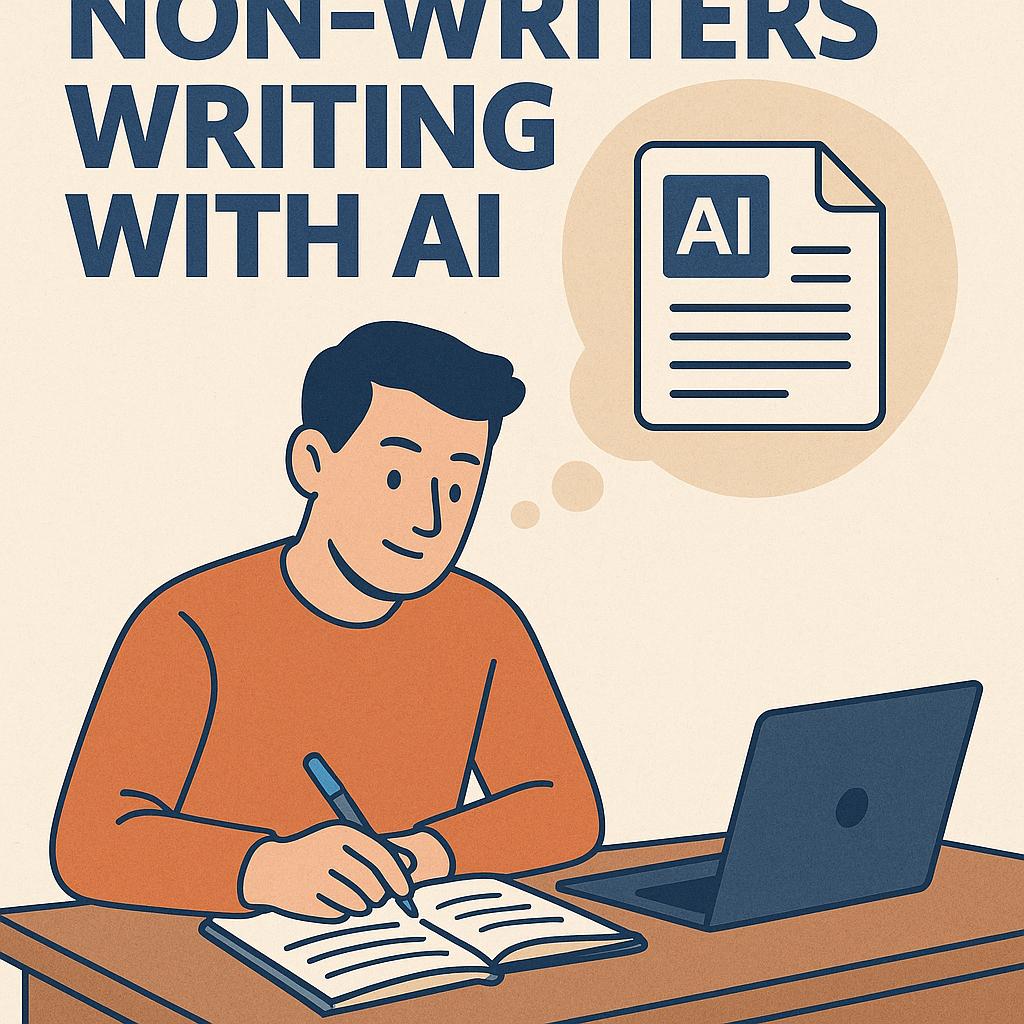
How to Build Prompt Systems for Community Managers
Ever stared at a blinking cursor, knowing you need to craft an announcement, reply, or event post—but the words just don’t flow? As a community manager, you juggle countless tasks, and writing isn’t always your superpower. That’s where AI copy prompts come in. With the right prompt systems, even non-writers can produce clear, engaging copy for forums, Discord, Slack, or social media—fast.
Why Community Managers Need Prompt Systems
AI tools like ChatGPT, Claude, and Gemini have transformed how we approach copywriting. But the real magic happens when you stop improvising and start using prompt frameworks designed for your workflow. A well-structured prompt system helps you:
- Save time on repeated communications
- Ensure consistent brand voice
- Reduce “writer’s block” moments
- Empower non-writers to create high-quality content
Frameworks for Better AI Copy Prompts
Here’s how to build your own prompt systems—even if you’re not a professional writer:
1. Add Structure
- Set context: “As a friendly community manager, write a Discord announcement for a new event.”
- Define sections: “Start with a warm greeting, share the event details, include a call-to-action, and end with gratitude.”
2. Use Examples
- “Here’s an example of our tone: ‘Hey everyone! We’re thrilled to announce…’ Please match this style.”
- “List 3 different ways to say ‘thank you’ at the end.”
3. Set Output Constraints
- “Limit to 100 words.”
- “Use bullet points for main features.”
- “Avoid jargon; make it friendly for new members.”
Combine these elements and you’ve got a prompt system that delivers better results—every time. For even faster workflows, tools like My Magic Prompt can generate and refine these frameworks for you, even inside your browser with our Chrome extension.
Prompt System Example for Non-Writers
| Prompt Component | Example for Community Managers |
|---|---|
| Context | “You are a helpful Discord community manager.” |
| Task | “Write an event announcement for this Friday’s AMA.” |
| Style | “Friendly, concise, welcoming to new members.” |
| Format | “Include date/time, guest info, and a closing question.” |
FAQ: AI Copy Prompts & Writing with AI
How can non-writers get better copy from AI?
Non-writers can use structured AI copy prompts that specify context, style, and constraints for more targeted and polished output. Adding examples and clear instructions helps the AI deliver usable content faster.
What makes a good prompt system?
A good prompt system is repeatable, clear, and adaptable. It combines background context, desired tone, formatting rules, and specific goals, ensuring consistent quality. Learn more about prompt engineering best practices from Prompting Guide.
Can AI help with community announcements and replies?
Absolutely. With the right prompts, AI can draft announcements, moderate replies, and even brainstorm engagement ideas—freeing up time for higher-value tasks.
Are there tools to help me build better prompts?
Yes! My Magic Prompt offers ready-made frameworks and prompt generators, so you can focus on community building, not copywriting.
How do I avoid generic or robotic-sounding AI copy?
Use specific examples, set a clear tone, and provide output constraints. Refine your prompts over time based on what works best for your audience.
Ready to Level Up Your Community Copy?
Building prompt systems isn’t just for writers. With the right frameworks and tools, anyone can write like a pro and keep their community thriving. If you want to accelerate your workflow, give My Magic Prompt a try—or try our Chrome extension for easy access to prompt templates. Smart AI users are already reaping the benefits—why not you?