

What Is a Prompt Pack and When Should You Use One?
July 11, 2026
How to Document Prompts for Team Training
July 11, 2026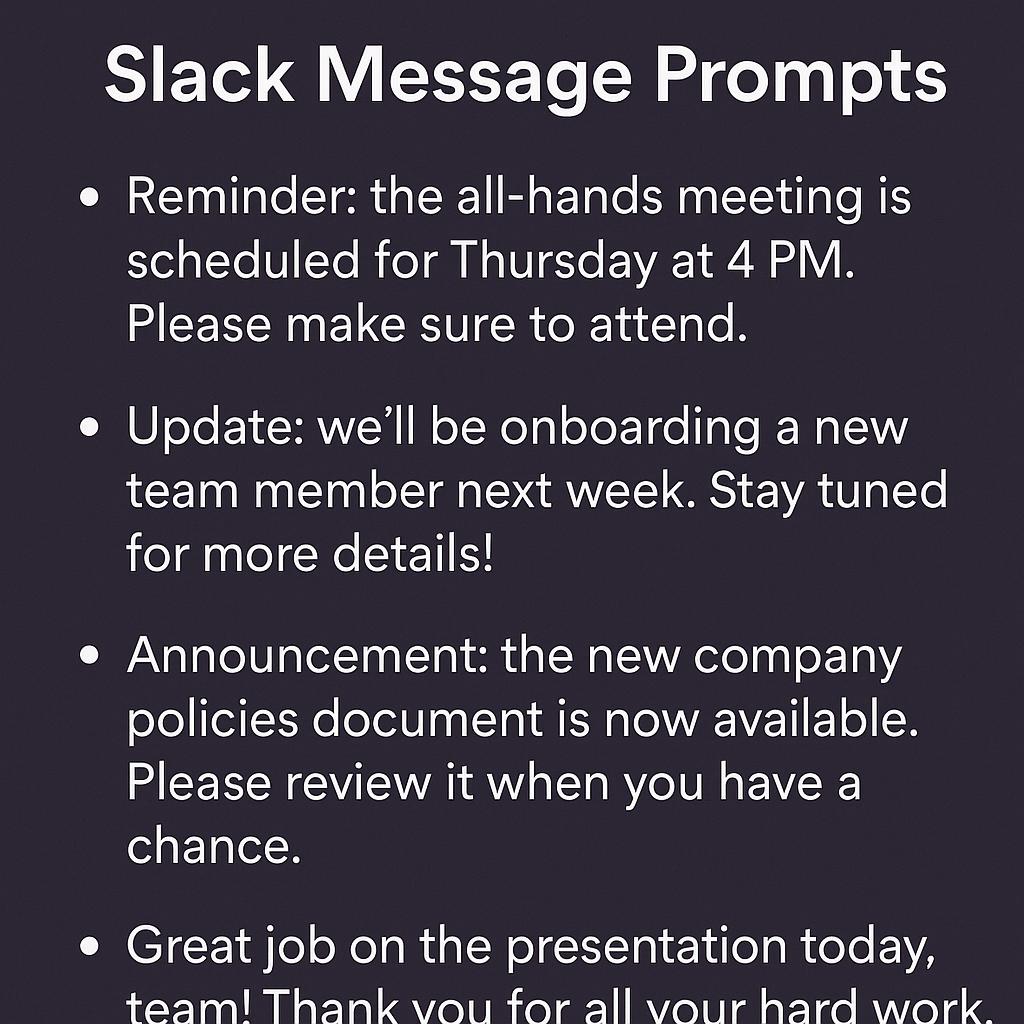
How to Build Prompts for Smarter Delegation
Clear, actionable communication is the backbone of any productive team. Yet, how many times have you crafted a Slack update or internal announcement, only to get follow-up questions or see confusion ripple through your channels? As teams become more distributed and fast-paced, the need for concise and effective messaging is greater than ever. That’s where the magic of AI-generated prompts—and a bit of prompt engineering—can transform the way you delegate, update, and collaborate.
Why Prompt Engineering Matters for Team Communication
Messy messages slow everyone down. Vague requests clog up Slack. Important announcements get buried. The solution? Smarter prompt design. With the right slack message prompts and internal announcement prompts, you can use AI tools to quickly draft messages that are clear, actionable, and tailored for your audience.
Think of prompt engineering as your secret productivity weapon—it’s not just about talking to AI, but about getting the output you need, faster and with less friction.
Frameworks for Crafting Clear AI Prompts
Level up your team communication by using these strategies when building your prompts for tools like ChatGPT, Claude, or Gemini:
- Be Specific: Specify the message type (update, reminder, announcement), audience, and desired tone.
- Provide Context: Include what’s changed, why it matters, and any action steps.
- Request Structure: Ask the AI for bullet points, numbered lists, or a TL;DR summary to boost clarity.
- Set Character Limits: For Slack, shorter is often better—tell the AI your word or character target.
Prompt Templates for Smarter Delegation
| Use Case | Prompt Example |
|---|---|
| Slack Update | “Write a brief Slack update (under 50 words) to inform the design team that the client approved the new logo. Mention next steps.” |
| Internal Announcement | “Draft an announcement for all staff about our new remote work policy. Use a positive, clear tone and highlight key changes.” |
| Cross-Team Reminder | “Create a friendly reminder for both marketing and product teams about tomorrow’s sync meeting. List agenda items.” |
Want to hit the ground running? My Magic Prompt offers prompt templates and AI-powered suggestions designed specifically for Slack, email, and internal comms. You can even try it right in your browser with the MagicPrompt Chrome Extension.
Best Practices for Delegating with AI Prompts
- Always review and personalize AI-generated messages before sending.
- Use names or roles to clarify who’s responsible for next steps.
- Include links, deadlines, or attachments for maximum transparency.
- Encourage feedback to refine your messaging style over time.
For more on clear workplace communication, check out Atlassian’s guide to team communication or dive into Harvard Business Review’s research on workplace messaging.
FAQ: Smarter Prompts for Team Communication
- What are effective slack message prompts for busy teams?
- Effective prompts specify the audience, key message, and desired length. For example: “Summarize today’s sprint review for the dev team in under 30 words.”
- How can I use AI to write better internal announcement prompts?
- Give the AI clear context (what’s changing, who’s impacted) and request a positive, straightforward tone. Templates from My Magic Prompt can help you get started.
- What’s the best way to prompt AI for cross-team communication?
- Ask for clarity and structure. For example: “Write a reminder for both sales and support teams about next week’s training, including agenda and RSVP instructions.”
- Are there tools to automate prompt creation for Slack messages?
- Yes! Tools like My Magic Prompt and its Chrome Extension offer ready-to-use prompt templates for Slack and more.
- How do I ensure my AI-generated messages align with company voice?
- Include tone and voice instructions in your prompt, and always edit for brand consistency before sending.
Ready to Upgrade Your Team Communication?
Mastering prompt engineering isn’t just for power users—it’s the key to smarter, faster, and clearer delegation. If you’re looking to streamline your Slack updates, internal announcements, and more, give My Magic Prompt a spin and start building a culture of crisp, effective communication.