

How to Use Prompt Systems for Daily Standups and Team Updates
July 29, 2026
MagicPrompt vs Saving Prompts in Google Docs: Which Wins?
July 30, 2026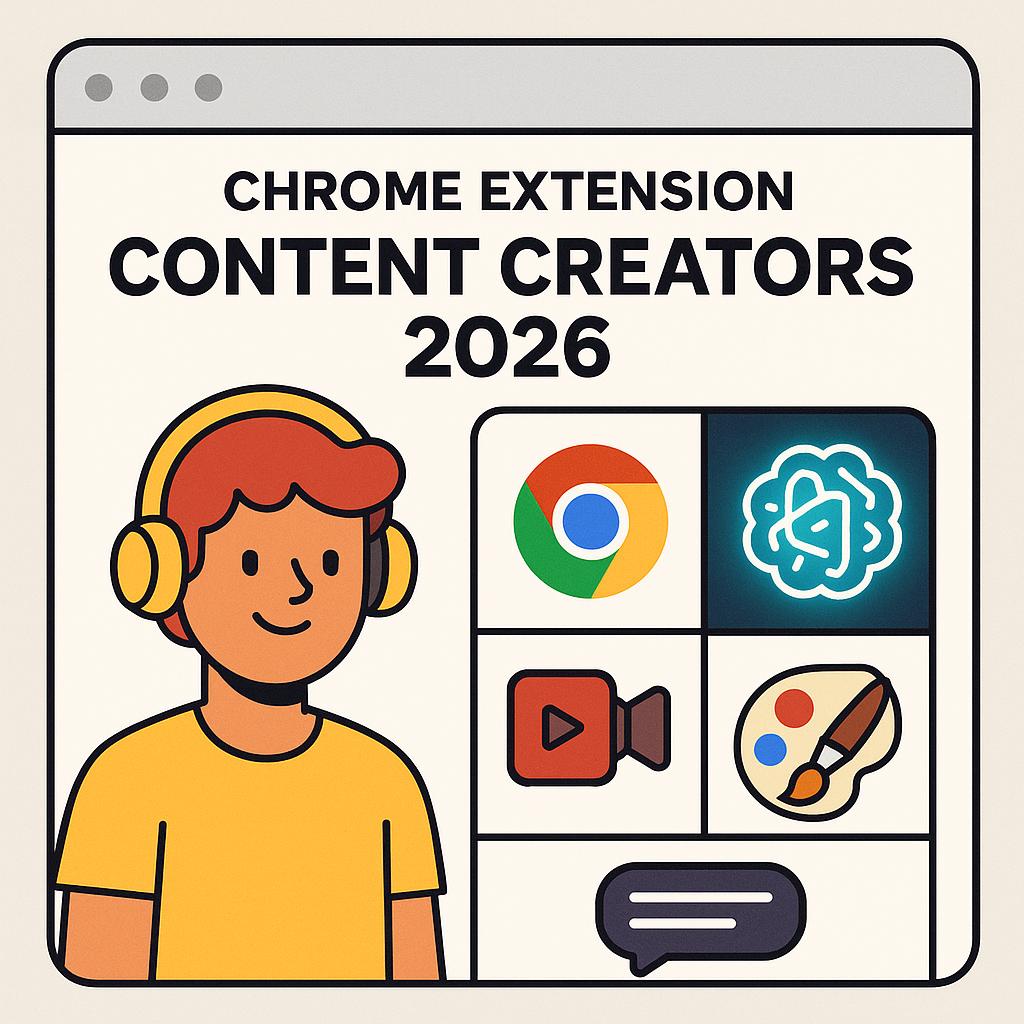
How to Use Prompts for Content Refreshes and SEO Updates
If you’re a content creator juggling blog posts, newsletters, scripts, or social updates, you know the pressure to keep everything fresh and optimized for search. The good news? In 2026, browser AI tools for creators—especially Chrome extensions—have made it easier than ever to update, refresh, and repurpose content with speed and strategy.
Why Content Refreshes Matter (and Why AI is Your Secret Weapon)
Search engines love fresh, relevant content. Regular updates help you climb the rankings, stay competitive, and give readers a reason to return. But doing it all manually? That’s a time sink. Modern chrome extension content creators 2026 rely on browser-based AI tools to:
- Spot outdated facts, broken links, or SEO gaps
- Suggest improved headlines, keywords, and meta descriptions
- Generate new angles or expand on trending topics
Yet, the real magic comes from better prompts. That’s where tools like My Magic Prompt shine—helping you craft high-quality instructions for AI models so you get results, not rewrites.
Framework: The 3-Step Prompting Process for Content Updates
Here’s a quick framework to make your content refresh process smarter and faster using browser AI tools for creators:
-
Audit: Use AI to scan your content for outdated info, weak SEO, or missed opportunities. Try prompts like:
- “Analyze this article for outdated statistics and suggest updates.”
- “List sections that could be expanded for more depth.”
-
Revise: Use targeted prompts to improve clarity, engagement, or SEO. Examples:
- “Rewrite this paragraph to include the keyword ‘browser AI tools creator’ naturally.”
- “Suggest 3 stronger subheadings for this section.”
-
Repurpose: Turn refreshed content into new formats, like reels, threads, or newsletters. Prompts could include:
- “Summarize this blog post as a Twitter thread.”
- “Script a 60-second video based on this section.”
With a smart Chrome extension for content creators, you can run these prompts in your browser, on the fly. MagicPrompt’s Chrome extension is a favorite among creators who work across multiple platforms.
Best Practices for Prompt-Driven SEO Updates
- Be Specific: The more context you give your AI tool, the better the output. Reference your target audience, goals, and desired tone.
- Iterate and Refine: Don’t settle for the first draft. Tweak your prompts to get closer to what you need.
- Cross-Check Facts: Always verify AI-generated updates, especially for data or claims. Google’s SEO starter guide is a great reference.
- Track Results: Use analytics to see which updates improve engagement and rankings, then refine your process.
FAQ: AI Prompts for Content Refreshes & SEO
- What is a Chrome extension for content creators in 2026?
- It’s a browser-based tool, often powered by AI, designed to streamline research, writing, editing, and publishing tasks directly within Chrome.
- How can AI prompts improve my SEO updates?
- AI prompts help you identify gaps, suggest keyword-rich rewrites, and generate fresh ideas—speeding up the refresh process and boosting SEO impact.
- Are browser AI tools for creators safe for sensitive content?
- Most reputable tools prioritize privacy, but always review their policies. For extra caution, avoid sharing confidential info with third-party AI services.
- How often should I refresh my content for SEO?
- Industry experts suggest updating key content every 6-12 months, or sooner for fast-changing topics. Use AI prompts to audit and prioritize efficiently.
- Can I use My Magic Prompt with multiple AI models?
- Yes! My Magic Prompt works with ChatGPT, Claude, Gemini, and more—helping you generate tailored prompts for each platform.
Ready to Make Content Refreshes Effortless?
If you’re ready to level up your workflow, try using prompt frameworks with a browser AI tool like My Magic Prompt. Whether you’re updating evergreen posts or repurposing for new channels, a smart Chrome extension can be your not-so-secret productivity edge.