

How to Instantly Refine Any Rough Draft with MagicPrompt’s Upgrade Tool
May 14, 2026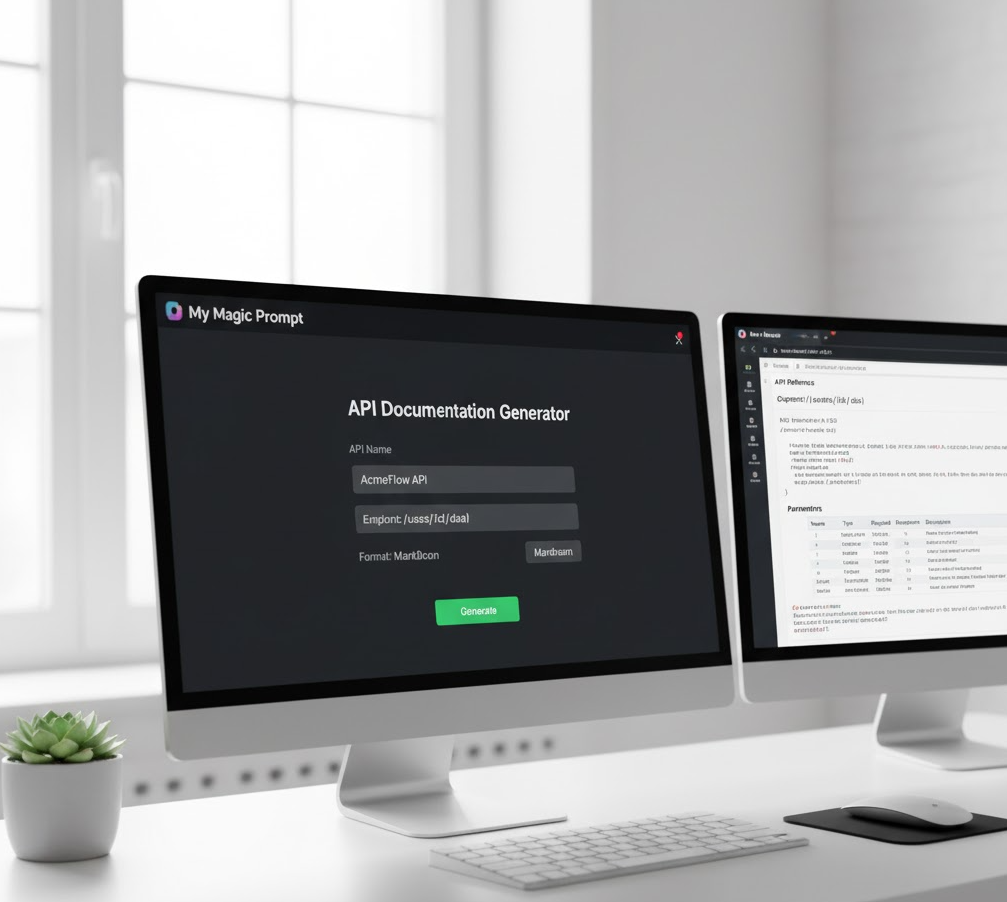
✍️ Introduction: Why Technical Documentation Needs AI Reinvention
Every engineer or technical writer knows the pain: you’ve built something powerful, but explaining how it works takes hours. The specs pile up, the formatting gets messy, and revisions seem endless. Even with the best templates, creating consistent and clear documentation is slow work.
That’s where AI prompt engineering — and tools like My Magic Prompt — come in. With the right prompts, you can turn a rough outline or messy notes into well-structured, professional documentation in minutes. The trick? Knowing how to ask AI the right way.
In this guide, you’ll learn the 7 best AI prompts for technical documentation that instantly improve clarity, accuracy, and structure.
🔍 The Anatomy of a Great Technical Documentation Prompt
Before diving into the templates, here’s what separates average prompts from engineering-grade ones:
| Layer | Description | Example |
|---|---|---|
| Role | Define AI’s function clearly. | “You are a senior technical writer for a robotics company.” |
| Goal | Specify what you want the AI to create. | “Write a setup manual for an industrial sensor system.” |
| Constraints | List tone, format, or compliance rules. | “Follow ISO/IEC style. Keep instructions under 15 steps.” |
These layers form the foundation of every high-performing prompt — and My Magic Prompt’s AI Prompt Builder helps you assemble them in seconds with smart templates and reusable blocks.
🔧 7 Best AI Prompts for Technical Documentation and Manuals
Each of these prompts is designed to produce clear, consistent, and ready-to-publish output — from product guides to troubleshooting manuals.
1. Product Overview Prompt
Prompt:
“You are a technical writer for an engineering firm. Write a clear and concise product overview for [product name]. Include key features, system requirements, and use cases in a professional tone.”
✅ Use this when: You need a high-level summary for datasheets or landing pages.
2. Step-by-Step Setup Guide
Prompt:
“Act as a documentation engineer. Create a numbered installation guide for [product]. Include prerequisites, step-by-step instructions, and warnings in bold. Keep language action-oriented.”
✅ Best for: Hardware manuals, configuration guides, and software installs.
3. Troubleshooting Flow
Prompt:
“You are an expert in user assistance. Create a troubleshooting section for [product name]. Include common issues, causes, and solutions in a table format.”
✅ Why it works: Tables make AI output more scannable for support pages.
4. API Documentation Prompt
Prompt:
“Act as an API documentation writer. Draft a structured reference guide for the [API name]. Include endpoint descriptions, parameters, response examples, and authentication notes. Format with markdown headings.”
✅ Bonus Tip: Combine this with My Magic Prompt’s ‘Refine Draft’ tool to automatically clean up formatting and code blocks.
5. Compliance & Safety Section
Prompt:
“Write a safety and compliance section for [product or system]. Use concise language, include mandatory warnings, and format key alerts using markdown highlights.”
✅ Use case: Electronics, chemical products, or any regulated hardware.
6. Change Log or Version History
Prompt:
“You are a release documentation specialist. Create a version history for [product]. Summarize each version’s updates, fixes, and new features in bullet points.”
✅ Perfect for: Software updates, firmware logs, and internal changelogs.
7. Quick Reference Sheet Prompt
Prompt:
“Generate a one-page quick reference sheet for [product]. Include key commands, default settings, and essential troubleshooting shortcuts in a clear layout.”
✅ Why it’s valuable: Great for printouts or in-app ‘Help’ overlays.
🛠️ How My Magic Prompt Makes This Faster
Instead of copying and pasting each prompt manually, My Magic Prompt’s Chrome Extension lets you:
- Save and organize your favorite prompt templates.
- Refine drafts using the Upgrade Tool (instantly improves clarity and tone).
- Collaborate on shared prompt libraries for documentation teams.
✨ Try it here: Magic Prompt Chrome Extension
❓ FAQ: AI for Technical Documentation
1. What’s the biggest mistake people make when writing technical documentation prompts?
Not specifying the reader’s skill level. Always tell the AI who the documentation is for — beginner, technician, or advanced engineer.
2. Can AI really understand complex engineering topics?
Yes — if you feed it structured data or examples. Tools like GPT-4 and Claude 3 can interpret technical language accurately when guided with well-layered prompts.
3. How can I make sure AI-generated documentation meets compliance standards?
Always verify using your company’s QA checklist or compliance documentation. AI should accelerate first drafts — not replace final validation.
4. What’s the difference between a draft and a publish-ready prompt?
A draft prompt gives general structure; a publish-ready prompt includes tone, format, and domain-specific constraints.
5. Can I organize all these prompts in one place?
Yes! That’s exactly what My Magic Prompt’s Prompt Library was built for — so teams can manage, reuse, and evolve their best documentation prompts.
🤍 Wrap-Up: AI as Your Technical Writing Co-Engineer
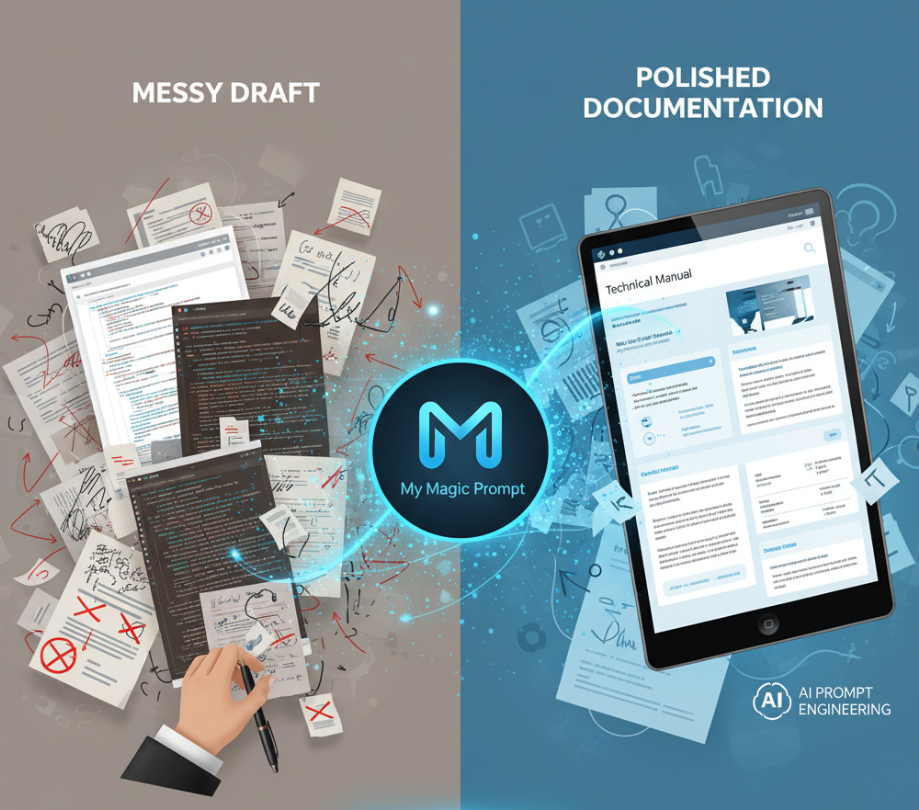
AI isn’t replacing documentation writers — it’s giving them superpowers. With the right prompts and tools, you can turn a messy draft into an ISO-compliant manual in minutes.
If you’re ready to refine, organize, and scale your technical writing process, explore My Magic Prompt — your partner in precision AI prompting.