

How to Turn Team Knowledge Into Prompt Assets
July 20, 2026
How to Use a Chrome Extension to Speed Up Daily AI Tasks
July 21, 2026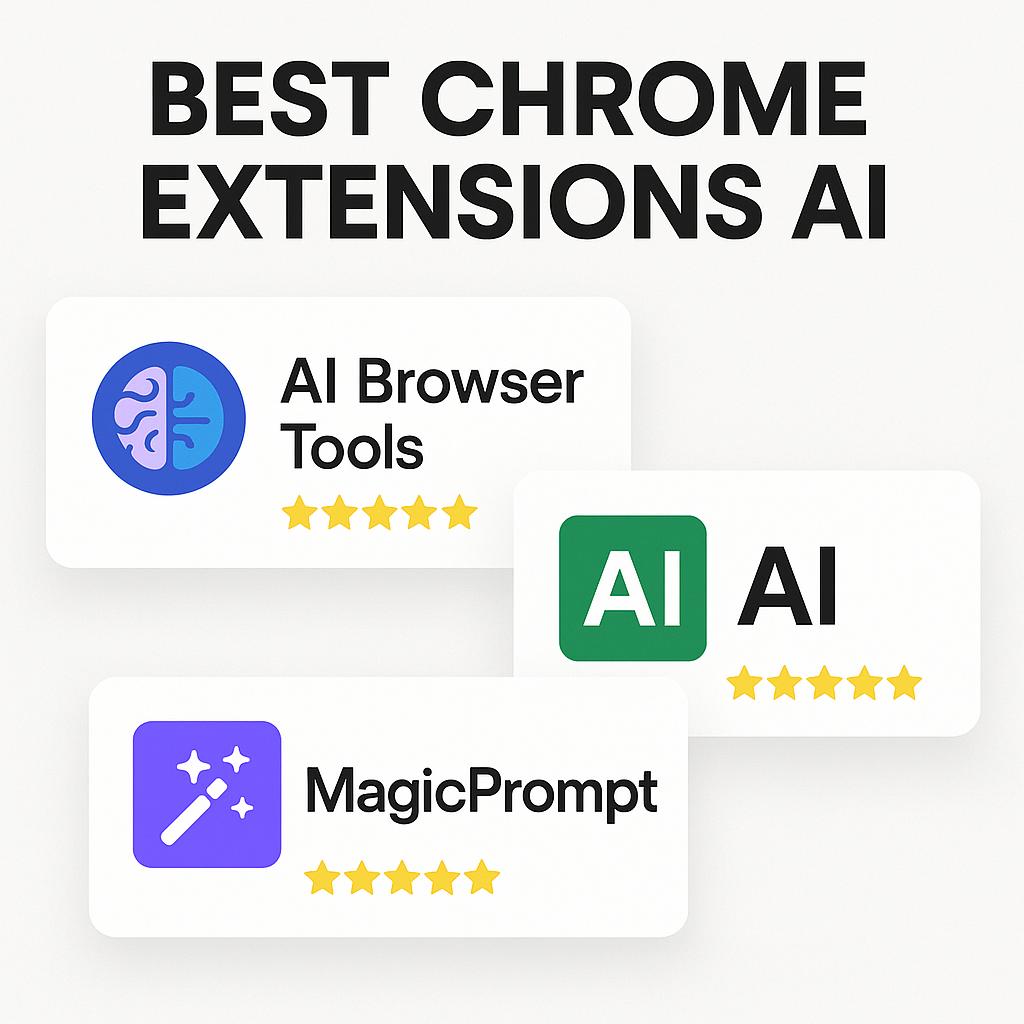
How to Use a Chrome Extension to Manage Prompts for Multiple Clients
Juggling prompts for several clients? Discover the best Chrome extensions for AI and learn how to stay organized, efficient, and ahead of the curve with MagicPrompt.
Why Prompt Management Matters for Modern AI Workflows
Anyone working with AI tools—whether for copywriting, marketing, or consulting—knows the struggle: you’ve got dozens of prompts, feedback loops, and client requirements scattered across notes, docs, or endless browser tabs. The result? Lost time, duplicated effort, and missed opportunities to deliver your best work.
That’s where the best Chrome extensions for AI step in. With the right browser tools, you can streamline your prompt engineering, keep client work organized, and unlock new levels of productivity—especially as we look ahead to the demands of AI browser tools in 2026 and beyond.
Top Chrome Extensions for AI Productivity
- MagicPrompt – The ultimate prompt management layer, letting you generate, save, and organize high-quality prompts for ChatGPT, Claude, Gemini, and more—all from your browser. Try the MagicPrompt Chrome extension here.
- AIPRM – A community-driven prompt marketplace, useful for discovering and sharing prompt templates. Learn more about AIPRM.
- WebChatGPT – Augments ChatGPT with web results, helping you generate more current and context-aware responses.
Each of these tools brings something unique to your workflow, but combining them with a dedicated prompt management extension gives you a true productivity edge.
Framework: Managing Prompts for Multiple Clients
Here’s a simple system for prompt management using the best Chrome extensions for AI:
- Set Up Client Folders: With MagicPrompt, create folders by client or project. This keeps prompts, variations, and feedback neatly separated.
- Version Control: Save iterations as you refine prompts based on client feedback. MagicPrompt’s interface makes it easy to revisit what worked best.
- Quick Access: Pin your most-used prompts for instant access—no more hunting through documents or emails.
- Integrate with AI Tools: Launch prompts directly into ChatGPT, Claude, or Gemini, reducing copy-paste friction and context switching.
By using a browser extension like MagicPrompt as your central prompt hub, you simplify collaboration and consistently deliver tailored results for every client.
Prompt Management Tips for Busy Professionals
- Tag prompts with keywords for easy search (e.g., “ad copy,” “blog intro,” “persona prompts”).
- Archive outdated prompts to keep your workspace clutter-free.
- Collaborate by sharing prompt folders with your team or clients.
Frequently Asked Questions
- What are the best Chrome extensions for AI workflows?
- Top picks include MagicPrompt for prompt management, AIPRM for prompt libraries, and WebChatGPT for enhanced AI output. Each serves a different role in streamlining your workflow.
- How can I manage prompts for different clients efficiently?
- Use a Chrome extension like MagicPrompt to organize prompts by client, project, or use case. This keeps your work organized and ensures you always use the right prompt for each client.
- Can I use MagicPrompt with tools like ChatGPT, Claude, and Gemini?
- Yes! MagicPrompt is designed to work seamlessly with multiple AI platforms, so you can generate and manage prompts for all your favorite tools in one place.
- What makes prompt management important for productivity?
- Efficient prompt management reduces repetitive work, minimizes errors, and helps you deliver better results faster—especially when handling multiple projects or clients.
- Are Chrome extensions secure for client work?
- Reputable AI browser tools like MagicPrompt prioritize data privacy and security. Always review extension permissions and privacy policies before installing.
Level Up Your AI Workflow
Ready to work smarter, not harder? Explore how My Magic Prompt can become your secret weapon for prompt management and client success—start streamlining your AI workflow today.