

Why Your AI Workflow Needs a Browser Extension (Not Just a Tab)
August 22, 2026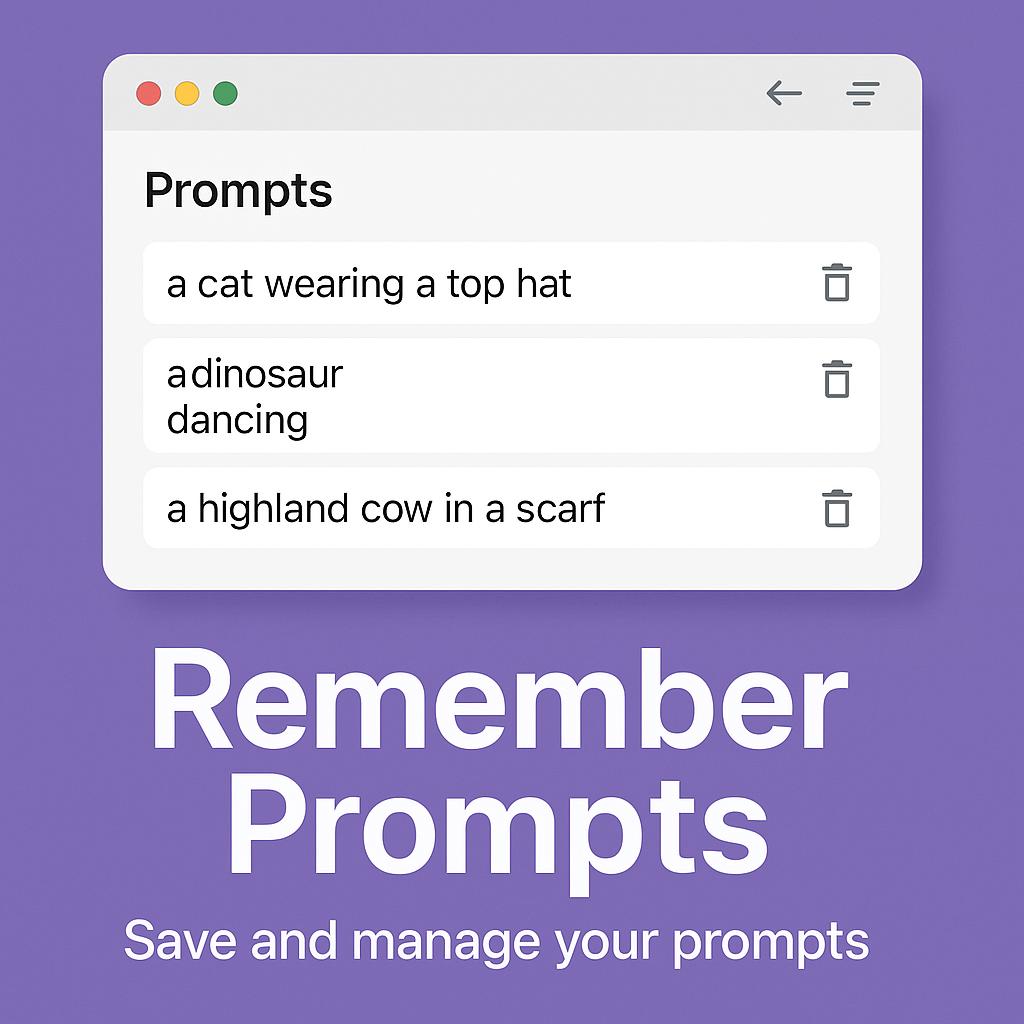
Why Your Browser Extension Is the Missing Layer in Your AI Stack
Ever come up with the perfect AI prompt, only to lose it in a sea of browser tabs or forget which chatbot you used? You’re not alone. As AI tools like ChatGPT, Claude, and Gemini become everyday productivity companions, the real challenge isn’t just generating great prompts—it’s remembering, organizing, and reusing them efficiently. That’s where a prompt memory browser extension steps in, making your workflow smarter and more seamless.
The Productivity Problem: Remembering Prompts Across AIs
AI power users know the struggle: you write a clever prompt, get fantastic results, and then—poof—it’s lost. Each AI platform has its own chat history (if any), making it almost impossible to remember prompts across Chrome sessions, devices, or different tools.
- Copy-pasting between apps is time-consuming and error-prone
- Switching between ChatGPT, Claude, Gemini, etc., fragments your workflow
- Reinventing prompts wastes creative energy and leads to inconsistent results
What if you could remember prompts in Chrome no matter which AI you’re using? That’s where a browser extension like MagicPrompt becomes the secret weapon in your AI stack.
How a Prompt Memory Browser Extension Supercharges Your Workflow
Think of a prompt memory browser extension as your personal AI “second brain.” Here’s how it adds a missing layer to your productivity setup:
1. Centralized Prompt Library
Instead of scattered notes or lost chat logs, keep all your best prompts organized in one place—right inside your browser. No more searching or rewriting.
2. Instant Recall & Reuse
With one click, retrieve any saved prompt and use it across ChatGPT, Claude, Gemini, or any AI chatbot. This means:
- Consistent results for recurring tasks
- Faster setup for new projects or conversations
- Zero “prompt déjà vu”—you’ll always know what worked before
3. Collaborative & Sharable
Share your most effective prompts with teammates, or curate a set for your team. Build collective knowledge and speed up onboarding for new AI users.
Best Practices: Remember Prompts in Chrome Like a Pro
- Tag and categorize prompts: Use keywords or project names to make searching easy.
- Save iterations: Keep versions of your prompts as you refine them for different tasks or AIs.
- Document context: Note what you used each prompt for, and what worked best—future you (and your team) will thank you.
- Try MagicPrompt’s Chrome Extension: Install the extension to start building your prompt memory directly in Chrome.
FAQ: Prompt Memory Browser Extensions & AI Productivity
What is a prompt memory browser extension?
It’s a tool that helps you save, organize, and reuse your favorite AI prompts directly within your browser, no matter which chatbot or AI tool you’re using.
Why should I remember prompts in Chrome?
Chrome is where most AI work happens. Remembering prompts in Chrome lets you stay organized and productive across all your AI tools without switching apps.
Can I use my saved prompts with different AI platforms?
Absolutely. A good browser extension like MagicPrompt lets you copy, paste, or auto-insert prompts into ChatGPT, Claude, Gemini, and more.
How do I organize prompts for different projects?
Use tags, folders, or custom categories. Some tools allow you to add notes or context for each prompt, making it easy to find and reuse them later.
Is my prompt data secure?
Prompt memory extensions typically store your data locally or securely in the cloud. Always review the privacy policy of any extension you use. For more on browser extension security, see this guide from How-To Geek.
Make Prompt Memory Your Productivity Edge
Don’t let your best ideas get lost in digital clutter. With a prompt memory browser extension like MagicPrompt, you can remember, organize, and reuse prompts effortlessly—making your AI workflow faster and smarter, every day. Ready to discover your secret weapon? Try it for yourself and experience the difference.