
Is Prompt Engineering a Real Career? A Look at Salaries and Skills
March 23, 2026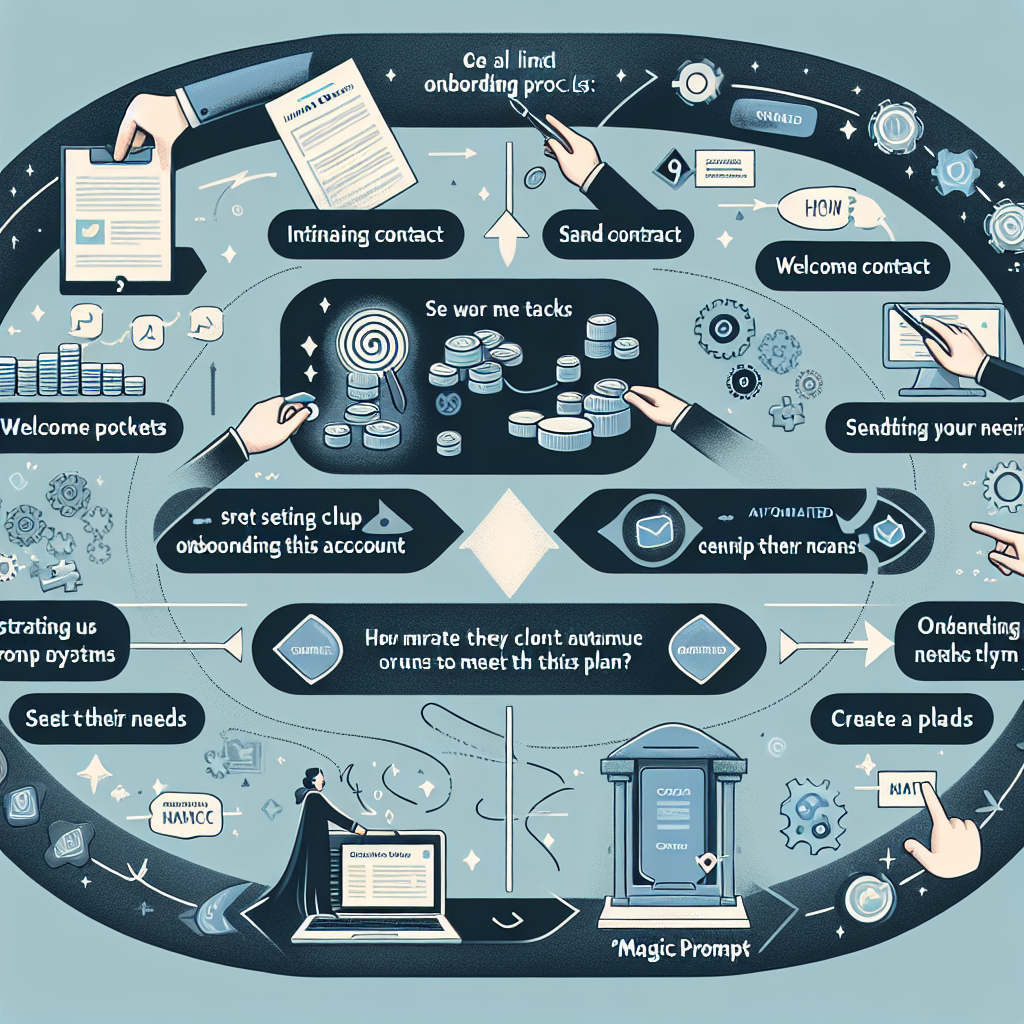
How to Build a Prompt Workflow for Client Onboarding
Learn how to turn client intake, discovery, and kickoff steps into a reusable AI prompt workflow that saves time and keeps work consistent.
Why Every Agency Needs a Prompt Workflow for Client Onboarding
If you’ve ever spent hours manually gathering client information, rewriting intake questions, or digging for onboarding docs, you know onboarding can be a productivity drain. As more teams use AI for productivity, creating a standardized prompt workflow for client onboarding is becoming the secret weapon for agencies, consultants, and freelancers.
The right client onboarding prompts not only speed up intake but also ensure consistency, professionalism, and clarity from day one. Let’s explore how you can build a reusable, AI-powered workflow that saves time and creates a standout client experience.
Step-by-Step: Building Your Client Onboarding Prompt Workflow
-
Map Your Client Onboarding Process
- List key steps: intake, discovery, kickoff, documentation, and follow-up
- Identify the information you collect and the tasks you repeat
-
Design Modular Prompts for Each Stage
- Craft reusable prompt templates for intake forms, discovery calls, and welcome emails
- Example: “Generate a personalized welcome email for a {client_industry} client outlining the next steps.”
-
Automate and Sequence Your Prompts
- Use tools like MagicPrompt to store, iterate, and deploy your prompt templates
- Organize prompts by onboarding stage for easy access and updates
-
Review, Refine, and Repeat
- Collect feedback from clients and your team to keep improving your workflow
- Schedule regular reviews to ensure prompts stay relevant as your business evolves
Templates & Example Client Onboarding Prompts
| Onboarding Stage | Prompt Example |
|---|---|
| Intake | “Summarize key project details from the following client responses: {client_answers}.” |
| Discovery | “Create a discovery call agenda for a {service_type} project with a new client.” |
| Kickoff | “Draft a kickoff meeting checklist for onboarding a {client_industry} business.” |
| Documentation | “Generate a standard onboarding document template for our agency’s new clients.” |
Pro tip: Save these as reusable prompt templates in MagicPrompt for Chrome for one-click access whenever you onboard a new client.

Best Practices for Onboarding Automation with AI
- Always personalize: Add client-specific details to avoid generic results
- Keep prompts clear and contextual
- Document changes to your workflow as your process evolves
- Stay compliant with data privacy best practices (GDPR, etc.)
FAQ: Building Prompt Workflows for Client Onboarding
- What are client onboarding prompts?
- Client onboarding prompts are structured AI instructions that streamline intake, discovery, and kickoff tasks, ensuring a consistent and efficient onboarding process.
- How do I automate onboarding with prompts?
- You can automate onboarding by creating reusable prompt templates for each onboarding stage, then using a tool like MagicPrompt to deploy them quickly and consistently.
- Can prompt workflows be customized for different industries?
- Absolutely! Modular prompt workflows can be tailored with industry-specific details, making them flexible for agencies, consultants, and service providers.
- What are the benefits of prompt workflow automation?
- Prompt workflow automation saves time, improves consistency, reduces errors, and frees you up to focus on higher-value work, all while creating a better client experience.
- Is there an easy way to manage all my onboarding prompts?
- Yes—tools like MagicPrompt help you store, organize, and update all your onboarding prompts in one place.
- Where can I learn more about prompt engineering and AI productivity?
- Check out resources from Prompting Guide and follow the OpenAI Blog for the latest best practices.
Ready to Uplevel Your Client Onboarding?
Building a prompt workflow for client onboarding can be a game-changer for productivity and client satisfaction. If you’re ready to streamline your process, explore MagicPrompt and see how easy prompt management can be.