

Why You Don’t Need More Prompts—You Need Better Ones
July 10, 2026
How to Build a Team Prompt Library
July 10, 2026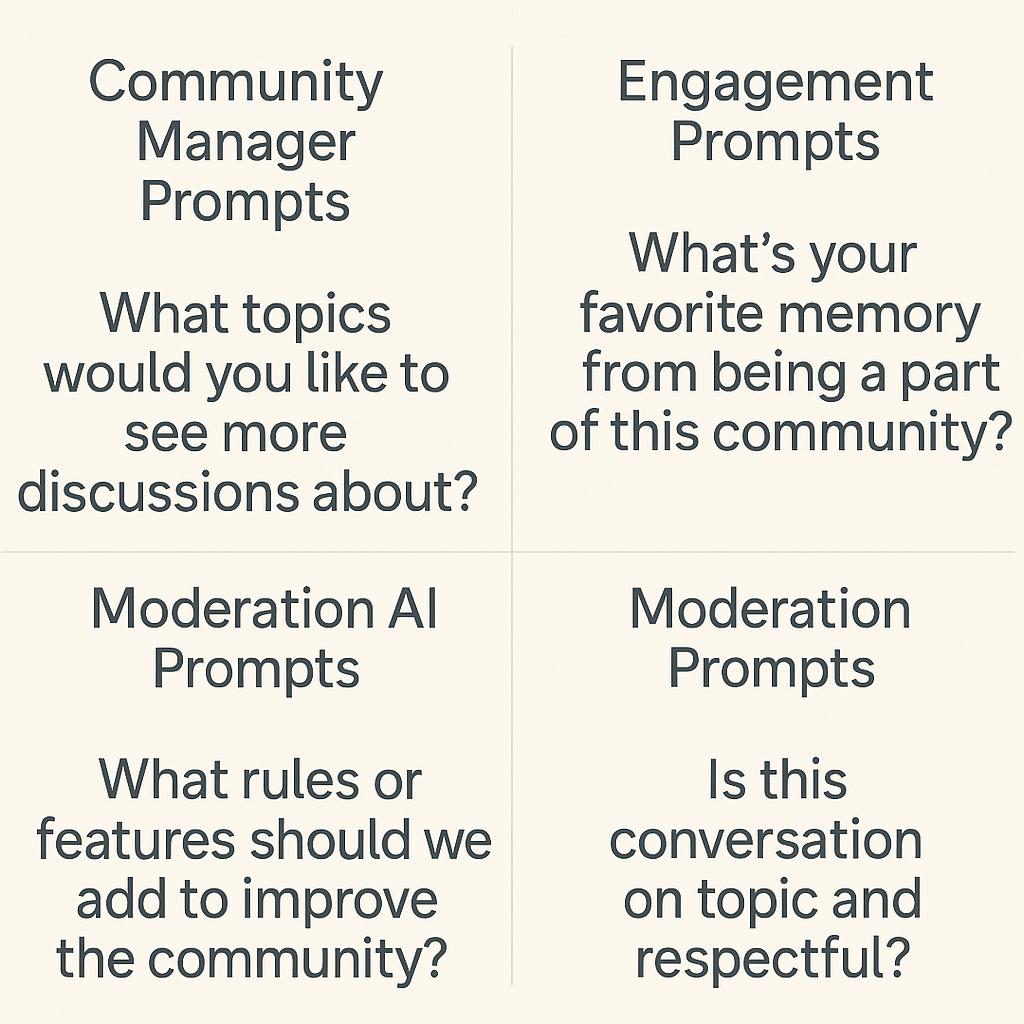
How to Build Prompts for Faster Email Replies
Email is the heartbeat of community management, but let’s be honest: the inbox can be overwhelming. For community managers juggling engagement, moderation, and endless follow-ups, responding quickly (and thoughtfully) is a superpower. Enter the world of community manager prompts and moderation AI—your new productivity sidekicks. In this guide, you’ll learn how to craft AI prompts that help you reply faster, keep conversations flowing, and never miss a beat.
Why Email Efficiency Matters for Community Managers
Every minute you spend crafting the perfect response is a minute lost for meaningful engagement or strategic planning. AI-powered tools like My Magic Prompt are transforming how community teams handle high-volume communication—especially when paired with effective prompt engineering. The right prompt unlocks smarter, faster replies, and frees up time for what matters most: building community.
Frameworks for Building Effective Email Prompts
Whether you’re using ChatGPT, Claude, or Gemini, the key to a fast reply is a well-structured prompt. Here’s a simple framework to help you get started:
- Context: Briefly summarize the original email (e.g., “A member is asking about upcoming events”).
- Goal: Define what you want the reply to achieve (e.g., “Encourage participation and provide details”).
- Tone & Length: Specify if you want it friendly, concise, or formal.
- Extras: Add any specific details or information to include.
Example prompt for a fast, engaging reply:
Summarize this email thread and draft a friendly, concise reply that invites the member to our next virtual event. Include the event date and RSVP link.
Speed Up Routine Tasks with Prompt Templates
Save time by creating prompt templates for common scenarios:
- Welcoming new members
- Answering frequently asked questions
- Moderation notes or policy reminders
- Generating engagement ideas
Tools like MagicPrompt’s Chrome extension let you save, customize, and reuse these templates directly in your workflow.
Best Practices for Community Manager Prompts
- Be Specific: The more context you provide, the better the AI’s reply will fit your needs.
- Test & Tweak: Regularly review and adjust your prompts for clarity and effectiveness.
- Moderation Matters: Use moderation AI prompts to flag inappropriate content or summarize incidents for your records. Learn more about conversational UI best practices.
- Keep It Human: Always review AI-generated replies before sending to ensure they align with your community’s tone and standards.
FAQ: Community Manager Prompts & Moderation AI
- What are community manager prompts?
- Community manager prompts are structured instructions you give to AI tools to help you draft replies, moderate conversations, or generate content ideas quickly and consistently.
- How can prompts help with faster email replies?
- Well-crafted prompts guide the AI to produce relevant, on-brand responses—cutting down on manual writing and helping you respond in seconds, not minutes.
- Can AI prompts be used for content moderation?
- Absolutely. Moderation AI can summarize flagged messages, draft moderation notes, or even suggest appropriate responses to sensitive issues.
- What is the best way to create engagement prompts?
- Start with your goal (e.g., spark a discussion, celebrate a milestone), provide context, and let the AI suggest open-ended questions or conversation starters.
- Is it safe to use AI for community management?
- AI is a powerful assistant, but always review its output and safeguard sensitive information. Combine AI efficiency with your human judgment for best results. Read about AI ethics.
Ready to Level Up Your Email Productivity?
Smart prompts are the secret weapon for community managers who want to work faster and smarter. Curious how you can streamline your workflow? Explore My Magic Prompt for tips, templates, and prompt engineering tools designed for busy community teams.