
How to Build a Prompt Workflow for Book Writing
July 4, 2026
Your ChatGPT History Is a Mess: How to Save and Organize Key Prompts
July 6, 2026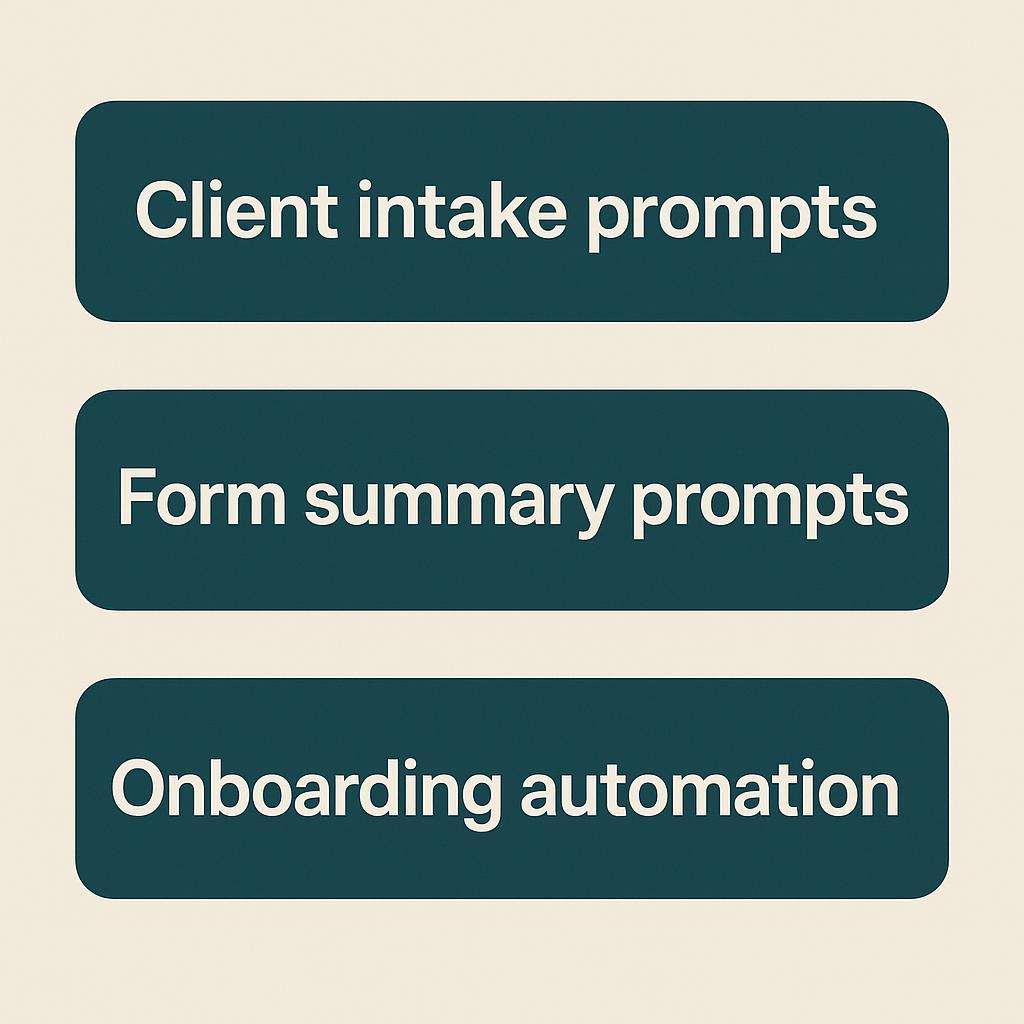
How to Build a Prompt Workflow for YouTube Channels
Turn intake form answers into clean briefs, summaries, and next-step docs with prompt templates.
Launching or managing a YouTube channel is a creative adventure, but it often comes with a mountain of admin. Intake forms, onboarding docs, and content planning checklists can drain your time and energy—especially if you’re handling multiple clients or collaborators. What if you could turn those raw form responses into actionable, organized documents in minutes using AI?
With the right client intake prompts, form summary prompts, and a smart onboarding automation workflow, you can streamline your YouTube process and free up bandwidth for what matters most: creating standout videos.
Why Build a Prompt Workflow for Your YouTube Channel?
- Consistency: Every client or collaborator gets the same high-quality experience.
- Clarity: You reduce back-and-forth questions with clear, AI-generated briefs and summaries.
- Speed: Automated templates save hours every week.
Tools like My Magic Prompt make it easy to build, save, and customize prompt workflows for any channel or project.
Step-by-Step: Your AI-Powered YouTube Workflow
1. Collect Client or Collaborator Info
Use a form tool (like Google Forms or Typeform) to gather:
- Channel goals & target audience
- Content preferences (topics, style, length)
- Key deadlines or launch dates
- Brand guidelines, if any
2. Turn Intake Form Answers into an Actionable Brief
Paste responses into your favorite AI (ChatGPT, Claude, Gemini), along with a client intake prompt like:
“Summarize the following form answers into a one-page YouTube content brief, highlighting goals, target audience, content ideas, and next steps.”
3. Create Clear Summaries and Next-Step Docs
Refine the output using form summary prompts to generate:
- Key takeaways for your creative team
- To-do lists for onboarding
- Content calendars or workflow checklists
With MagicPrompt’s Chrome extension, you can keep your prompts organized and apply them instantly as you onboard new clients or projects.
4. Automate Where Possible
For even more efficiency, integrate your AI prompt workflows with automation tools like Zapier or Make (see how AI can supercharge automations). Imagine this:
- Form submission triggers an AI summary
- Brief is emailed to key team members automatically
- Follow-up tasks are created without manual input
Prompt Templates for YouTube Channel Onboarding
| Goal | Prompt Example |
|---|---|
| Summarize intake answers | “Summarize these answers into a concise YouTube channel brief with goals, audience, content ideas, and deadlines.” |
| Create onboarding checklist | “Based on this brief, generate a step-by-step onboarding checklist for our team.” |
| Plan content calendar | “Using the above details, draft a 4-week video content calendar with working titles and formats.” |
FAQ: Building Prompt Workflows for YouTube Channels
- What are client intake prompts for YouTube channels?
- Client intake prompts are AI instructions designed to turn raw form responses into structured briefs or summaries for YouTube projects. They help you quickly grasp key details and next steps, making onboarding smoother.
- How do form summary prompts help with onboarding automation?
- Form summary prompts condense long intake forms into actionable, easy-to-share docs. This streamlines communication, reduces errors, and makes onboarding much faster and more consistent.
- Can I use these workflows with any AI platform?
- Yes! Whether you use ChatGPT, Claude, Gemini, or other AI tools, well-crafted prompts work across platforms. Tools like My Magic Prompt help you organize and re-use your best templates for any scenario.
- What’s the benefit of automating onboarding steps?
- Automation saves time, reduces manual work, and ensures nothing falls through the cracks. By linking forms, AI summaries, and task management tools, you create a seamless workflow from first contact to launch.
- Where can I find more prompt templates for my YouTube channel?
- Check out My Magic Prompt for curated prompt templates, AI productivity tips, and a Chrome extension to boost your workflow.
Ready to Upgrade Your YouTube Channel Workflow?
Experimenting with prompt workflows is one of the fastest ways to upgrade your onboarding and content planning. If you want a head start, explore My Magic Prompt’s prompt library and Chrome extension for inspiration and time-saving templates.