

How to Build AI Prompt Workflows for SDR Teams
May 7, 2026
What Makes a Prompt Easy to Hand Off to Someone Else?
May 8, 2026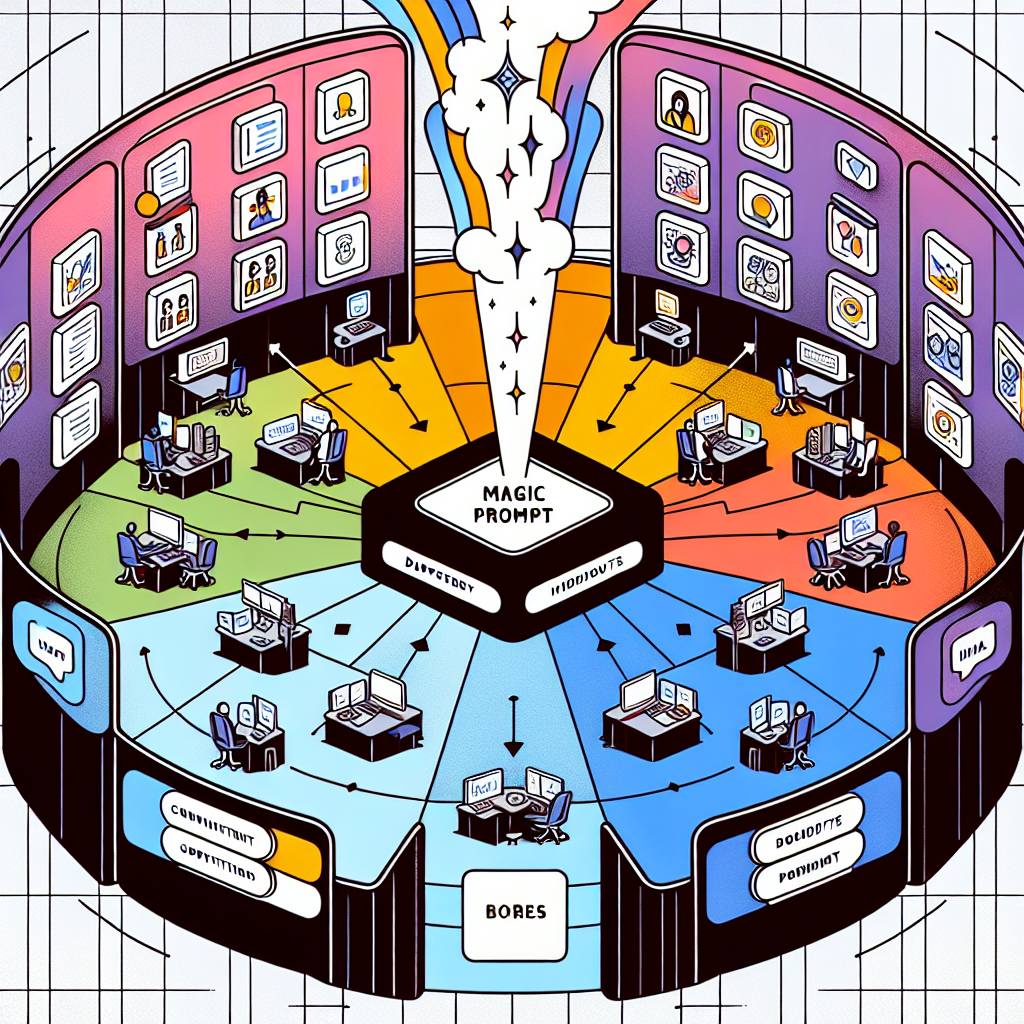
How to Use MagicPrompt for Prompt Sharing Across Departments
Meta Description: Learn how cross-functional teams can share prompt assets without turning the library into chaos.
Ever tried collaborating on AI prompts with other departments, only to find your team prompt library turns into a digital junk drawer? You’re not alone. As AI tools like ChatGPT, Claude, and Gemini become everyday productivity companions, many teams face the challenge of sharing, curating, and maintaining prompt assets across different roles. The result can be brilliant—if you avoid chaos and build a system that works for everyone.
Why Prompt Sharing Across Departments Matters
Cross-functional prompt sharing helps teams:
- Leverage expertise from across the business
- Repurpose high-value prompts for multiple use cases
- Boost productivity by avoiding duplicate work
- Ensure consistency in customer communication and brand voice
But without a framework, even the best prompt libraries quickly become overwhelming. That’s where MagicPrompt comes in—designed to help smart AI users organize, share, and scale prompt assets with clarity and control.
Framework for Effective Team Prompt Library Management
1. Set Up Clear Categories and Naming Conventions
Start by organizing your team prompt library into intuitive categories—think “Marketing Copy,” “Customer Support,” “Product Ideation,” etc. Use clear, consistent naming so prompts are easy to search and understand at a glance.
- Tip: Prefix prompt names with the department or use case, e.g.,
HR: Candidate ScreeningorSales: Objection Handling.
2. Use Tags and Descriptions for Context
MagicPrompt allows you to add tags and descriptions to each prompt. Tags make filtering a breeze, while descriptions clarify when and how a prompt should be used—critical for cross-departmental clarity.
3. Enable Controlled Collaboration
Not everyone needs editing rights. Assign prompt “owners” and set permissions so teams can contribute, comment, or suggest changes without disrupting the library structure.
4. Review, Refresh, and Retire
- Schedule regular reviews of your shared prompt assets.
- Archive prompts that are outdated or rarely used.
- Highlight new or trending prompts in a “What’s New” section.
5. Make Sharing Effortless
MagicPrompt’s browser extension lets you share prompts with a click—no copy-paste necessary. Embed prompts in onboarding docs, team wikis, or directly in your favorite chat tools.
Try the MagicPrompt Chrome Extension for seamless sharing and discovery.
Example: Cross-Department Prompt Sharing in Action
| Department | Prompt Example | Benefit |
|---|---|---|
| Marketing | “Draft a product announcement email for our new feature.” | Ensures consistent messaging |
| Customer Support | “Generate troubleshooting steps for common login issues.” | Faster, standardized support responses |
| HR | “Summarize key points from this candidate’s resume.” | Streamlines hiring workflows |
FAQ: Prompt Sharing Across Departments
How do I prevent prompt library clutter?
Establish categories, naming standards, and regular reviews. Use MagicPrompt’s tags and archiving to keep your library fresh and organized.
Can I control who edits or sees prompts?
Yes. With MagicPrompt, you can assign roles and permissions, so only designated team members can edit or approve prompts while others can view or suggest changes.
What’s the best way to onboard new team members to our prompt library?
Create a “Getting Started” section and highlight core prompts. Use MagicPrompt’s sharing features to embed prompts into onboarding materials or team documentation.
How often should we update our team prompt library?
Set a quarterly review cycle to archive outdated prompts, add new ones, and ensure relevance—much like you’d maintain any other team knowledge base. Learn more about knowledge base best practices.
Is MagicPrompt compatible with different AI models?
Absolutely. MagicPrompt helps you create, organize, and share prompts tailored for ChatGPT, Claude, Gemini, and more—all from a unified workspace.
Ready to Level Up Prompt Sharing?
Smart, scalable prompt sharing across departments is a secret weapon for high-performing teams. If you’re ready to bring clarity to your team prompt library, explore MagicPrompt and see how effortless prompt sharing can be.