
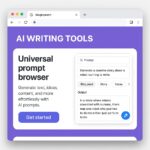
The Chrome Extension That Turns Any Webpage Into an AI Brief
August 13, 2026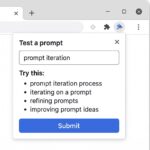
The Minimalist AI Chrome Extension Setup for 2026
August 15, 2026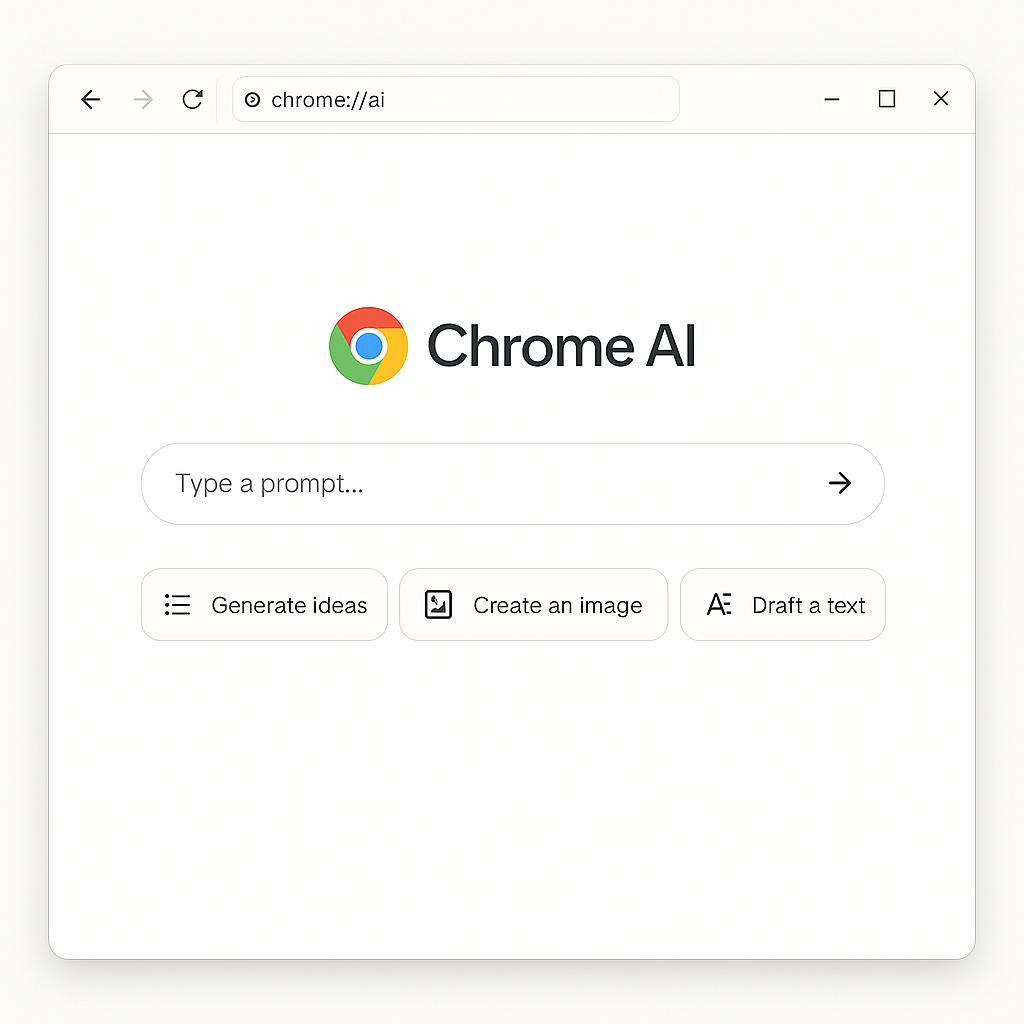
The Fastest Way to Reuse Your Best AI Prompts in Chrome
Ever find yourself hunting through old chats or scattered docs to track down that one perfect AI prompt you crafted last week? If you’re aiming for a minimalist Chrome AI setup, there’s a smarter, faster way to keep your best prompts at your fingertips—without cluttering your browser or workflow.
Why Minimalist Chrome AI Tools Matter
With so many AI browser extensions, it’s easy for your stack to get bloated. But when you’re focused on productivity, every extra click and second counts. The right lightweight browser AI tool can act as your secret productivity weapon—helping you reuse, remix, and iterate on your best prompts in seconds, right inside Chrome.
How to Reuse Prompts Quickly (and Why It Matters)
- Consistency: Using proven prompts ensures reliable results in ChatGPT, Claude, Gemini, and other LLMs.
- Speed: No more copy-pasting from Notion, Google Docs, or sticky notes.
- Iteration: Tweak and improve your prompts as you go—without losing the original flow or intent.
Framework: The “Prompt Vault” Method for Chrome Minimalists
- Centralize: Use a single extension like My Magic Prompt to store, tag, and organize your favorite prompts.
- Instant Recall: Access your “vault” with one click—no switching tabs or searching.
- Seamless Insertion: Drop prompts into any AI chat or text field with a shortcut, so you never break your flow.
Best Practices for a Lean Chrome AI Stack
- Audit your extensions: Regularly review your tools; keep only what you use weekly.
- Favor lightweight over feature-bloated: Choose extensions that do one thing well (e.g., prompt management) over all-in-one “AI everywhere” toolbars.
- Leverage keyboard shortcuts: Look for tools that minimize mouse clicks for ultimate speed.
Example: Turbocharging Your Workflow with My Magic Prompt
Let’s say you’re a marketer who crafts killer ad copy prompts. With My Magic Prompt, you can:
- Save your top-performing prompts in a click
- Tag them by project, client, or use case
- Recall and reuse them instantly across ChatGPT, Gemini, or Claude—without ever leaving Chrome
It’s the minimalist approach: maximum productivity, minimal friction.
FAQ: Minimalist Chrome AI Setups & Prompt Reuse
- What is a minimalist Chrome AI setup?
- A minimalist Chrome AI setup uses only essential, lightweight browser extensions that streamline your workflow without adding clutter or slowdowns.
- How do I save and organize my AI prompts in Chrome?
- Use a prompt management tool like My Magic Prompt to centralize, tag, and quickly recall your favorite prompts.
- Can I use the same prompts with different AI models?
- Yes! Structured prompts often work across models like ChatGPT, Claude, and Gemini. Tools that let you reuse prompts seamlessly make this process much easier. Learn more about prompt engineering best practices.
- Are browser AI tools safe to use?
- Stick to reputable extensions from trusted sources. Always check privacy policies and permissions before installing new tools. Here’s how to evaluate Chrome extensions for safety.
- How can I speed up prompt reuse even further?
- Look for tools with keyboard shortcuts, quick-search, or auto-insert features to minimize clicks and keep your hands on the keyboard.
Ready to Streamline Your AI Workflow?
If you want to move faster with a minimalist Chrome AI setup, try exploring how My Magic Prompt can help you reuse your best prompts—so you can focus on what matters most. Learn more here.