

Beyond DALL·E: 8 Image Generation Prompts for Stable Diffusion
April 6, 2026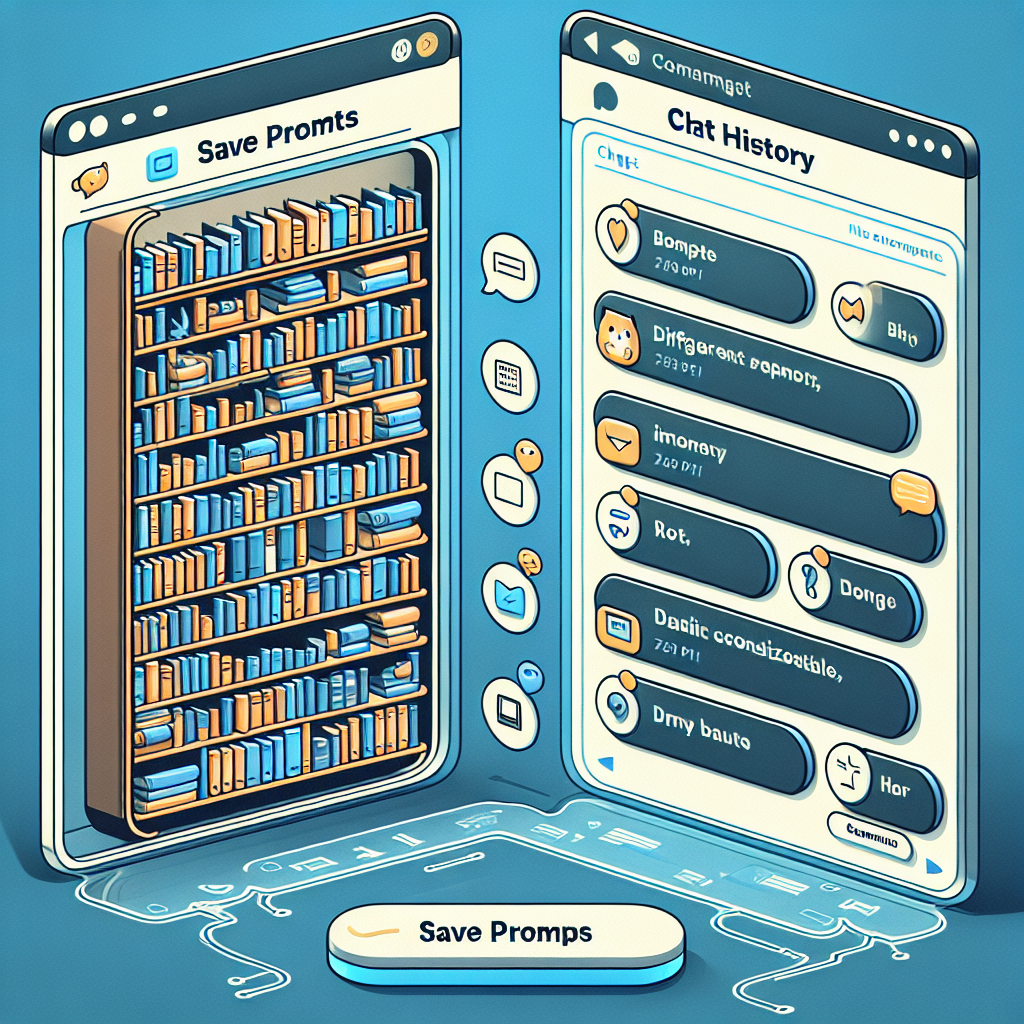
Prompt Library vs Chat History: Which One Actually Saves Time?
Compare prompt libraries and chat history so you can stop digging through old conversations to find useful work.
The AI Power User’s Dilemma: Where Did I Save That Prompt?
If you’re using AI tools like ChatGPT, Claude, or Gemini regularly, you know the feeling: you remember crafting the perfect prompt last week, but now it’s buried somewhere in your endless chat history. Should you scroll back through old conversations, or is there a smarter way? Today, let’s compare prompt libraries vs chat history to see which approach actually saves time—and how you can level up your workflow.
Chat History: The Default (and Its Drawbacks)
Most AI platforms automatically save your conversations. At first glance, this seems helpful—your prompts are “somewhere” in there. But as your usage grows, chat history quickly becomes a digital haystack. Here’s why relying on chat history can slow you down:
- Poor Searchability: You’re often forced to remember keywords or dates, then manually scroll back.
- Lack of Organization: Prompts are mixed with unrelated chats, making it easy to lose track of what worked best.
- Version Confusion: Did you use that improved prompt last Thursday, or was it a month ago?

Prompt Libraries: The Organized Advantage
Enter the prompt library: a central space to save prompts in a structured, searchable way. Prompt libraries (like the one in My Magic Prompt) are built for productivity-minded AI users who want to:
- Quickly retrieve and reuse proven prompts without hunting through old chats
- Organize prompts by project, use case, or outcome for faster access
- Iterate and improve prompts over time, keeping track of what works best
| Feature | Prompt Library | Chat History |
|---|---|---|
| Organization | Folders, tags, categories | Linear, unstructured |
| Search | Fast, filterable | Manual, keyword-dependent |
| Reuse | One-click copy/paste | Requires finding and copying |
| Version Control | Track improvements | Easily lost in timeline |

Best Practices for Prompt Organization
- Tag your prompts by project, tone, or use case for easier filtering.
- Create folders for recurring tasks (e.g., blog outlines, email drafts).
- Review and refine your library monthly—delete what’s outdated and highlight your top performers.
- Try tools like MagicPrompt’s Chrome Extension to capture and organize prompts without leaving your browser.
For more on prompt engineering techniques, check out Prompting Guide (external).
FAQ: Prompt Library vs Chat History
- What is a prompt library?
- A prompt library is a dedicated space or tool where you can save, organize, and quickly retrieve your favorite AI prompts for future use.
- Why is chat history less efficient for saving prompts?
- Chat history mixes prompts with all your conversations, making it harder to find and reuse effective prompts when you need them most.
- How do I organize my prompts for maximum productivity?
- Use folders, tags, and regular reviews to keep your prompt library tidy. Tools like My Magic Prompt make this easy and efficient.
- Can I use a prompt library with multiple AI platforms?
- Yes! Many prompt libraries (including MagicPrompt) support prompts for ChatGPT, Claude, Gemini, and more.
- Are there security concerns with saving AI prompts?
- Always use trusted tools and review their privacy policies. For sensitive prompts, ensure your library offers robust privacy features. Read more on OpenAI Security.
- How do I get started with a prompt library?
- Begin by collecting your most-used prompts and categorizing them. Consider trying a dedicated tool like My Magic Prompt to streamline the process.
Ready to Organize Your AI Workflow?
If you’re tired of wasting time scrolling through old chat history, a prompt library could be your secret productivity weapon. Explore how My Magic Prompt helps smart AI users stay organized, creative, and efficient—no more lost prompts, just results.