

How to Build Prompt Categories That Actually Make Sense
April 1, 2026
What Is Prompt Drift and How Do You Prevent It?
April 2, 2026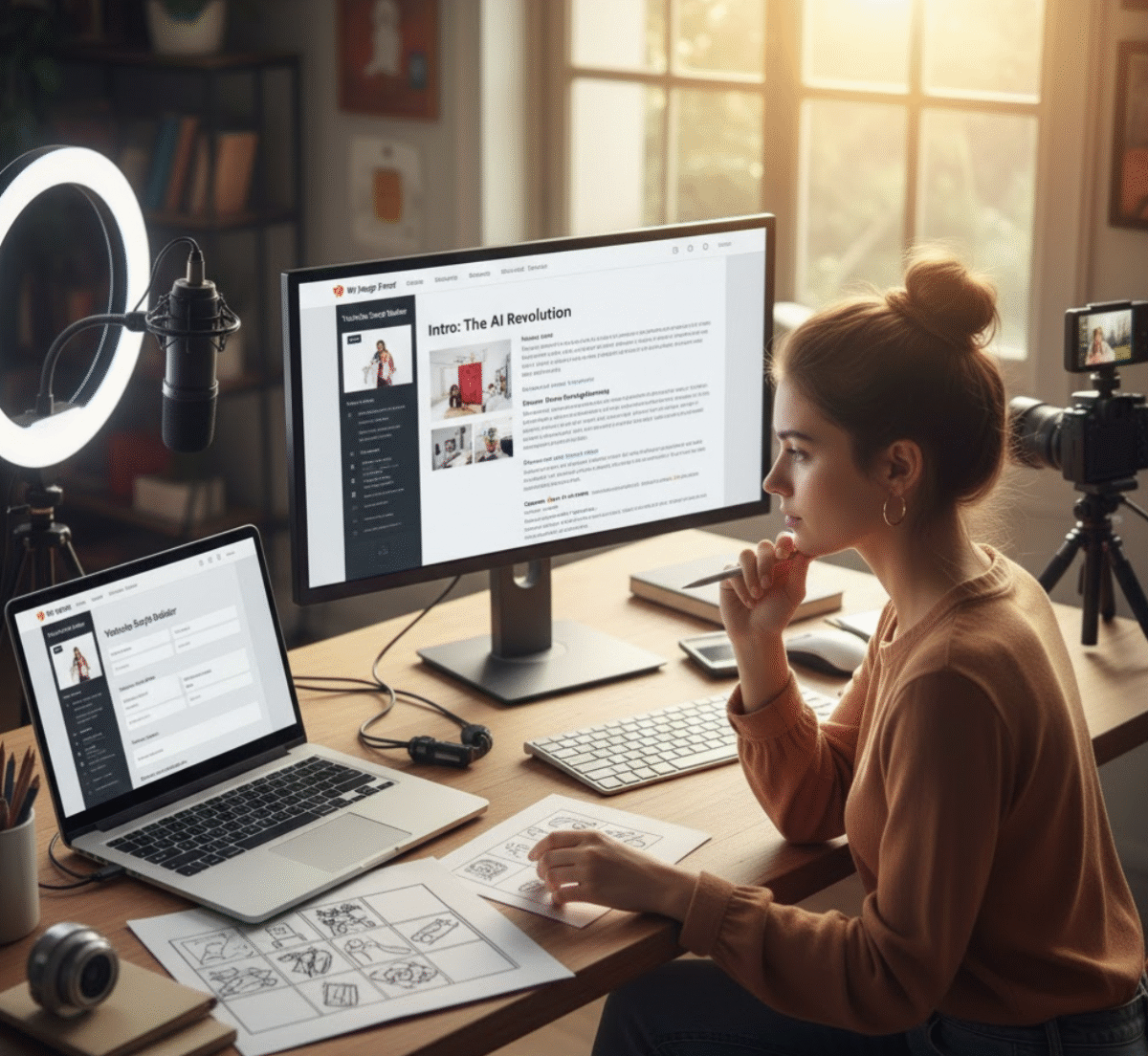
🎥 Introduction: Turning AI Into Your YouTube Scriptwriter
You have a great idea for your next YouTube video, but when you sit down to write the script, you hit a wall. The intro sounds flat. The pacing feels off. You’re not sure how to structure it so people actually watch to the end.
Sound familiar?
That’s where AI comes in. Tools like ChatGPT, Claude, and Gemini can help creators brainstorm ideas, structure scenes, and even write dialogue that sounds human. The key is knowing how to prompt them right.
In this guide, you’ll discover 10 powerful prompts for YouTube scripts that can help you go from concept to camera-ready content in record time. Whether you create educational explainers, lifestyle vlogs, or product reviews, these AI prompts will make your videos more engaging, polished, and watchable.
(Pro tip: You can generate optimized prompts instantly using My Magic Prompt — the AI productivity tool built for creators who want to skip prompt-writing and focus on creating.)
💡 Why Use AI for YouTube Scriptwriting?
AI isn’t just for brainstorming — it can help you:
- Save hours drafting and rewriting your video scripts
- Stay consistent in tone and pacing across your content
- Generate creative hooks and storytelling angles
- Visualize scenes with detailed camera and B-roll suggestions
But AI is only as good as your prompts. That’s why learning to write smart, structured prompts is a game-changer for YouTubers.
🧠 The 10 Best Prompts for YouTube Scripts
Each prompt below can be used directly with ChatGPT, Claude, or Gemini — or you can simplify the process using the Magic Prompt Chrome Extension to generate custom-tailored prompts in one click.
1. Video Title Generator Prompt
Prompt:
“You are a YouTube SEO expert. Generate 10 catchy, keyword-optimized video titles for a YouTube video about [insert topic]. Each title should be under 60 characters and designed to maximize click-through rate.”
Why it works: AI helps you test multiple title variations before finalizing one that aligns with search trends and viewer psychology.
2. Video Outline Prompt
Prompt:
“Create a detailed outline for a [topic] YouTube video that lasts around [X] minutes. Include intro, key sections, transitions, and call-to-action.”
Tip: Use this before you start scripting. A solid outline saves you hours of editing later.
3. Hook & Intro Prompt
Prompt:
“Write a YouTube intro that grabs attention within the first 10 seconds. The video topic is [topic], and the audience is [target viewers]. Include a relatable hook and preview of what’s coming.”
Example:
For a productivity channel:
“You’re not lazy — your to-do list is lying to you. Let me show you how to fix that.”
4. Storytelling Prompt
Prompt:
“Write a 60-second storytelling segment that illustrates the point: [insert key idea]. Keep it conversational, emotional, and engaging.”
Use case: Great for creators who mix personal stories with education or entertainment.
5. Explainer Section Prompt
Prompt:
“Write a YouTube script section that explains [concept] in simple, engaging language. Use analogies, examples, and short sentences.”
Why it works: AI excels at simplifying complex topics for general audiences — ideal for tutorials or thought-leadership videos.
6. Scene Breakdown Prompt
Prompt:
“Turn this script into a scene-by-scene breakdown. Include camera angles, B-roll ideas, and visual cues.”
Use case: Perfect for creators who plan visuals and pacing before filming.
7. Dialogue Prompt
Prompt:
“Rewrite this script in a friendly, conversational YouTube tone. Avoid robotic phrasing and keep it natural.”
Pro tip: Run your script through this prompt to make your delivery sound authentic.
8. CTA (Call-to-Action) Prompt
Prompt:
“Write a short, engaging call-to-action for the end of a YouTube video. Make it feel natural and aligned with the video’s tone.”
Example:
“If this helped you out, hit subscribe — and let’s make your next video even better.”
9. Retention Optimization Prompt
Prompt:
“Analyze this YouTube script and suggest ways to improve viewer retention. Identify slow parts, missing transitions, or weak hooks.”
Why it works: Keeps your pacing tight and your watch time high.
10. Repurposing Prompt
Prompt:
“Turn this YouTube script into 3 short-form video ideas for TikTok or Reels, maintaining the same tone and value.”
Pro tip: Extend your content’s reach without rewriting from scratch.
🛠️ How My Magic Prompt Simplifies YouTube Scriptwriting
Manually crafting AI prompts can be time-consuming — especially when you’re juggling filming, editing, and community management.
That’s where My Magic Prompt helps. It’s your all-in-one prompt builder and AI productivity toolkit. Here’s how creators use it:
- Access ready-to-use prompt templates for YouTube, blogging, and content creation.
- Customize tone, length, and structure with just a few clicks.
- Save your best prompts for reuse or team collaboration.
With the Magic Prompt Chrome Extension, you can even generate high-performing prompts directly in ChatGPT or Gemini without leaving your workflow.
🧰 FAQs: AI Prompts for YouTube Scripts
1. What’s the difference between a good and bad AI prompt?
A good prompt gives context, purpose, and structure. A bad one is vague or too short. For example, “Write a script” is weak. “Write a 5-minute educational YouTube script for beginners on personal finance with a friendly tone” gets better results.
2. Can AI write a full YouTube video script?
Yes — but you should still edit for tone, personality, and pacing. Think of AI as your co-writer, not your replacement.
3. How do I organize my YouTube prompts?
Use a system like My Magic Prompt’s Prompt Builder to categorize prompts by goal (hooks, storytelling, SEO, retention, etc.) and reuse them efficiently.
4. Which AI tool is best for YouTube scriptwriting?
ChatGPT, Claude, and Gemini are all powerful options. The key is using a tool like My Magic Prompt to generate and refine the perfect prompts for each.
5. How can I make AI scripts sound more human?
Add your personal touch. Use prompts like “rewrite in a natural, conversational YouTube tone” or inject humor, pauses, and storytelling beats.
💖 Final Thoughts: Smarter Prompts, Better Scripts
Creating YouTube scripts with AI isn’t about shortcuts — it’s about leverage. When you use the right prompts, you tap into AI’s ability to brainstorm, structure, and refine faster than ever.
Whether you’re crafting your next viral video or polishing your channel workflow, My Magic Prompt can help you build, save, and optimize your prompts in minutes.
✨ Ready to write your next YouTube script 10x faster? Explore My Magic Prompt and start creating like the pros.