
Prompt Systems for Fractional Executives
July 30, 2026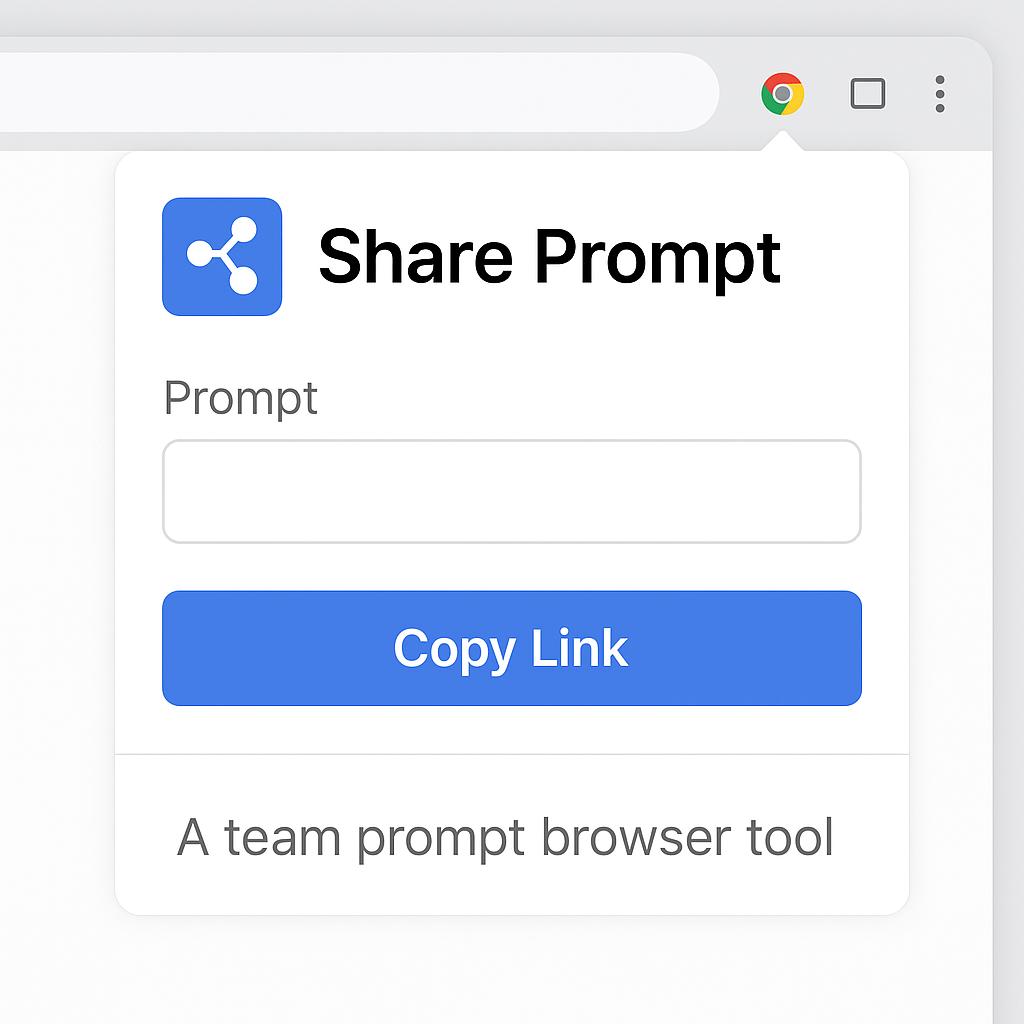
Prompt Systems for Non-Writers Who Still Need Great Copy
Ever stared at a blank AI chat window, knowing exactly what you want, but struggling with how to ask? If you’re not a copywriter—but still need standout content for emails, reports, or brainstorming—prompt engineering can feel intimidating. The good news: you don’t have to be a wordsmith to get results. With the right team prompt browser tool and a smart approach, anyone can generate and share effective prompts that unlock AI’s full potential.
Why Non-Writers Need Smart Prompt Systems
Whether you’re in marketing, HR, product, or operations, you likely rely on AI tools like ChatGPT, Claude, or Gemini for research, ideation, or quick draft generation. But the quality of AI output hinges on the quality of your prompts. Without a process—or the ability to share prompt Chrome extension assets—you risk reinventing the wheel or getting lackluster results.
- Consistency: Well-crafted prompts ensure reliable, repeatable outputs.
- Speed: Reusing and sharing prompts saves time across your team.
- Collaboration: Sharing prompt templates helps non-writers tap into best practices, fast.
Actionable Framework: Building Your Prompt System
Here’s a simple workflow for non-writers to create, use, and share great prompts—no wordsmithing required:
- Start with a Prompt Generator: Use tools like My Magic Prompt to auto-generate structured prompts tailored to your needs.
- Test & Refine: Run your prompt in your chosen AI (ChatGPT, Claude, Gemini, etc.). Tweak as needed for clarity or tone.
- Save & Organize: Store your best prompts in folders or collections for quick reuse.
- Share with Your Team: With the MagicPrompt Chrome extension, you can instantly export and share prompt assets directly from your browser. No more copying and pasting into docs or endless Slack threads—just one click to send templates to teammates or clients.
Best Practices for Sharing Prompts
- Label Prompts Clearly: Use descriptive names so others understand the use case at a glance.
- Include Example Outputs: Show what a good result looks like to guide users.
- Document Custom Variables: List which fields should be changed (e.g., “[project name]”).
FAQ: Prompt Sharing & AI Productivity
How do I share prompts with my team using a Chrome extension?
With tools like the MagicPrompt browser extension, you can export prompts directly from your browser and share them via email, chat, or cloud folders—no manual copying required.
Can non-writers really create effective AI prompts?
Absolutely. By leveraging prompt generators and templates, anyone can craft high-impact prompts—no writing expertise necessary. Check out My Magic Prompt for guided assistance.
How can I organize and reuse prompts efficiently?
Save prompts in categorized folders within your prompt tool. Label them by use case (e.g., “Outreach Email,” “Blog Outline”) and update as you refine them.
What are the benefits of sharing prompt assets?
Sharing prompts boosts team productivity, ensures consistency, and helps less-experienced members get up to speed quickly. It’s a productivity multiplier.
Are there security concerns with sharing prompts?
For sensitive data, ensure prompts don’t contain confidential information before sharing. Many prompt tools offer private or team-only sharing options. Learn more about prompt safety at IBM’s AI responsibility guide.
Unlock Your Team’s Prompt Power
Great copy isn’t just for writers. With prompt sharing tools and a smart system, anyone can command AI for better, faster results. Want to make prompt engineering effortless for your entire team? Explore how My Magic Prompt can be your secret productivity weapon.