
Your ChatGPT History Is a Mess: How to Save and Organize Key Prompts
July 6, 2026
What Is a Prompt Library and Why Every Creator Needs One
July 7, 2026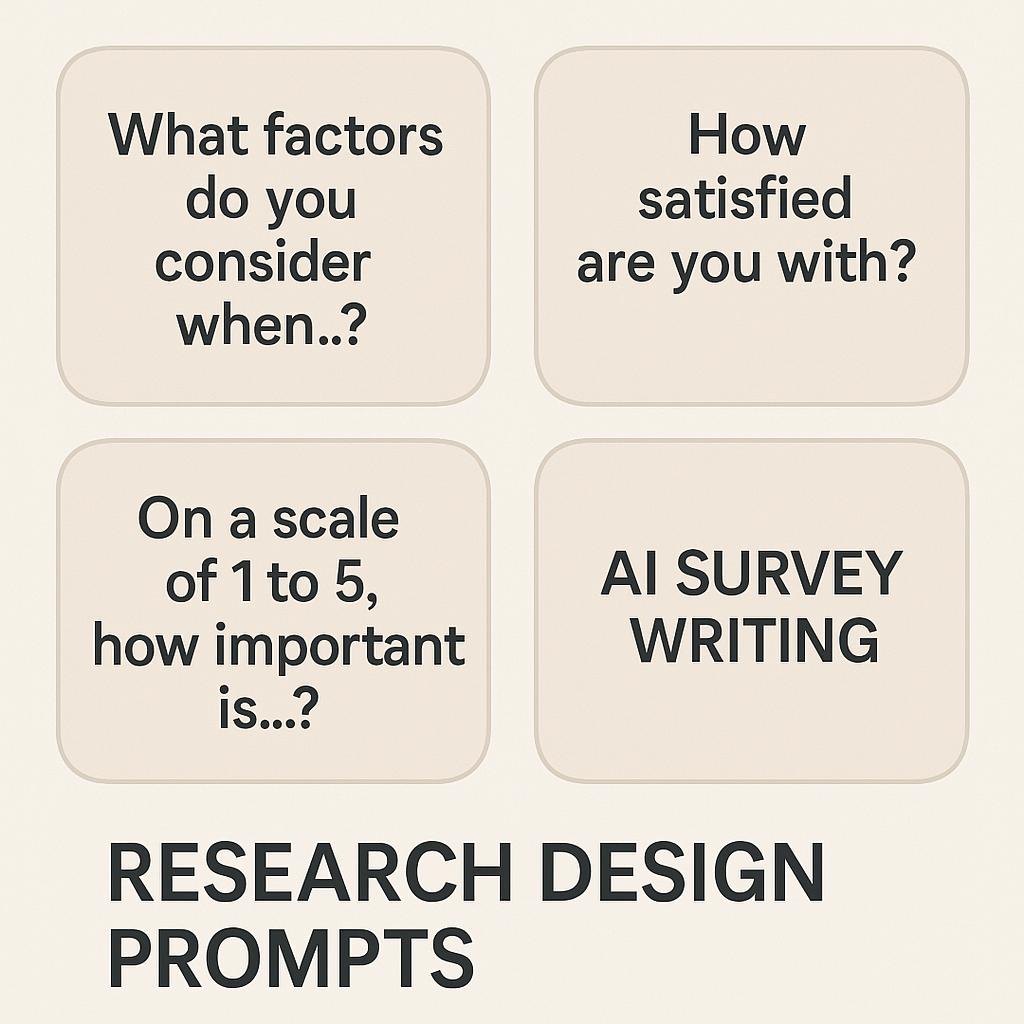
How to Build a Searchable Prompt Knowledge Base
Ever spent too long searching for that perfect survey question or rewriting research prompts from scratch? You’re not alone. As AI tools like ChatGPT, Claude, and Gemini become essential for productivity, the real advantage lies in how you organize and reuse your best survey question prompts and research design prompts. Imagine having a searchable prompt knowledge base—your own vault of high-quality, ready-to-use prompts—always at your fingertips.
Why Build a Prompt Knowledge Base?
- Consistency: Use proven prompts again and again to maintain quality.
- Speed: Find the right prompt instantly instead of reinventing the wheel.
- Collaboration: Share prompt frameworks across your team for better research design.
- Continuous Improvement: Refine prompts based on feedback or results.
Especially when working on research design or survey question writing, having a structured prompt library helps you draft questions that are clearer, less biased, and easier to analyze later (and yes, AI tools can help you get there).
Framework for Building Your Prompt Knowledge Base
-
Centralize Your Prompts
Start by collecting your best AI survey writing prompts in one place—Google Drive, Notion, or a tool like My Magic Prompt. -
Tag and Categorize
Organize prompts by topic (e.g., “market research,” “customer satisfaction”), AI tool (ChatGPT, Claude, Gemini), or prompt type (open-ended, multiple choice, Likert scale). -
Template Your Favorites
Turn your best-performing prompts into templates for repeat use. For example:- “Generate five neutral survey questions about [topic] that avoid leading language.”
- “Suggest Likert-scale options for measuring [attitude or behavior].”
-
Make It Searchable
Use searchable fields or tags to find prompts fast. Tools like MagicPrompt’s Chrome extension can help you save and quickly retrieve prompts as you work in your browser. -
Review and Update Regularly
Set a reminder to review your prompt base every month. Archive what’s outdated, and add new examples or modifications that worked well.
Prompt Knowledge Base Example Table
| Prompt | Category | Tags |
|---|---|---|
| Draft five unbiased survey questions about customer loyalty. | Survey Question Prompts | customer loyalty, unbiased, ChatGPT |
| Suggest a Likert-scale for measuring employee engagement. | Research Design Prompts | Likert, employee engagement, Gemini |
| Rewrite this question to minimize bias: [insert question] | AI Survey Writing | bias reduction, Claude |
FAQ: Building a Prompt Knowledge Base
Why should I store my survey question prompts?
Storing your prompts saves time, improves consistency, and lets you quickly access proven frameworks for future projects.
How do I make my prompt base searchable?
Use tagging, categories, and a digital tool (like Notion or My Magic Prompt) so you can filter and search by topic, AI tool, or outcome.
What makes a good research design prompt?
The best prompts are clear, specific, and unbiased—guiding the AI to generate useful, actionable questions or frameworks.
Can AI help me improve my survey writing?
Absolutely. AI can help you draft, refine, and even analyze survey questions, especially when you use high-quality prompts as a starting point.
How often should I update my prompt knowledge base?
Review your prompt library monthly. Add new prompts that worked well and remove or update those that are outdated or less effective.
Start Building Your Prompt Library
A well-organized prompt knowledge base is a game-changer for anyone serious about research design and AI survey writing. Start small—centralize and tag your best prompts, and you’ll see your productivity soar. Want a smarter way to collect, search, and use your prompts? Explore My Magic Prompt and see how easy prompt management can be.