
Title: How to Use MagicPrompt’s Library to Build a Client Prompt Template
April 20, 2026
How to Build Prompts for Monthly Business Reviews
April 21, 2026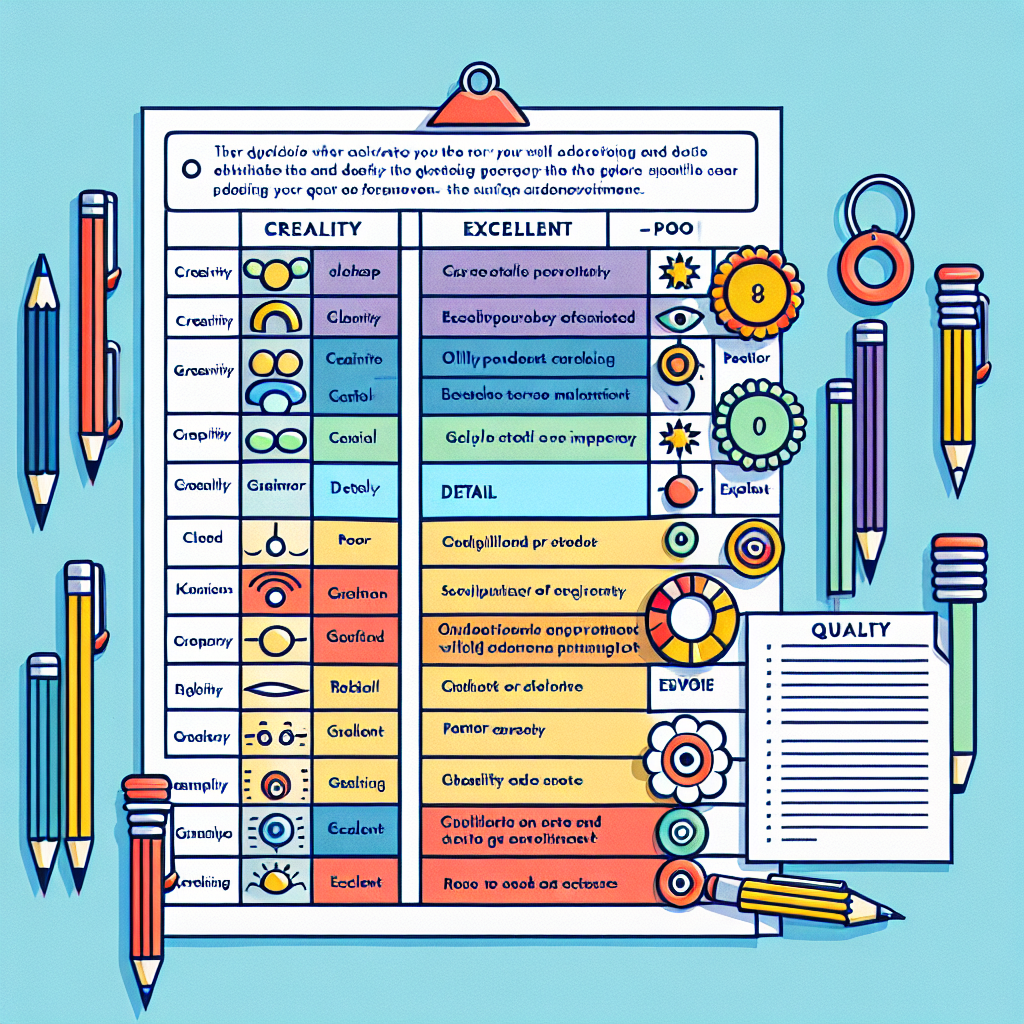
What Is a Prompt Scorecard?
Ever spent hours tweaking an AI prompt, only to get inconsistent results or confusing outputs? If you’re working with tools like ChatGPT, Claude, or Gemini, you know how much hinges on the quality of your prompts. But how can you tell if a prompt is actually “good”—and worth sharing with your team? Enter the prompt scorecard: your new secret weapon for evaluating, refining, and scaling high-quality AI prompts.
What Is a Prompt Scorecard?
A prompt scorecard is a simple but powerful framework for prompt evaluation. Think of it as a “rubric” that helps you assess prompts across key dimensions—before you trust them with critical tasks or share them across your organization. By using a prompt quality rubric, you can boost clarity, consistency, and productivity as you work with AI.
Image alt text suggestion: Example of a prompt scorecard with clarity, output quality, reusability, and reliability columns highlighted.
Key Criteria for Scoring AI Prompts
Here’s a practical checklist you can use to evaluate prompts with your team:
| Criteria | What to Look For | Score (1-5) |
|---|---|---|
| Clarity | Is the prompt specific, unambiguous, and easy to understand? | |
| Output Quality | Does it consistently deliver relevant, actionable, and well-structured outputs? | |
| Reusability | Can others easily adapt or repurpose this prompt for similar tasks? | |
| Reliability | Does the prompt work well across different AI models or datasets? |
Pro Tip: When you score each criterion from 1 (poor) to 5 (excellent), you get a clear, repeatable way to spot high-quality prompts worth sharing—or to identify which ones need a bit more polish.
How to Use a Prompt Scorecard (With Example)
- Draft your prompt. For example: “Summarize this article in three bullet points.”
- Score each criterion:
- Clarity: 5 (clear and direct)
- Output Quality: 4 (outputs are concise but sometimes miss key details)
- Reusability: 5 (can be used on many articles)
- Reliability: 4 (works well in ChatGPT and Gemini, but Claude needs tweaks)
- Refine as needed. If reliability is low, tweak your prompt and retest.
Want to level up your prompt engineering even more? My Magic Prompt makes it easy to generate, evaluate, and organize high-quality prompts for any AI model.
Best Practices for Prompt Evaluation
- Document your scorecards—build a prompt library for your team to reuse and improve.
- Test across models—since prompts can behave differently in ChatGPT, Claude, or Gemini.
- Iterate quickly—use feedback and scoring to improve prompt quality over time.
- Encourage team input—collaborative scoring can reveal blind spots and boost reliability (Prompt Engineering Guide).
Prompt Scorecard FAQ
What is a prompt scorecard?
A prompt scorecard is a rubric or checklist that helps you evaluate the clarity, output quality, reusability, and reliability of AI prompts before using or sharing them.
Why should I use a prompt evaluation framework?
Prompt evaluation ensures your AI interactions are consistent and high-quality. It helps teams avoid confusion, wasted time, and unreliable outputs.
How do I create a prompt quality rubric?
Start by listing criteria that matter most for your use case (e.g., clarity, output quality, reusability, reliability). Score each on a simple 1-5 scale and review regularly.
Can prompt scorecards be used for all AI models?
Absolutely! While you may need to adjust criteria for different models, the core principles work for ChatGPT, Claude, Gemini, and more. Testing across platforms is recommended.
Are there tools to automate prompt evaluation?
Yes—tools like MagicPrompt Chrome Extension can help you generate and organize prompts, making the evaluation process smoother.
Where can I learn more about prompt engineering?
Check out the OpenAI Research Blog or our My Magic Prompt resources for more tips and frameworks.
Ready to Score (and Scale) Great Prompts?
With a prompt scorecard in your toolkit, you’ll spend less time guessing and more time doing—confidently. Try building your own rubric, and if you want to go even faster, explore how My Magic Prompt can help your team level up prompt evaluation and productivity.