

Why Every Chrome User Needs a Prompt Manager Extension
August 20, 2026
Why Prompt Copy-Paste Is Killing Your Productivity (And the Fix)
August 21, 2026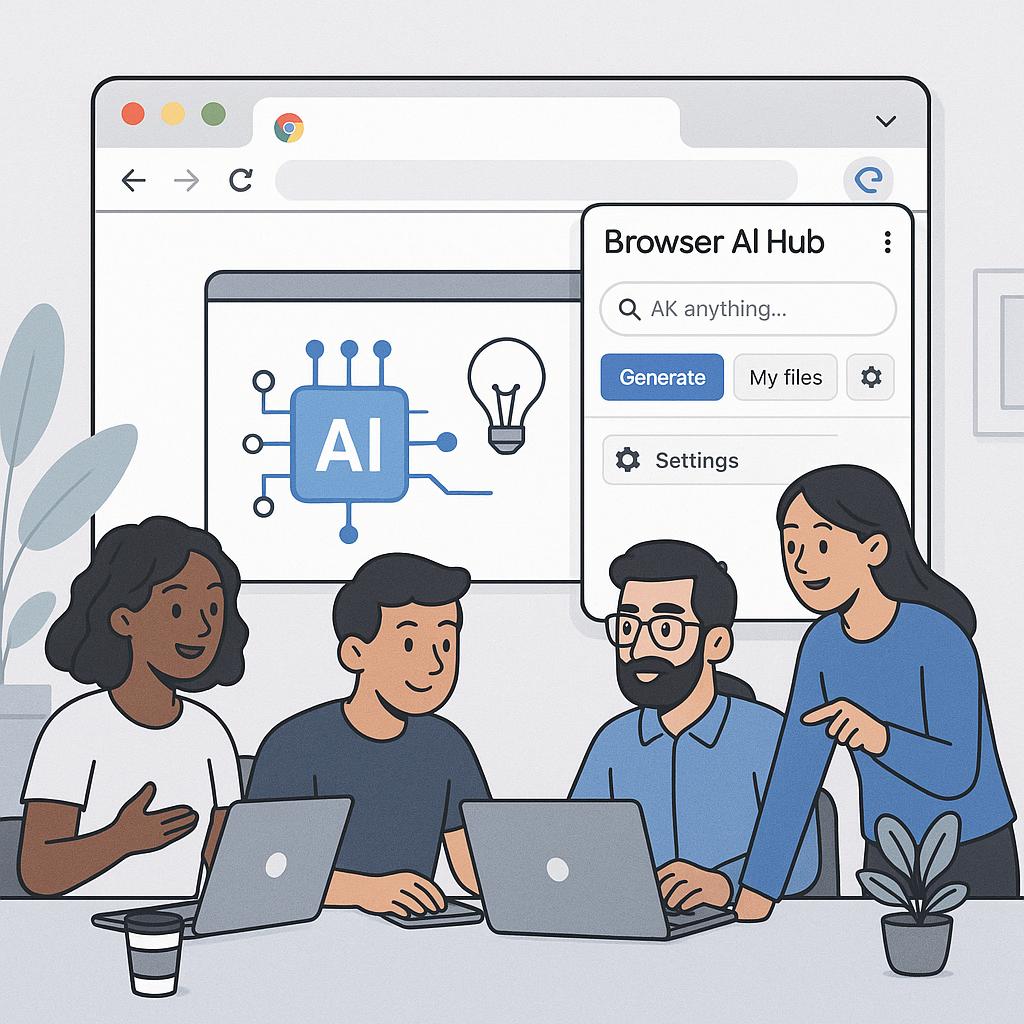
Why Power Users Install MagicPrompt Before Any Other AI Extension
Ever feel like your team’s best AI prompts are scattered across browser tabs, Slack threads, or forgotten Google Docs? Most teams want their AI workflows to run like clockwork, but end up wasting time finding, sharing, or standardizing prompts. That’s where a browser AI hub team approach—especially through a Chrome extension shared workspace—becomes a real game-changer.
The Modern AI Team’s Challenge: Chaos vs. Consistency
Smart teams know that prompt engineering is now as important as coding or writing. But as soon as you add more people to your AI stack, the quality and consistency of prompts can spiral. Here’s what typically happens:
- Everyone invents their own prompts (with mixed results)
- Best practices are lost in private bookmarks or chats
- Output standards are unclear, making collaboration harder
Instead, high-performing teams use tools like My Magic Prompt as their “AI prompt command center”—a centralized browser extension workspace where everyone can access the latest, highest-quality prompts, tags, and output guidelines.
How MagicPrompt Supercharges a Browser AI Hub Team
Here’s how top AI users set up their Chrome extension shared workspace to maximize results:
1. Centralize Your Team’s Best Prompts
- Save and share: Collect proven prompts for ChatGPT, Claude, Gemini, and more—all in one place.
- Tag and organize: Use tags for projects, use cases, or levels of complexity, making retrieval a breeze.
2. Standardize Output for Consistency
- Create template prompts with output rules (tone, format, length) for repeatable, team-wide quality.
- Set up “output checklists” so everyone delivers work that meets your standards.
3. Accelerate Onboarding and Collaboration
- New team members can start strong with pre-approved prompts and frameworks.
- Feedback loops: Share prompt tweaks and improvements instantly.
Example: From Prompt Chaos to AI Harmony
| Before MagicPrompt | After MagicPrompt |
|---|---|
| Prompts lost in personal notes | Prompts shared in a central Chrome extension |
| Inconsistent AI output | Standardized results with team templates |
| Slow onboarding for new hires | One-click access to team best practices |
FAQ: Chrome Extension Shared Workspace for AI Teams
- What is a browser AI hub team?
- A browser AI hub team is a group that centralizes their AI prompt engineering and workflows using browser-based tools, ensuring everyone has access to shared prompts, templates, and best practices.
- Why use a Chrome extension as a shared workspace?
- Chrome extensions like MagicPrompt offer a seamless, always-accessible interface directly in your browser, making team collaboration on prompts and workflows fast and standardized.
- How do I manage prompt version control?
- With MagicPrompt, you can update, tag, and comment on prompts. This helps keep everyone on the latest, most effective versions.
- Can I set up output standards for my team?
- Yes! MagicPrompt lets you create prompt templates with output rules—so everyone’s results are consistent, regardless of the AI platform.
- Is MagicPrompt compatible with multiple AI models?
- Absolutely. MagicPrompt is designed to work with ChatGPT, Claude, Gemini, and other leading conversational AI tools.
Your Team’s Next Step: Centralize, Standardize, Accelerate
Ready to transform your team’s prompt engineering from scattered to streamlined? Start by exploring MagicPrompt for Chrome—the secret weapon of high-output AI teams. For more tips on prompt frameworks and productivity, visit our resource hub.
For further reading on prompt engineering best practices, check out LearnPrompting or explore industry trends on Forbes.