

5 Prompts to Generate Social Media Content Calendars in 60 Seconds
June 22, 2026
10 Chrome Extensions That Replace Half Your SaaS Stack
June 25, 2026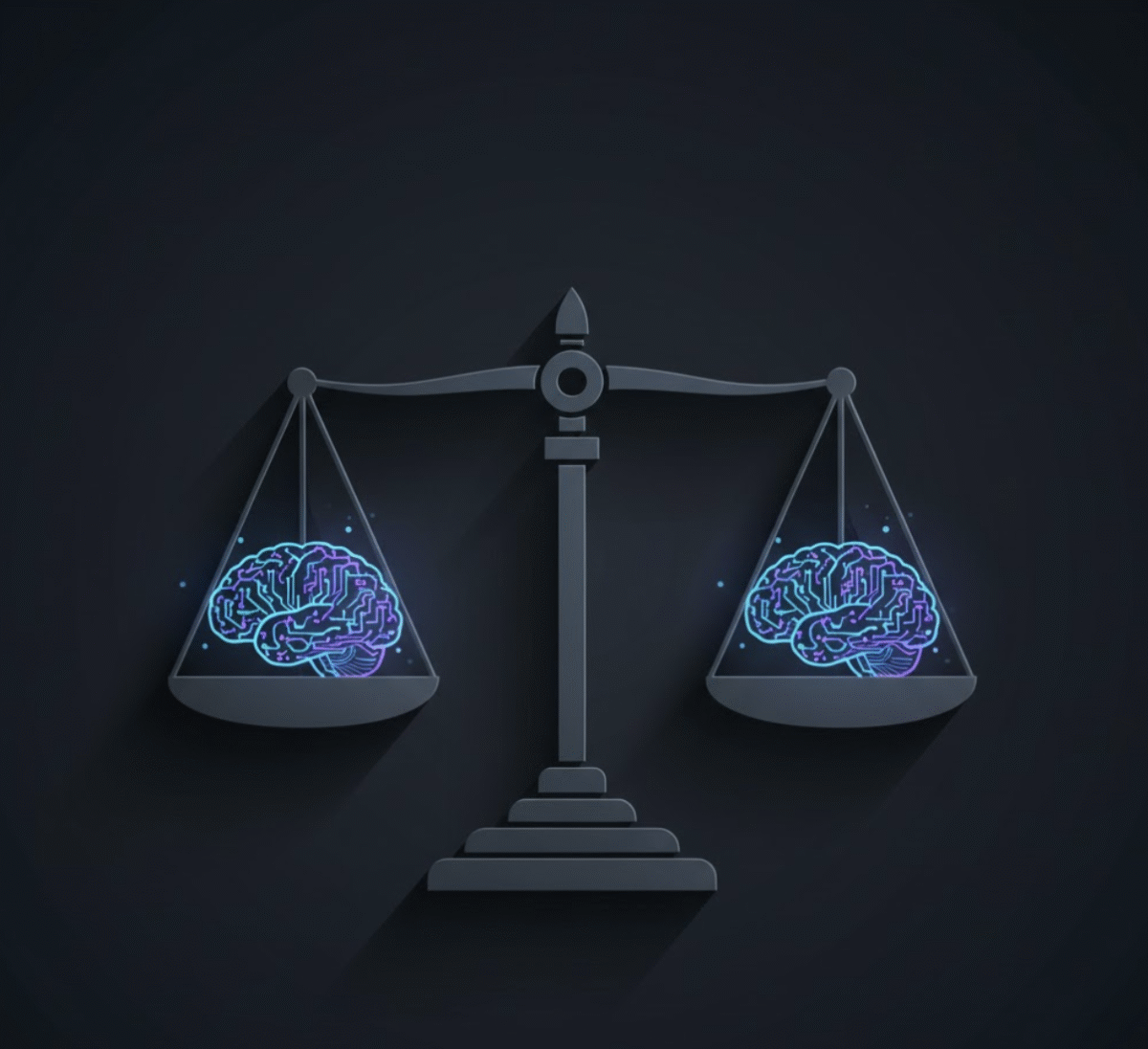
Introduction: Why Bias in AI Output Matters More Than Ever
AI is now drafting press releases, evaluating resumes, and even generating policy proposals. But while AI saves time, it also comes with a hidden risk — bias. From unintentional cultural stereotypes to skewed data assumptions, unchecked AI outputs can damage credibility, create PR disasters, or perpetuate inequality.
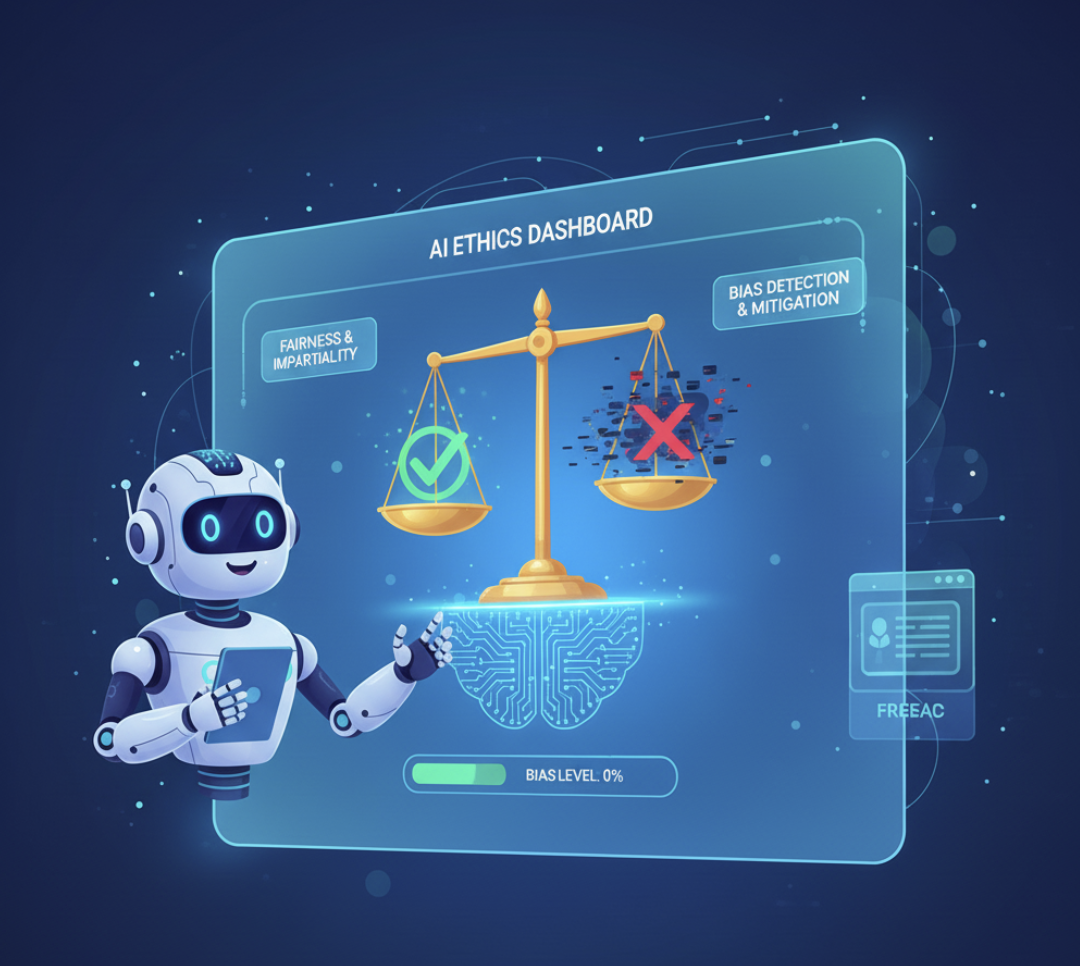
That’s why every AI professional — especially those in ethics, communications, and public relations — needs a way to catch bias before publishing. Enter: the Ethical Review Prompt, a simple but powerful tool that helps your AI check its own work.
The Challenge: Even Smart AI Models Can Miss the Mark
Even top-tier AI models like ChatGPT, Claude, and Gemini are trained on massive datasets that include cultural, gender, and political biases. When those biases surface in AI-generated outputs, the impact can range from subtle tone issues to full-blown reputation risks.
Here are a few real-world examples:
- A PR statement that unintentionally favors one demographic group.
- A policy summary that uses gendered language.
- A product description that assumes a Western cultural context.
These issues often go unnoticed — not because users are careless, but because AI-generated text sounds confident and polished.
The Solution: The “Ethical Review” AI Prompt
You can prompt the AI itself to act as a second set of eyes — identifying bias, cultural insensitivity, or ethical red flags.
Here’s a ready-to-use Ethical Review Prompt:
Prompt Template:
“Review the following AI-generated text for potential bias, ethical concerns, or cultural insensitivity. Highlight any problematic phrasing or assumptions and suggest neutral alternatives. Then summarize the overall fairness of the content.”
You can adjust this prompt by context — for example:
- For HR teams: “Check this job post for gender bias or exclusionary language.”
- For PR professionals: “Review this press release for tone, inclusivity, and ethical impact.”
- For marketers: “Ensure this ad copy does not reinforce stereotypes or cultural bias.”
How to Automate Ethical Reviews with My Magic Prompt
If you frequently generate AI text, running these checks manually can be time-consuming. That’s where My Magic Prompt comes in.
With My Magic Prompt, you can:
- 💬 Save your Ethical Review Prompt as a reusable template.
- ⚙️ Automate the review process using custom prompt workflows.
- 🔄 Compare AI outputs side-by-side for fairness and tone balance.
👉 Try it directly with the Magic Prompt Chrome Extension — ideal for anyone who needs instant ethical checks inside ChatGPT or Gemini.
Framework: The 3-Step Ethical AI Review
Use this simple framework to assess AI-generated outputs:
| Step | Action | Goal |
|---|---|---|
| 1. Detect | Ask the AI to identify biased or sensitive phrasing | Spot issues early |
| 2. Correct | Request alternative phrasing that’s neutral and inclusive | Improve tone and fairness |
| 3. Reflect | Ask the AI to summarize what changed and why | Build ethical awareness |
This approach turns AI into an ethical collaborator, not just a content generator.
Why This Matters for Public Relations and Brand Safety
Ethics professionals and PR teams operate in a world where a single sentence can make or break public trust. Using AI responsibly isn’t just good practice — it’s a brand necessity.
By integrating Ethical Review Prompts into your workflow, you:
- Protect your organization’s reputation.
- Foster inclusivity and empathy in communication.
- Demonstrate transparency and accountability.
External Reference: Harvard Business Review highlights that ethical AI use improves long-term customer trust and brand resilience.
FAQs: Ethical AI Prompts and Bias Checks
1. What is an AI prompt for bias check?
An AI bias check prompt asks the model to analyze its own response for potential bias or cultural insensitivity, helping ensure more ethical outputs.
2. How do I know if AI text is biased?
Look for language that assumes stereotypes, excludes groups, or uses emotionally charged terms. Tools like My Magic Prompt help you detect these faster.
3. Can I automate bias reviews?
Yes! Using saved prompt templates in My Magic Prompt or the Chrome Extension allows you to standardize and reuse review workflows.
4. Is AI bias always intentional?
No — most bias comes from training data. That’s why proactive review is essential to maintain ethical communication.
5. How can teams collaborate on ethical reviews?
Teams can share Ethical Review Prompts inside My Magic Prompt’s template library, creating a shared standard for ethical quality control.
Conclusion: Make Ethics a Built-In Part of Your AI Workflow
AI can be a force for fairness — if we prompt it right. With the Ethical Review Prompt, you don’t just generate smarter text — you generate responsible text.
Start by saving your bias check prompt today using My Magic Prompt’s free template builder and make every AI output a little more fair, thoughtful, and human.