

Prompt Testing 101: How to Compare Two Prompt Versions
April 20, 2026
What Is a Prompt Scorecard?
April 20, 2026
✍️ Introduction: Stop Reinventing Prompts for Every Client
If you’re an agency or freelancer managing multiple brands, you’ve probably spent hours rewording the same AI prompts for different clients — adjusting tone, formatting, or brand voice each time. It’s tedious, inefficient, and inconsistent.
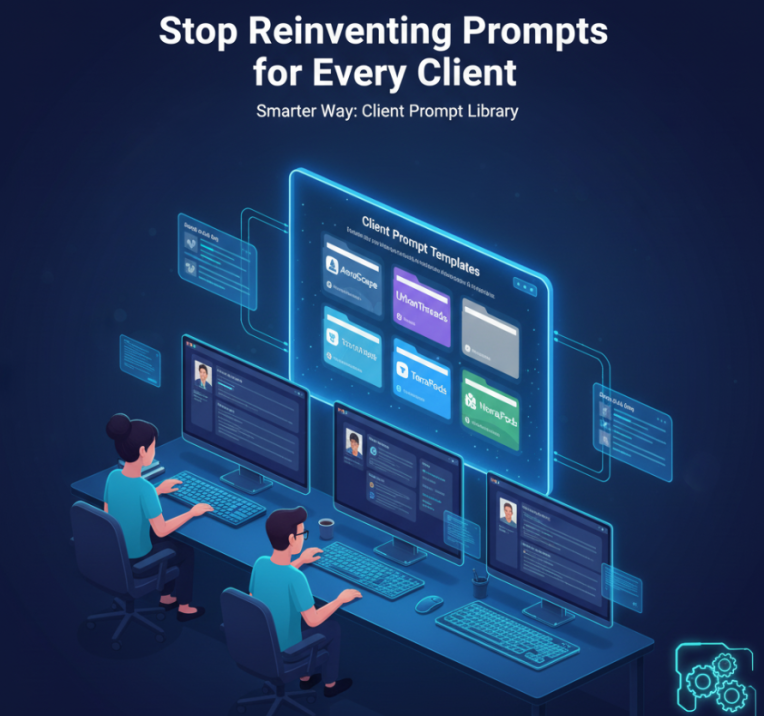
Here’s the smarter way: build a client prompt template library once, standardize it, and share it with your team. Using My Magic Prompt, you can organize, brand, and systemize your prompts into a reusable toolkit that keeps every client’s voice and workflow consistent — no matter who’s behind the keyboard.
🧠 Why Agencies Need a Client Prompt Template Library
Whether you’re running a content studio, marketing firm, or social media agency, your clients expect:
- Consistency in tone and output
- Faster content turnaround
- Brand-safe AI usage
A client prompt template library gives your team a central hub of pre-approved, structured prompts — reducing trial and error, ensuring brand alignment, and speeding up deliverables.
Think of it like your agency’s “AI style guide.” Every time you onboard a new client, you simply duplicate and personalize a pre-built template.
⚙️ Step-by-Step: How to Build a Client Prompt Template in MagicPrompt
Below is a simple workflow to get your agency’s prompt system up and running inside MagicPrompt.
Step 1: Start from a Proven Base Prompt
- Open the MagicPrompt Chrome Extension or web app.
- Search for prompts relevant to your service — e.g., “SEO blog generator,” “brand tone enhancer,” or “social caption planner.”
- Save or favorite your best-performing prompts as a starting point.
💡 Pro Tip: Include your client’s unique brand voice parameters, such as tone, format, and key phrases, directly in the prompt variables.
Step 2: Create a Reusable Client Prompt Template
Inside MagicPrompt’s Prompt Builder, set up structure blocks for variables like:
| Variable | Example | Purpose |
|---|---|---|
| {{brand_name}} | My Magic Prompt | Consistent brand reference |
| {{tone}} | Friendly, confident | Maintain tone across content |
| {{content_goal}} | Drive conversions | Clarify the purpose of each prompt |
This makes it easy for anyone on your team to adapt prompts per client without changing the core structure.
Step 3: Organize Templates into Folders or Collections
Use MagicPrompt’s Library to create dedicated folders for each client or campaign:
- Client Folders: e.g., Brand A – Blog Prompts, Brand B – Social Media Prompts
- Category Tags: e.g., copywriting, email, SEO, ads
This keeps all your client-approved prompts accessible and logically grouped.
Step 4: Share and Collaborate with Your Team
You can invite collaborators or export selected templates for your copywriters or strategists to use. The shared library ensures:
- Everyone’s using the same version of the prompt.
- Clients get consistent quality regardless of the assigned writer.
- Your agency maintains brand control while scaling production.
Step 5: Refine with Data and Feedback
Regularly revisit your templates based on:
- Client feedback
- AI output quality
- Performance metrics (CTR, engagement, conversions)
Small prompt tweaks (e.g., clarifying instructions or adjusting tone) can lead to major quality improvements.
📚 Example: Client Prompt Template for Content Strategy
Prompt Name: Blog Outline Builder (Client Template)
“You are a content strategist for {{brand_name}}. Write a detailed blog outline targeting {{target_audience}}. The tone should be {{tone}} and the goal is to {{content_goal}}. Include keyword suggestions and headings that align with {{brand_voice}}.”
This reusable format lets you scale your content production while maintaining brand integrity.
💼 How MagicPrompt Makes Agency Workflows Easier
MagicPrompt isn’t just a place to store prompts — it’s your AI workflow command center. Here’s how it fits into your agency operations:
- Prompt Templates: Build once, use forever
- Prompt Variables: Automate personalization
- Prompt Library: Centralize your entire agency’s AI assets
- Team Sharing: Collaborate in real-time
By turning AI prompts into structured, shareable systems, you’ll spend less time managing chaos — and more time delivering results.
❓ FAQ: Client Prompt Templates for Agencies
1. What’s the difference between a good and bad AI prompt?
A good prompt gives clear instructions, defines variables (like tone or goal), and aligns with brand context. A bad prompt is vague or overly generic.
2. Can I reuse one client template for multiple brands?
Yes — just adjust variables like {{brand_name}} and {{tone}} inside MagicPrompt’s builder.
3. How can I organize my prompts for different clients?
Use MagicPrompt’s folder system to categorize prompts by client, goal, or content type.
4. Do I need to code or use APIs?
Not at all. MagicPrompt’s drag-and-drop builder and library system make it no-code friendly.
5. Is MagicPrompt only for agencies?
No — freelancers, content creators, and teams use it to streamline AI productivity too.
🤍 Build Smarter, Scale Faster
When every client project starts with a clear, consistent prompt template, your team works faster — and your clients see better results.
Start building your client prompt library today with My Magic Prompt and experience the future of AI-powered collaboration.