

The Best Prompts for Investor Updates and Board Summaries
May 12, 2026
The Best 7 AI Prompts for Technical Documentation and Manuals
May 18, 2026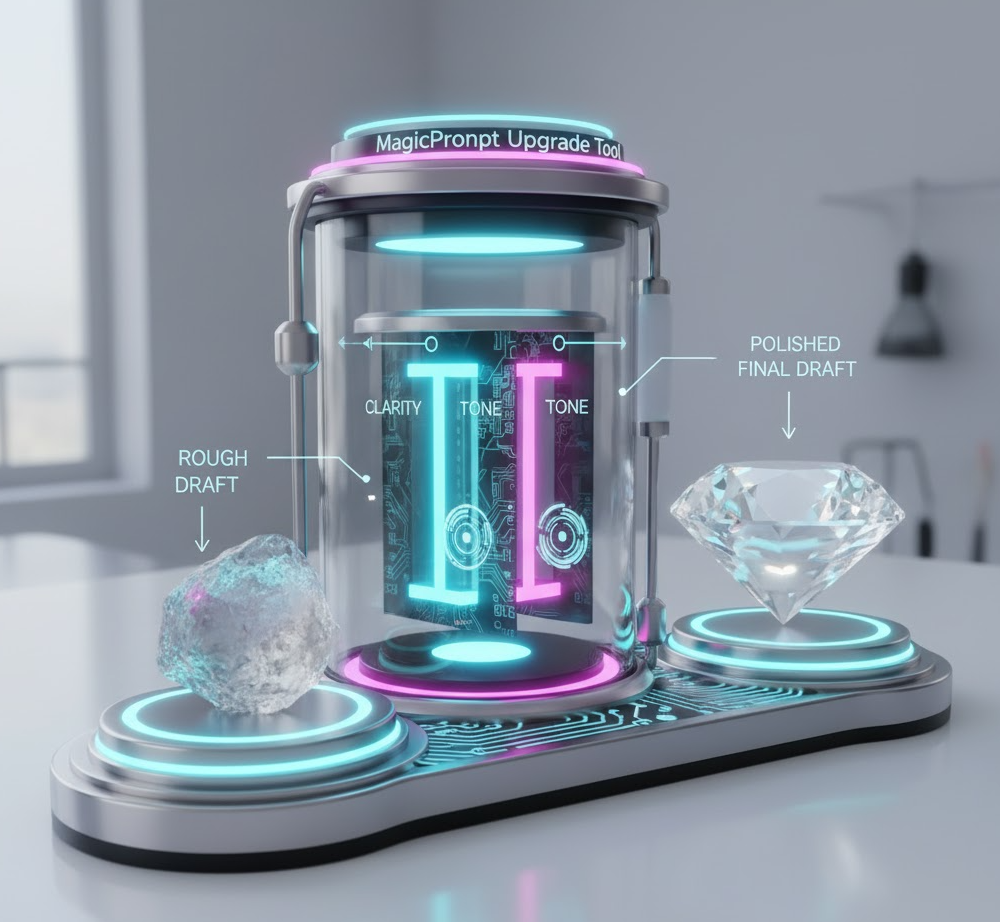
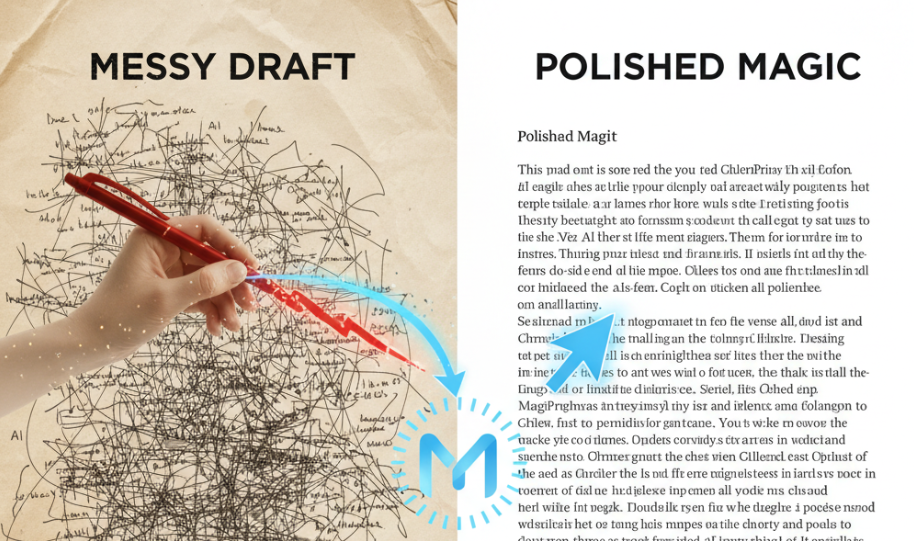
✍️ Introduction: From Messy Drafts to Polished Magic
We’ve all been there — staring at a rough AI draft that’s almost good enough. The ideas are there, but the tone feels off. The structure’s clunky. Maybe it’s too long, too short, or just doesn’t sound human enough. You know it needs refining, but where do you even start?
That’s where MagicPrompt’s Upgrade Tool comes in — your shortcut to instantly transform messy AI outputs into clean, compelling drafts ready for publication. Whether you’re a blogger, editor, or writer juggling multiple deadlines, this tool can make the difference between “decent” and “wow.”
In this guide, you’ll learn how to refine drafts with AI using MagicPrompt’s Upgrade Tool — step by step — and discover a few pro-level prompt tips to make every output shine.
🧠 Why AI Drafts Still Need Refinement
AI tools like ChatGPT, Claude, and Gemini are fantastic for generating ideas and first drafts — but even the best models can produce content that feels generic, repetitive, or unpolished.
Here’s why refinement is essential:
- AI lacks context — it can miss tone or nuance specific to your brand.
- Drafts can be verbose — you often get more words than substance.
- Formatting issues — paragraphs may be uneven or lack logical flow.
- Voice consistency — switching between formal and casual tones mid-paragraph is common.
That’s why smart AI users don’t just generate content — they upgrade it.
🚀 Meet the MagicPrompt Upgrade Tool
The Upgrade Tool is like having a built-in editor, writing coach, and content strategist in one. It analyzes your rough draft and automatically refines it based on your goals — clarity, tone, length, or engagement.
🔍 Key Benefits:
- Instant polish: Eliminate awkward phrasing, grammar errors, and redundancy.
- Custom tone control: Choose from friendly, professional, persuasive, or creative tones.
- Content optimization: Improve structure, flow, and readability.
- SEO awareness: Refine copy with relevant keywords without keyword stuffing.
You can access it directly from your MagicPrompt Dashboard or the MagicPrompt Chrome Extension for instant editing while you work.
🧩 Step-by-Step: How to Refine Any Draft with AI
Let’s walk through how to use MagicPrompt’s Upgrade Tool to elevate your next piece.
Step 1: Paste Your Rough Draft
Copy and paste your AI-generated draft into the Upgrade Tool workspace. You can upload full blog sections, email sequences, or product descriptions.
Step 2: Choose Your Goal
Select what kind of upgrade you need:
- Clarity & Flow – Great for blog posts or explainer content.
- Tone & Voice Alignment – Perfect for brand or editorial consistency.
- SEO Optimization – Adds keyword density and headline structure improvements.
Step 3: Set Tone & Length Preferences
Choose from tone options like friendly, authoritative, or storytelling, and define how long or short you want the final version.
Step 4: Click “Upgrade” and Review
Within seconds, MagicPrompt delivers a refined version. You can view both drafts side-by-side — the raw input and the polished upgrade — to see exactly what changed.
Step 5: Add a Final Touch (Optional)
Use the built-in Prompt Templates or AI Toolkit to make further edits or stylistic adjustments before publishing.
💡 Pro Tips: Get the Most Out of the Upgrade Tool
Want next-level results? Try these expert strategies:
- Start with a clear intent. Tell the tool what your goal is: “Make this sound like a human-written LinkedIn post.”
- Use short sections. Refining in chunks improves accuracy.
- Leverage prompt chaining. Combine “Upgrade” with “Reformat” or “Summarize” for advanced workflows.
- Test multiple tones. Compare how “expert” vs. “friendly” versions perform for your audience.
For more inspiration, explore our Prompt Builder inside My Magic Prompt’s AI Toolkit — perfect for custom prompt refinement.
❓ FAQ: Refining Drafts with AI
1. What does “refine draft with AI” actually mean?
It means improving your initial AI output by enhancing clarity, tone, grammar, and structure using AI-assisted editing tools like MagicPrompt’s Upgrade Tool.
2. How is refining different from rewriting?
Refining polishes the existing content while preserving your ideas. Rewriting generates an entirely new version. Refining saves time and keeps your voice intact.
3. Can I use the Upgrade Tool on human-written drafts?
Absolutely. It’s just as effective for polishing your original writing as it is for improving AI outputs.
4. Is it better than using ChatGPT’s “Improve this” command?
Yes — because MagicPrompt’s Upgrade Tool uses a structured, purpose-built refinement prompt flow designed for writers and editors.
5. Will it change my brand tone?
Only if you ask it to. You can set tone presets so your brand voice stays consistent across every refinement.
6. Can it help with SEO?
Yes! It can subtly enhance keyword placement, improve readability scores, and generate better headlines for higher search visibility.
🤍 Upgrade Your Workflow, Not Just Your Words
Refining drafts doesn’t have to be tedious. With MagicPrompt’s Upgrade Tool, you can turn rough AI (or human) drafts into publication-ready content — in seconds.
If you’re ready to streamline your creative process, check out:
- My Magic Prompt Homepage
- MagicPrompt Chrome Extension
- Our growing library of prompt templates and AI writing tools
Because the smartest writers don’t just use AI — they refine it.