

Chrome Extensions That Work With Claude, ChatGPT, and Gemini
June 27, 2026
How to Use MagicPrompt to Quickly Share Prompts on WhatsApp and Slack
June 29, 2026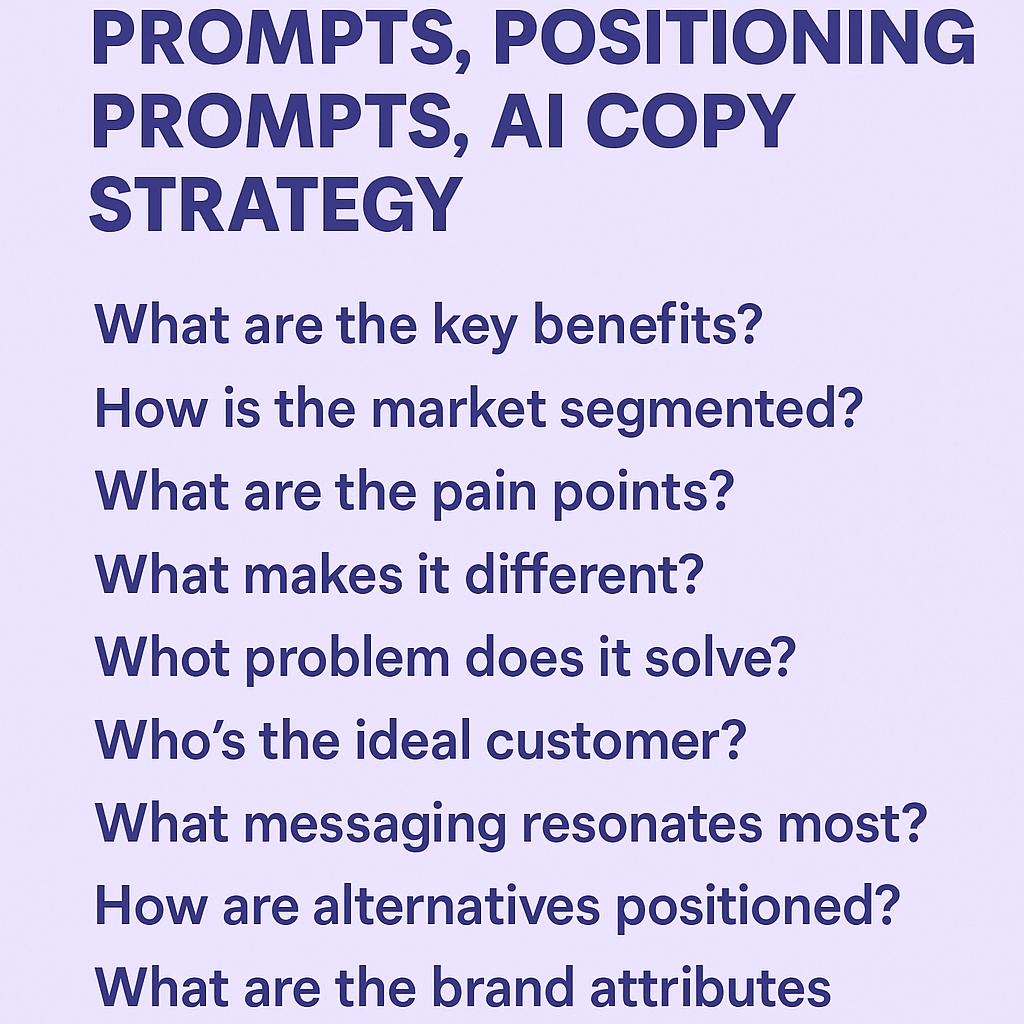
How Browser Extensions Make AI More Consistent for Teams
Meta Description: Use prompts to sharpen messaging around pains, outcomes, differentiation, and objections.
Ever feel like your team’s AI-generated content is a little… unpredictable? One day, your product messaging is sharp and on brand, and the next, it’s off-key or repeats old mistakes. As more teams rely on AI tools for product messaging prompts, positioning prompts, and copywriting strategy, consistency becomes the secret to standing out rather than blending in.
Why AI Consistency Matters for Teams
AI can supercharge productivity, but without the right guardrails, teams often struggle to align on voice, messaging, and strategic focus. Here’s where browser extensions step in: they bring your best prompts straight to the apps and workflows your team already uses—no more hunting for documents or recopying instructions.
- Consistent Messaging: Ensure every prompt reinforces your brand’s pain points, outcomes, and unique differentiation.
- Faster Iteration: Save and reuse proven prompts so teams aren’t reinventing the wheel for each project or campaign.
- Reduced Friction: Launch prompts directly in ChatGPT, Claude, Gemini, and more, right from your browser.
Frameworks for Better AI Copy with Browser Extensions
Want to level up your AI copy strategy? Here are a few battle-tested frameworks you can bake into your prompts using a browser extension like My Magic Prompt:
| Prompt Type | Framework | Example |
|---|---|---|
| Product Messaging Prompts | PAIN-OUTCOME-DIFFERENTIATION | “Write a landing page headline that addresses [customer pain], emphasizes [desired outcome], and highlights how we’re different from [competitor].” |
| Positioning Prompts | Who-What-Why Now | “Summarize our product for [target audience], explain what it does, and why it’s essential right now.” |
| Objection Handling | Feel-Felt-Found | “Craft a response for customers who hesitate because of [objection], using the Feel-Felt-Found method.” |
Tips for Teams Using AI Browser Extensions
- Standardize your best prompts and share them across your team workspace.
- Use versioning to improve prompts over time—track what works and what needs tweaking.
- Encourage feedback so everyone contributes to prompt quality and effectiveness.
- Integrate your extension with multiple AI platforms for maximum flexibility. See how MagicPrompt does it.
FAQ: Making the Most of AI Browser Extensions for Messaging
- What are product messaging prompts?
- Product messaging prompts are carefully crafted instructions designed to guide AI in generating copy that highlights your product’s pain points, outcomes, and differentiation. They keep AI content focused and brand-aligned.
- How can browser extensions improve AI consistency?
- Extensions let teams access and apply standardized prompts directly in their workflow, reducing errors and ensuring every output aligns with your copy strategy.
- Can I use these prompts with any AI platform?
- Most browser extensions, including My Magic Prompt, work with popular AI tools like ChatGPT, Claude, and Gemini—helping you keep messaging consistent across platforms.
- What’s the best way to organize prompts for a team?
- Create a shared prompt library within your extension, categorize by use case (e.g., product messaging, positioning), and encourage team updates as needs evolve.
- How does AI fit into overall copy strategy?
- AI accelerates copywriting, but strategy comes first—use prompts to clarify your audience, message, and objectives before generating copy. For more on prompt engineering, check out resources from Nielsen Norman Group.
Ready to Boost Team Consistency?
Browser extensions make it easy to scale high-quality, consistent AI messaging across your team. If you’re looking to sharpen your prompts and unify your copy strategy, try exploring My Magic Prompt—your not-so-secret weapon for smarter AI collaboration.