

How Tags Help You Organize Your Prompts
July 8, 2026
What Are Multi-Step Prompt Sequences and Why They Matter?
July 9, 2026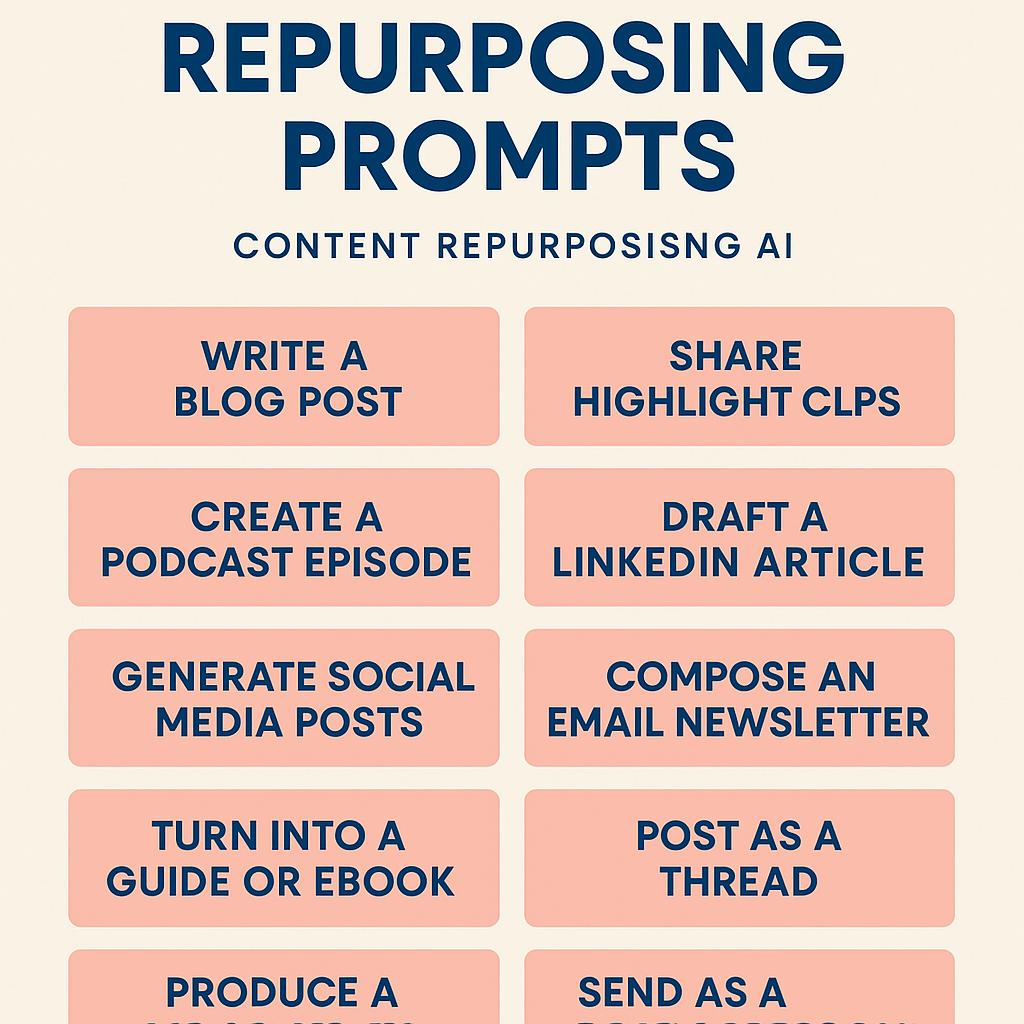
How to Build Prompts for Better Product Messaging
Ever hosted an incredible webinar, only to find your insights languishing in a forgotten Zoom recording? You’re not alone. Many marketers and product teams struggle to translate one-time events into ongoing content that resonates across channels. The good news? With smart webinar repurposing prompts and the right AI productivity tools, transforming your webinar into a content goldmine is totally within reach.
Why Repurpose Webinars? (And Why Prompts Are the Secret)
Webinars are packed with value—thought leadership, customer stories, product demos, and live Q&A. But without repurposing, most of this value goes untapped. Using content repurposing AI and prompt engineering, you can:
- Save hours of manual work
- Reach wider audiences across different platforms
- Keep your product messaging consistent and fresh
The magic ingredient? Well-crafted prompts that guide AI tools to generate high-quality, channel-ready content.
Framework: Turning a Webinar into Multi-Channel Messaging
Here’s a simple, repeatable workflow for using AI prompts to repurpose webinars:
- Summarize the Webinar: Start with a prompt like, “Summarize the main ideas and key takeaways from this webinar transcript in 200 words.”
- Create Social Posts: Use, “Generate 5 LinkedIn posts based on these webinar highlights. Each post should include a takeaway and a call-to-action.”
- Clip Highlights for Video: Try, “Identify the top 3 moments in this transcript that would make engaging 60-second video clips.”
- Write Follow-Up Emails: Prompt, “Draft a follow-up email for attendees, recapping the webinar and sharing a resource.”
- Build a Lead Magnet: Use, “Turn these webinar insights into a downloadable PDF checklist for product managers.”
Want to skip the guesswork? My Magic Prompt is built to help you generate and refine effective prompts for all major AI models—no prompt engineering degree required.
Best Practices for High-Impact Webinar Repurposing Prompts
- Be Specific: Tell the AI exactly what format, tone, and length you want.
- Give Context: Briefly explain your audience or product for more relevant outputs.
- Iterate and Refine: Use tools like MagicPrompt Chrome Extension to tweak and perfect your prompts.
- Review and Edit: AI gets you 80% there—your expertise adds the finishing touch. (See Content Marketing Institute for more tips on content repurposing.)
FAQ: Webinar Repurposing Prompts & Content Repurposing AI
- What are webinar repurposing prompts?
- They’re carefully crafted instructions you give to AI tools to turn webinar content into new formats—like blog posts, social media, or downloadable resources.
- How can AI help with content repurposing?
- AI can quickly analyze transcripts and generate summaries, posts, emails, and more, saving you time and ensuring consistency. Learn more at My Magic Prompt.
- What’s the best way to write prompts for repurposing?
- Be clear about your goals, audience, and content format. The more detail you provide, the better the output.
- Which AI tools work best for prompt-based repurposing?
- Popular options include ChatGPT, Claude, Gemini, and prompt generators like My Magic Prompt. Each has unique strengths for different use cases.
- Can I automate webinar content repurposing?
- Yes! Using automation tools and prompt templates, you can create workflows that consistently turn webinars into multi-channel content.
- Where can I find more prompt ideas or templates?
- Explore prompt libraries or try the MagicPrompt Chrome Extension for ready-to-use templates and inspiration.
Ready to Transform Your Next Webinar?
Smart prompt engineering turns one webinar into weeks of valuable product messaging. For more inspiration and prompt templates, check out My Magic Prompt—your AI productivity secret weapon.