

How to Turn Prompts Into SOPs
July 14, 2026
How to Write Prompts for Short-Form Video Hooks
July 14, 2026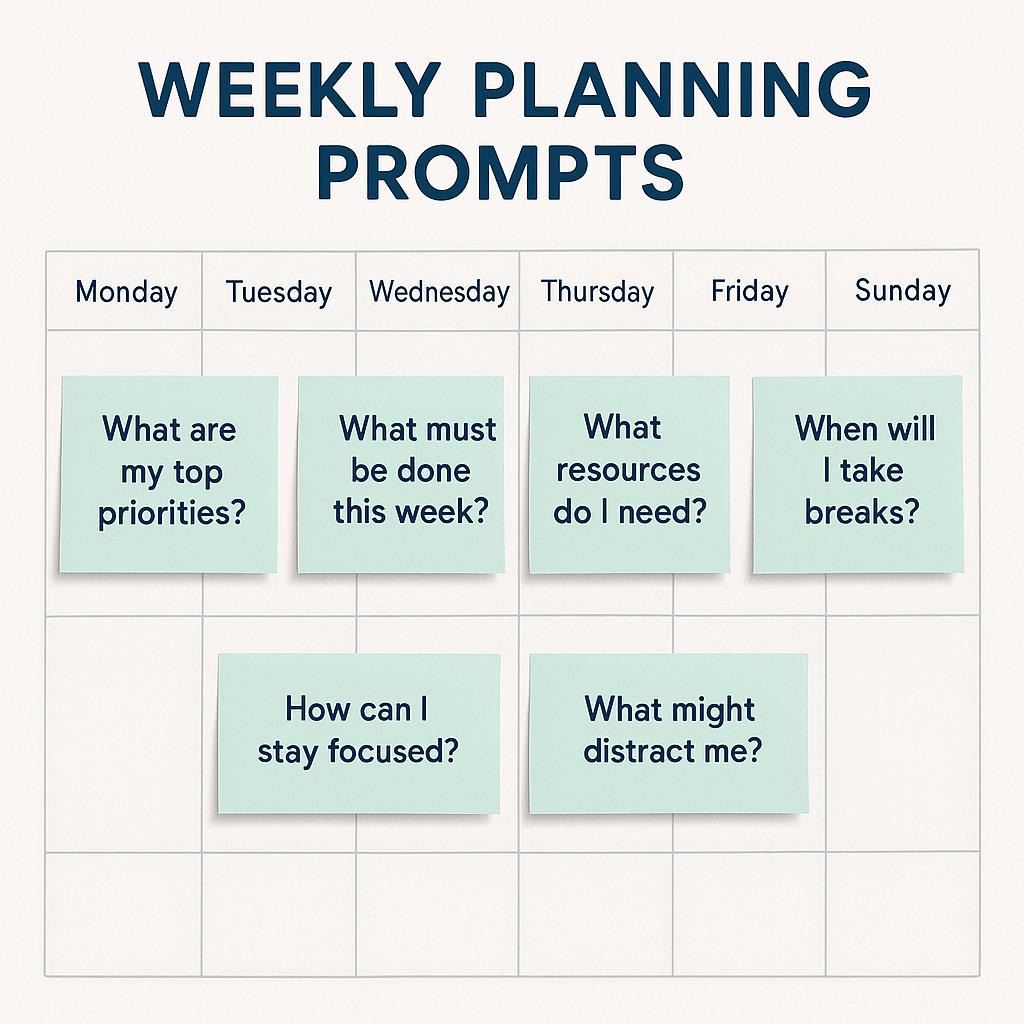
How to Instantly Share a Prompt With Your Team From Chrome
Ever spent half your Monday morning wrestling with scattered to-do lists, or struggling to turn big goals into a clear weekly plan? You’re not alone. In the age of AI, the smartest teams are using weekly planning prompts and calendar planning AI tools to boost productivity and collaboration. But there’s a catch: sharing the right prompt with your team—quickly and seamlessly—can feel harder than it should.
Why Prompt Sharing Matters for Modern Teams
Whether you’re a project manager, marketer, or startup founder, productivity prompts can help your team:
- Break down messy tasks into actionable steps
- Align on weekly priorities
- Plan calendars and meetings more strategically
- Keep everyone focused and motivated
But the real productivity unlock? Making it effortless to share those prompts—directly from your browser.
How to Share Prompts Instantly From Chrome
Here’s a quick framework for turning prompt engineering into a team sport, using tools like My Magic Prompt:
- Find or Create the Perfect Prompt: Use a Chrome prompt generator extension like MagicPrompt to craft weekly planning prompts or calendar planning AI workflows.
- Click to Share: Instantly copy a shareable link or export the prompt to your favorite team workspace (Slack, Notion, Google Docs, etc.).
- Collaborate and Iterate: Invite team members to add, edit, or adapt prompts for their own weekly planning and productivity rituals.
It’s like having a shared “AI brain”—everyone stays aligned, and productivity compounds week after week.
Example: Turning a Messy To-Do List Into a Real Plan
| Old Way | With Prompt Sharing |
|---|---|
|
|
Pro Tips for Effective Prompt Collaboration
- Be specific: Tailor prompts to your team’s workflow (e.g., “Prioritize this week’s marketing campaigns by impact and effort”).
- Keep prompts organized: Use folders or tags so everyone can find what they need fast (MagicPrompt offers this).
- Review and refine: Regularly update prompts based on team feedback or changing priorities. See Zapier’s guide to prompt engineering for more tips.
FAQ: Weekly Planning Prompts & Team Productivity
- What are weekly planning prompts?
- They’re structured questions or templates that help teams set priorities, organize tasks, and focus on what matters most each week.
- How can calendar planning AI improve productivity?
- AI-powered tools can analyze your calendar, suggest optimal meeting times, and help structure your week for better focus and flow. Check out these productivity strategies from The New York Times.
- Can I share prompts with my team if they don’t use Chrome?
- Absolutely! Most prompt generators (including MagicPrompt) let you export prompts to any platform—email, Slack, Notion, or even just a link.
- What are some examples of productivity prompts?
- Try prompts like: “List my top three priorities for this week,” or “Turn my meeting notes into actionable tasks.”
- How do I keep prompts organized for my team?
- Use folders, tags, or shared workspaces in your prompt tool to keep things tidy and make collaboration easy.
Unlock Your Team’s Productivity Potential
Sharing the right prompt at the right time can transform the way your team works. If you want to level up your weekly planning with AI, explore My Magic Prompt and see how easy prompt sharing can be.