
How to Run a Full Content Workflow From One Chrome Extension
July 15, 2026
How to Save AI Outputs and Prompts Together in Your Browser
July 16, 2026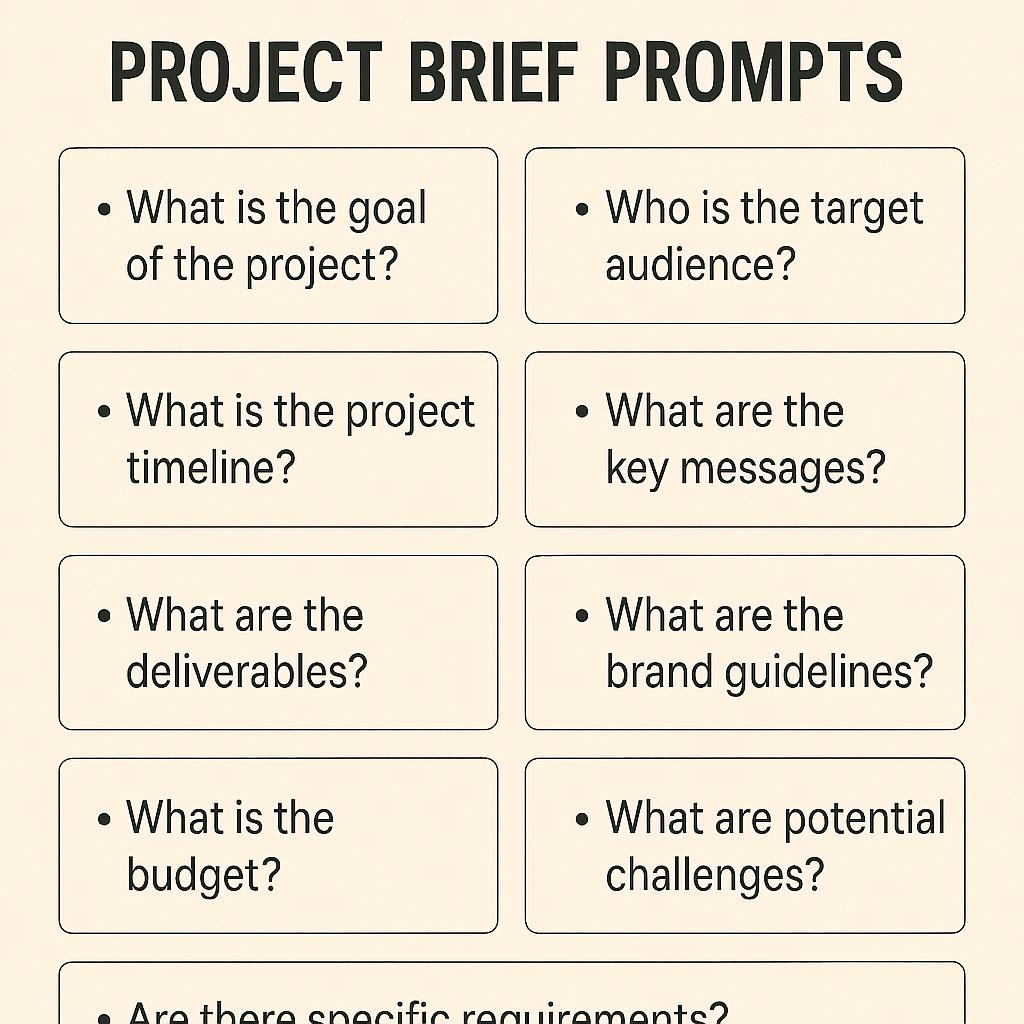
How to Run Prompt A/B Tests Directly From Chrome
Ever felt stuck wondering if your creative brief prompts or project brief prompts could be sharper? If you use AI tools for planning, you’ve likely faced this: you craft a prompt, hit “send,” and hope it delivers clarity for your next big project. But what if you could quickly compare which prompt gets better results—without leaving your browser?
Why Prompt A/B Testing Matters for AI Planning
Prompt A/B testing is the secret weapon of smart AI users. Just as marketers test headlines, you can test prompts to see which one produces clearer, more actionable briefs. This approach leads to:
- Better alignment with your project goals
- Faster iteration and learning
- More consistent results across teams and projects
Framework: The Five Elements of Strong Brief Prompts
Whether you’re building a creative or project brief for ChatGPT, Claude, or Gemini, the best prompts clarify:
- Goal: What is the purpose?
- Audience: Who is this for?
- Deliverable: What do you want back?
- Constraints: What are the boundaries or rules?
- Next Steps: What should happen after?
Testing variations on each element helps you zero in on prompts that drive results.
How to Run A/B Tests Using a Chrome Extension
With My Magic Prompt’s Chrome extension, you can generate and compare multiple brief prompts in seconds, right from your browser. Here’s a quick workflow:
- Install the MagicPrompt Chrome Extension.
- Open your favorite AI platform (ChatGPT, Claude, Gemini, etc.).
- Generate two or more prompt variations addressing the same project (e.g., one prioritizing audience, another focusing on constraints).
- Paste each prompt into the AI and note which response is clearer or more aligned with your needs.
- Refine and repeat—A/B testing is all about iteration.
This process is fast, frictionless, and helps you create project briefs that truly drive action. For more on strong prompt design, check out this Prompt Engineering Guide.
Prompt A/B Testing Tips and Best Practices
- Test one variable at a time (e.g., change only the audience description).
- Document which prompt versions work best for specific scenarios.
- Share your winning prompts with your team for even greater impact.
- Refer to leading AI prompt engineering strategies from sources like DeepLearning.AI.
FAQ: Prompt A/B Testing for Creative and Project Briefs
- What is prompt A/B testing?
- Prompt A/B testing compares two or more prompt variations to see which produces better results from AI tools like ChatGPT, Claude, or Gemini.
- How do I create effective creative brief prompts?
- Use a framework: clarify the goal, define the audience, specify the deliverable, note constraints, and outline next steps. Tools like My Magic Prompt can help generate strong examples.
- Can prompt A/B testing improve project outcomes?
- Yes! Testing prompts helps you uncover which phrasing leads to clearer, more actionable project briefs—saving time and reducing miscommunication.
- Is there a quick way to run prompt A/B tests?
- Chrome extensions like MagicPrompt let you generate, edit, and test prompts instantly—no need to switch between apps or copy-paste endlessly.
- Which AI models work best with prompt A/B testing?
- Most modern AI platforms—including ChatGPT, Claude, and Gemini—respond well to prompt iteration. Testing helps you find the best fit for your workflow.
Upgrade Your Briefs with Smarter Prompts
Prompt A/B testing is a simple technique with big payoffs for anyone using AI in planning and creativity. If you’re ready to craft clearer, more effective briefs—and want to make it effortless—consider exploring My Magic Prompt and its Chrome extension. Your next breakthrough prompt is just a test away.