

How to Organize Your AI Prompts Without Leaving Your Browser
July 15, 2026
How to Run Prompt A/B Tests Directly From Chrome
July 16, 2026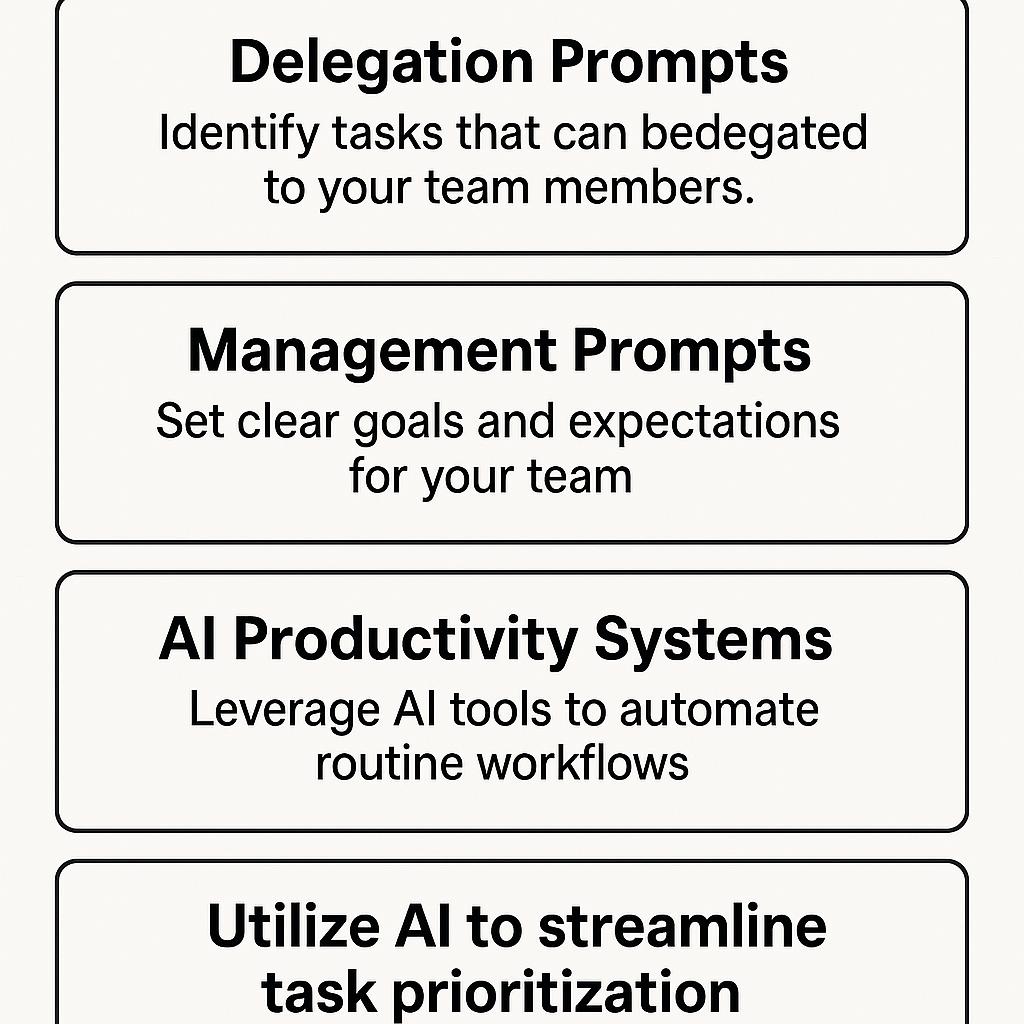
How to Run a Full Content Workflow From One Chrome Extension
Ever spent more time explaining a content task than actually doing it? If you’re juggling briefs, feedback, and endless Slack threads, you’re not alone. Today’s digital teams crave speed and clarity—but the usual back-and-forth slows everything down. The good news? With the right AI productivity systems and smart delegation prompts, you can streamline your entire content workflow—right from your Chrome browser.
Why AI-Powered Content Delegation Changes Everything
Delegating work isn’t just about offloading tasks—it’s about setting clear expectations, defining deliverables, and empowering your team (or AI assistant) to deliver high-quality results. Traditionally, managers spent hours crafting briefs and clarifying objectives. Now, with tools like My Magic Prompt, you can generate precise, actionable instructions for ChatGPT, Claude, Gemini, and more—in seconds.
Framework: The 3-Step AI Content Workflow
-
Clarify the Task Brief
- Use management prompts to specify project goals, tone, target audience, and format.
- Example: “Summarize the latest SEO trends for small business owners in 300 words, using a friendly, practical tone.”
-
Define Deliverables Clearly
- Prompt your AI assistant to outline the content structure before drafting.
- Template: “Create an outline for a blog post on [topic], including H2s, bullet points, and FAQ suggestions.”
-
Delegate or Automate
- Send the final prompt to your AI tool or share it with your team—no more endless clarification loops.
- With the MagicPrompt Chrome extension, generate, edit, and deploy prompts in a single click.
Tips for Smarter Delegation Prompts
- Be specific: Include word count, audience, examples, and any key messages.
- Use checklists for recurring tasks.
- Iterate: Refine prompts based on results—AI improves with better input.
- Leverage frameworks like the Eisenhower Matrix to prioritize what you should automate or delegate.
FAQ: AI Content Workflow, Delegation Prompts, and Productivity
- What are delegation prompts in AI productivity systems?
- Delegation prompts are structured instructions crafted for AI tools or team members to clarify tasks, reduce miscommunication, and increase output quality.
- How do management prompts help streamline content workflows?
- Management prompts set clear expectations, define deliverables, and reduce the need for follow-up questions—saving teams hours each week.
- Can I use one Chrome extension for my entire content workflow?
- Yes! With the right extension, like MagicPrompt, you can generate, refine, and delegate prompts for all your favorite AI assistants, all in one place.
- What are the best practices for writing effective AI prompts?
- Be specific, include context, define your audience, and use structured templates. Review and tweak prompts based on feedback to maximize results.
- Are there risks to automating delegation with AI?
- Automation boosts speed, but always review outputs for accuracy and relevance. Clear, detailed prompts help minimize errors.
Ready to Upgrade Your Workflow?
Imagine running your full content process—briefing, outlining, drafting, and delegation—directly from one Chrome extension. If you want to see how smart AI users save hours every week, explore how My Magic Prompt can become your productivity secret weapon.