

How to Test Prompts Faster With a Chrome Extension
July 20, 2026
How to Use a Chrome Extension to Manage Prompts for Multiple Clients
July 21, 2026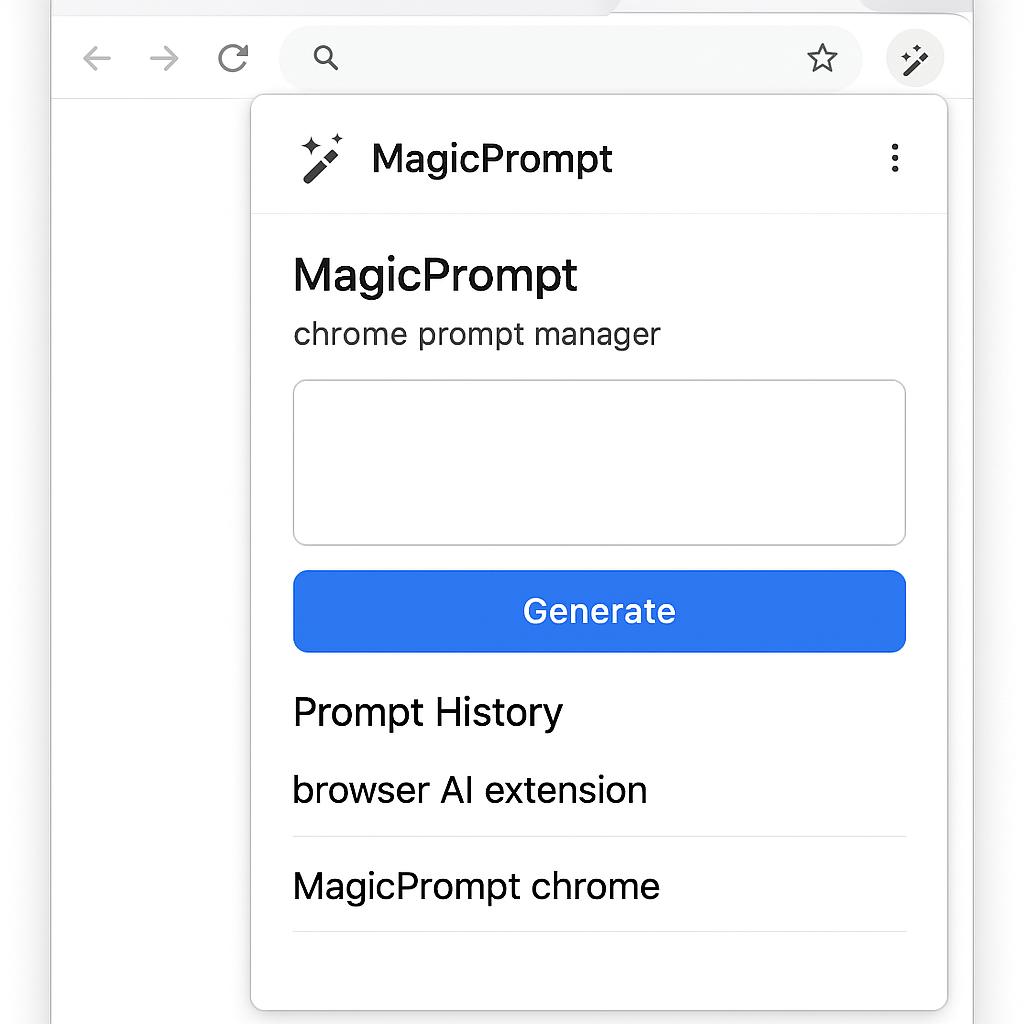
How to Turn Team Knowledge Into Prompt Assets
Ever copy-pasted a great ChatGPT prompt from a teammate, scrolled endlessly through Notion, or lost a crucial AI workflow buried in chat history? You’re not alone. As AI assistants become an everyday part of work, teams are generating a goldmine of prompt know-how—but most of it gets scattered, siloed, or lost in the shuffle. What if you could turn that collective knowledge into a strategic asset, accessible right where your team needs it most?
Why Prompt Management in the Browser Matters
Relying on Notion, Google Docs, or Slack for prompt sharing works—until it doesn’t. Here’s why a chrome prompt manager or browser AI extension like MagicPrompt can transform your team’s AI productivity:
- Faster Access: No more hunting for prompts. Save, organize, and deploy them directly in your browser—right where you use ChatGPT, Claude, or Gemini.
- Consistency: Ensure everyone’s using the highest-quality prompts, not outdated snippets or half-remembered formulas.
- Knowledge Retention: Capture winning prompts as reusable assets, so insights don’t vanish when someone leaves or projects change.
Turning Everyday Prompts Into Strategic Assets: A Simple Framework
Ready to make your team’s prompt knowledge work smarter? Try this three-step approach:
- Collect: Encourage team members to save their most effective prompts in your MagicPrompt chrome extension as they work.
- Curate: Regularly review and tag prompts by use case (e.g., brainstorming, summarizing, coding). Remove duplicates or outdated versions.
- Share: Grant the team access to your prompt library. Encourage feedback and iterate so your assets stay relevant and high-impact.
Pro Tips for Prompt Asset Management
- Use folders and tags: Organize by project, department, or AI model for quick filtering.
- Document context: Add notes to clarify when and how each prompt shines.
- Schedule reviews: Set quarterly prompt “audits” to keep your library fresh and effective.
FAQ: Prompt Management & AI Productivity
What is a Chrome prompt manager?
A Chrome prompt manager is a browser extension that helps you save, organize, and reuse AI prompts right from your browser, making prompt workflows faster and more consistent.
How is a browser AI extension different from using Notion or Google Docs?
Unlike Notion or Docs, a browser AI extension like MagicPrompt integrates directly with your AI tools, letting you insert and manage prompts without switching tabs or searching through documents.
Can I share my prompt library with my team?
Yes! With tools like MagicPrompt, you can create shared libraries so everyone benefits from your best prompt ideas and strategies.
Why should teams treat prompts as assets?
High-quality prompts drive better AI results. Treating them as assets means you’re capturing, refining, and scaling the team’s AI expertise—just like any other business process.
Where can I learn more about prompt engineering best practices?
Check out resources like Prompting Guide and the MagicPrompt blog for up-to-date strategies and inspiration.
Ready to Level Up Your Team’s AI Game?
Stop letting valuable prompts slip through the cracks. Try managing your prompt assets where your team already works—with a smart chrome prompt manager like MagicPrompt. Your future self (and your team) will thank you.