

The New Way to Use ChatGPT: Browser Extensions That Do the Heavy Lifting
August 17, 2026
What Is a Browser-Native Prompt Library?
August 18, 2026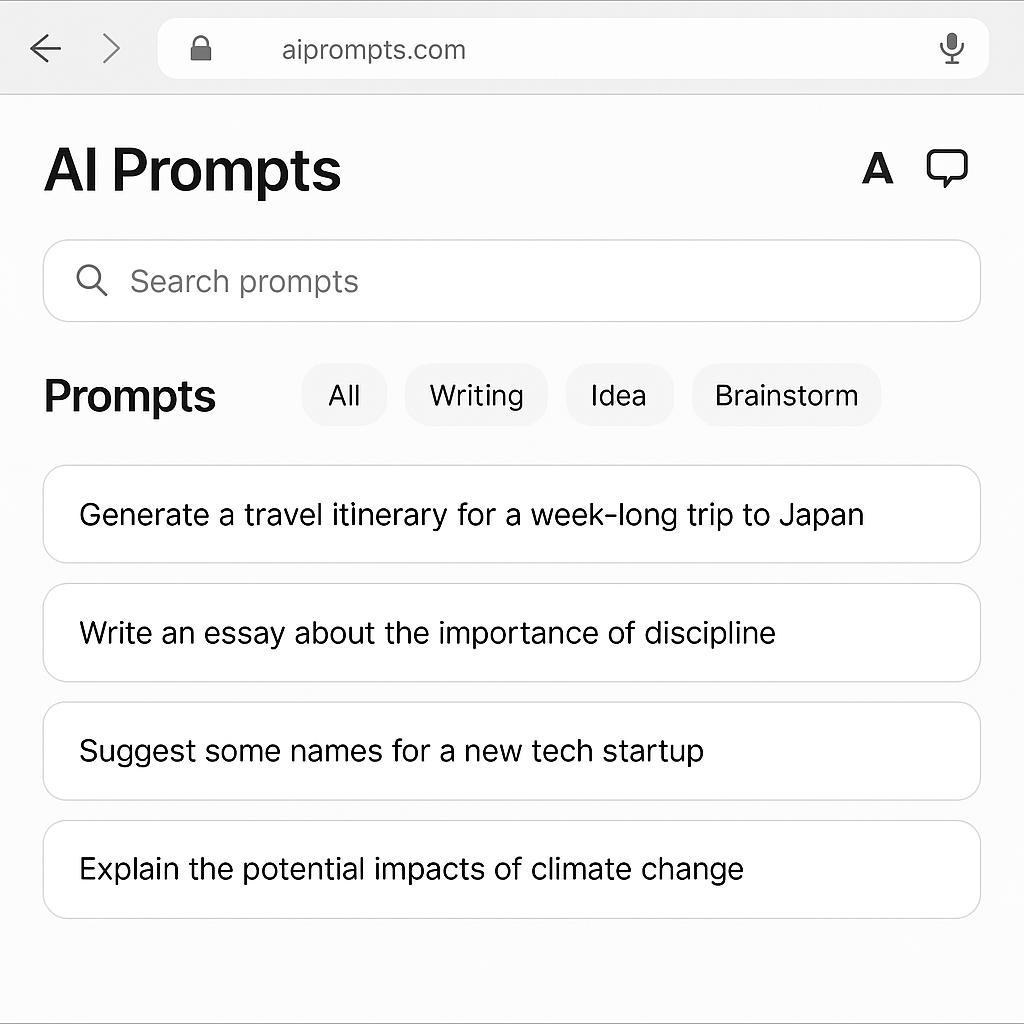
What Happens When You Don’t Have a Prompt Manager in Chrome
If you’ve ever found yourself juggling AI tools, copying and pasting prompts between tabs, or struggling to remember your best ChatGPT questions, you’re not alone. In the fast-paced world of AI productivity, the ability to use prompts on any website in Chrome is quickly becoming a secret weapon for smart, efficient users. But what happens if you don’t have a universal AI browser tool by your side?
The Hidden Costs of Not Using a Universal AI Browser Tool
Without a prompt manager, your workflow can quickly become fragmented. Here’s what many users experience:
- Context switching: Constantly moving between tabs or apps to access, edit, or reuse prompts.
- Lost inspiration: Forgetting great prompt ideas because you can’t save or access them contextually.
- Slower workflows: Spending extra time formatting or adapting prompts for different AI tools like ChatGPT, Claude, or Gemini.
- Limited creativity: Missing out on smart suggestions that could unlock better results from your AI assistants.
In a world where efficiency and innovation matter, these small friction points add up. That’s why more users are turning to prompt managers for Chrome that act as a universal AI browser tool—surfacing prompt options across any webpage, not just inside chat tools.
How a Smart Prompt Manager Changes Everything
Imagine researching a topic, writing an email, or brainstorming content right inside your browser—and instantly having access to curated, contextual prompt suggestions. Here’s how this transforms your workflow:
- Prompt anywhere: Generate, refine, or insert prompts without leaving the page you’re on.
- Contextual suggestions: Get prompt ideas based on the content you’re viewing, so inspiration is always at your fingertips.
- Cross-tool compatibility: Format prompts for ChatGPT, Claude, Gemini, and more—no manual tweaking required.
- Save and organize: Build your own prompt library, accessible from any site or AI tool in Chrome.
For a real-world example, check out how My Magic Prompt streamlines AI productivity for teams and individuals alike.
Best Practices for Using Prompts on Any Website in Chrome
- Keep prompts concise and goal-oriented.
- Leverage templates for repeatable tasks.
- Tag and organize prompts for quick retrieval.
- Experiment with prompt variations for better results.
- Regularly review and refine your prompt library.
FAQ: Prompt Managers & Universal AI Browser Tools
What is a prompt manager for Chrome?
A prompt manager is a browser extension that allows you to generate, save, and use prompts across any website, not just within AI chat tools. This helps streamline your AI workflows and access prompts contextually.
How does a universal AI browser tool boost productivity?
By surfacing prompt options wherever you work online, these tools reduce context switching, speed up AI interactions, and spark creativity—helping you get more done, faster. For more on browser-based productivity, see Zapier’s best Chrome extensions list.
Can I use prompt managers with multiple AI tools?
Yes! Leading prompt managers support ChatGPT, Claude, Gemini, and other AI platforms, making it easy to format and use prompts wherever you need them.
Do I need technical skills to use a prompt manager?
No technical background is required. Most prompt managers are designed for ease of use, with simple interfaces and helpful templates.
Is my data safe with a Chrome prompt manager?
Reputable extensions prioritize security and privacy. Always review permissions and choose tools with transparent data policies. Learn more from EFF’s privacy resources.
Take Your AI Workflow Further
Ready to experience how a prompt manager can unlock smarter workflows? Explore My Magic Prompt or get started in seconds from the Chrome Web Store. You might just discover your new productivity superpower.