
What Happens When You Don’t Have a Prompt Manager in Chrome
August 17, 2026
What Is a Prompt Playbook?
August 18, 2026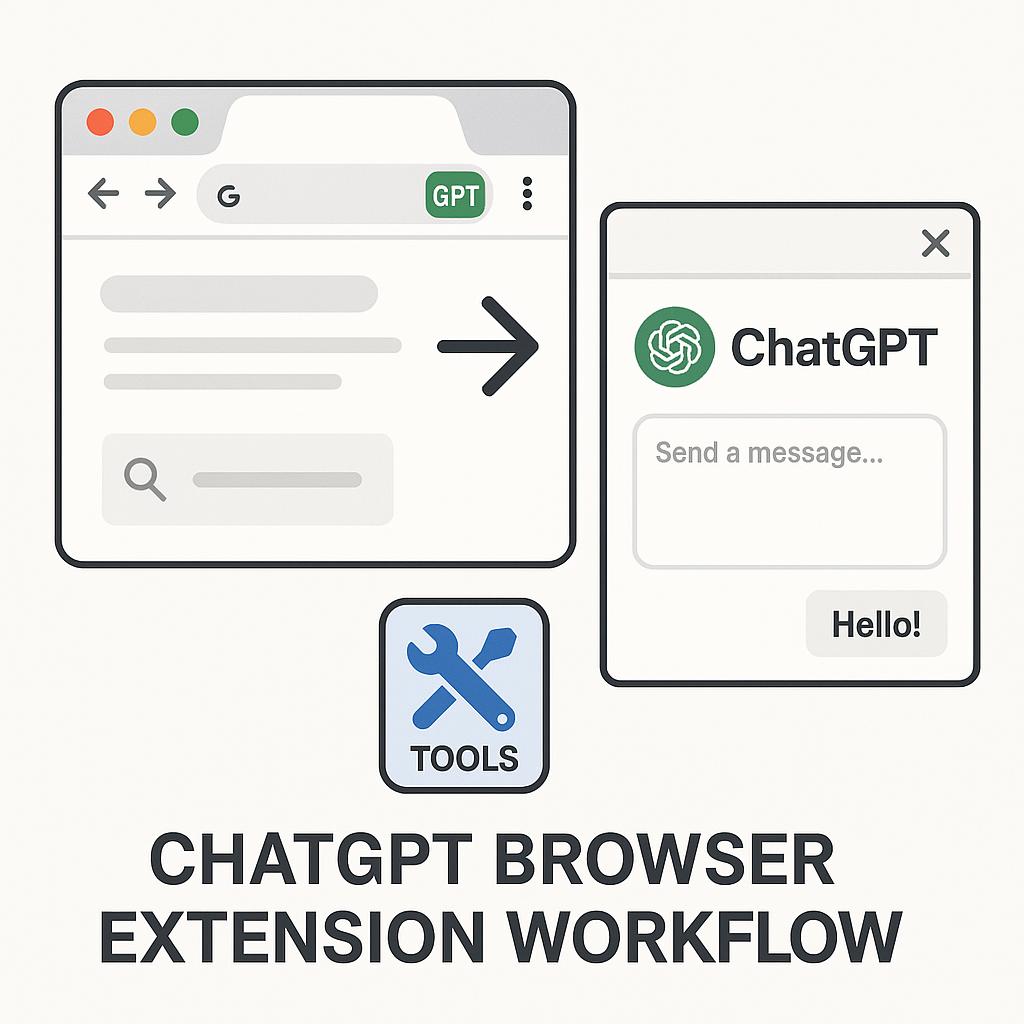
What Is a Browser-Native Prompt Library? Unlocking a Smarter ChatGPT Workflow
Ever found yourself copying and pasting the same prompts into ChatGPT or Claude, tweaking them slightly each time? Or maybe you’ve got a messy document full of your favorite AI prompts, but never seem to have the right one on hand when you need it. If this sounds familiar, you’re not alone. As AI assistants become a bigger part of our daily workflow, the way we organize and access our best prompts matters more than ever. Enter: the browser-native prompt library.
Why a Browser-Native Prompt Library Matters for AI Productivity
A browser-native prompt library is a collection of high-quality prompts, templates, and context snippets that live directly in your browser—accessible via a handy extension or sidebar. Imagine having your favorite prompts auto-filled and ready to go inside ChatGPT, Claude, or Gemini with a click. No more juggling Google Docs or losing time searching for the right phrasing.
- Efficiency: Instantly insert pre-vetted prompts without switching tabs.
- Consistency: Ensure your AI interactions are on-brand and high quality every time.
- Scalability: Build and refine your prompt library as your use cases grow.
How a ChatGPT Browser Extension Workflow Supercharges Your Day
Smart AI users are increasingly turning to browser extensions to manage their prompt workflows. Tools like My Magic Prompt let you:
- Pre-load Context: Automatically inject background details or instructions, so every prompt starts with a strong foundation.
- Use Templates On-the-Fly: Access a curated set of prompt templates for brainstorming, content creation, or coding, right from your browser.
- Save and Organize: Keep your best prompts stored and categorized—no more lost ideas or repetitive typing.
This Chrome ChatGPT tool approach is a game-changer for anyone who relies on AI for daily productivity, from marketers and creators to researchers and developers.
Building Your Browser-Native Prompt Library: Quick Framework
- Identify Repetitive Tasks: Note where you’re typing similar queries or briefs.
- Create Category Folders: Organize prompts by project, tone, or use case (e.g., “Email Replies”, “Idea Generation”).
- Refine as You Go: Update your library with improved prompts based on results.
- Leverage Community Libraries: Don’t reinvent the wheel—browse or import templates shared by others.
Pro Tip:
Keep your most-used prompts pinned for one-click access, and set up keyboard shortcuts for even faster workflows.
FAQ: Browser-Native Prompt Libraries & ChatGPT Browser Extension Workflows
- What is a browser-native prompt library?
- A browser-native prompt library is a collection of AI prompts and templates stored and managed within your browser, often through an extension. It lets you quickly insert, organize, and reuse prompts in tools like ChatGPT and Gemini.
- How does a ChatGPT browser extension workflow save time?
- It eliminates manual copy-paste, keeps prompts organized, and allows instant access—streamlining repetitive tasks and boosting productivity.
- Can I use a browser-native prompt library across different AI assistants?
- Yes. Leading tools like My Magic Prompt support multiple AI platforms, so you can use your prompt library with ChatGPT, Claude, Gemini, and more.
- Are there privacy concerns with browser extensions for AI?
- Trusted extensions are built with privacy in mind. Always review permissions and opt for reputable tools. Learn more from resources like the Electronic Frontier Foundation.
- Where can I find the best Chrome ChatGPT tools?
- Explore solutions like My Magic Prompt or browse the Chrome Web Store for highly-rated extensions supporting prompt libraries and AI productivity.
Ready to Level Up Your AI Workflow?
Managing prompts shouldn’t slow you down. If you’re looking to make AI work smarter for you, a browser-native prompt library is your secret productivity hack. Want to see it in action? Explore My Magic Prompt and transform the way you prompt, create, and collaborate with AI—directly from your browser.