

What Is a Browser-Native Prompt Library?
August 18, 2026
What Makes MagicPrompt the Best Prompt Chrome Extension
August 19, 2026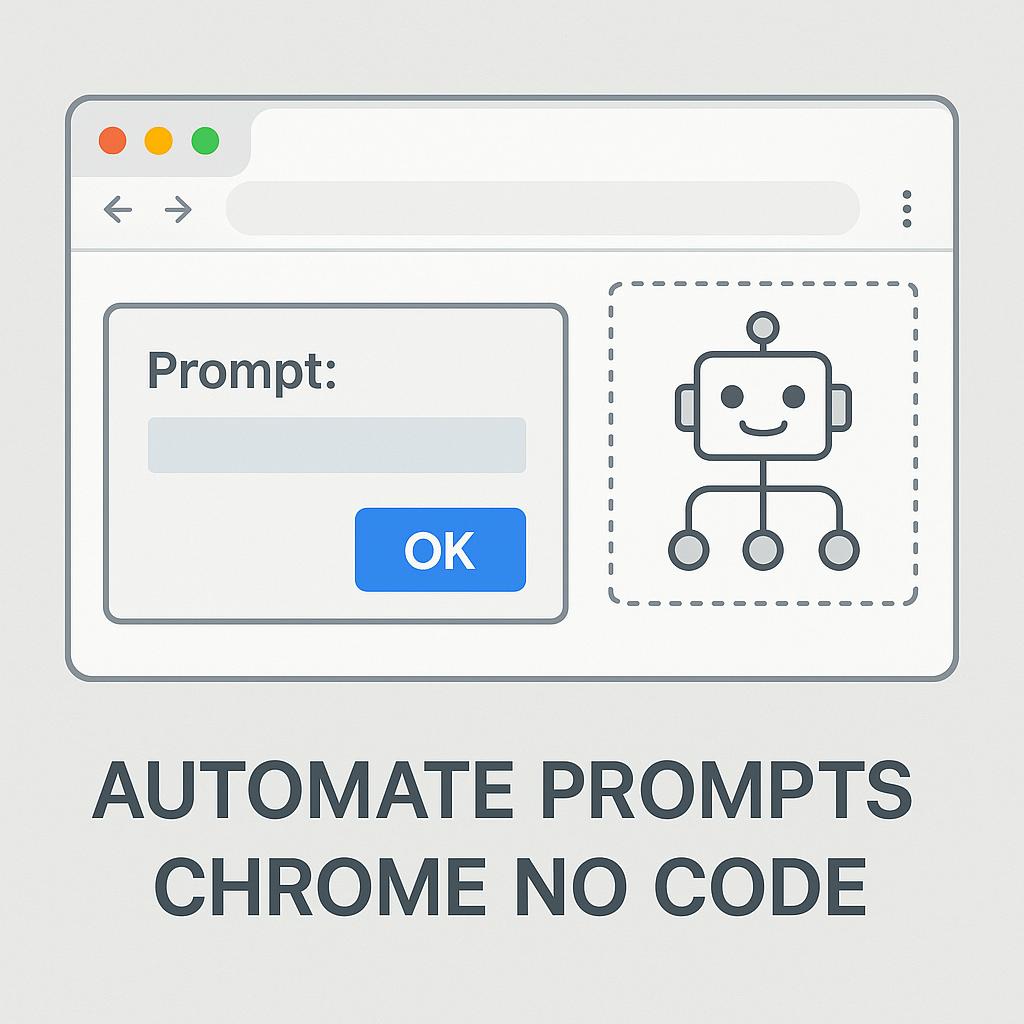
What Is a Prompt Playbook? Automate Prompts in Chrome—No Code Needed
Ever find yourself copy-pasting the same AI prompts into ChatGPT, Claude, or Gemini day after day? Or maybe you wish you could run your favorite prompt templates with just one click, directly in your browser, without juggling tabs or learning to code. If this sounds familiar, it’s time to meet the concept of a Prompt Playbook—the secret weapon for anyone who wants to automate prompts in Chrome with no code and level up their productivity game.
Why Prompt Playbooks Matter for Smart AI Users
AI is only as good as the prompts you feed it. But managing prompts can quickly become a mess—especially if you:
- Rely on multiple AI tools (ChatGPT, Claude, Gemini, etc.)
- Repeat similar tasks (summarizing, brainstorming, rewriting, etc.)
- Want to save time and reduce manual effort
This is where Prompt Playbooks shine. Think of them as customizable, reusable workflows—collections of prompts and steps you automate in your browser, without writing a single line of code.
How to Set Up a No-Code Prompt Automation Workflow in Chrome
Setting up browser prompt automation used to require technical skills, but now tools like My Magic Prompt make it effortless:
- Install the Chrome Extension: Add MagicPrompt for Chrome—no coding required.
- Create Your Playbook: Organize your most-used prompts for tasks like summarizing articles, drafting emails, or generating ideas.
- Automate in Context: Highlight text or right-click in your browser to instantly run your playbook prompts—directly where you work.
- Iterate and Improve: Refine your prompts and workflows as you discover what works best.
Prompt Playbook Examples
- Content Creator: Instantly rewrite, summarize, and SEO-optimize any web text.
- Student: Generate study summaries and quiz questions from research articles.
- Marketer: Auto-draft outreach emails or social captions based on website content.
Framework: Building Your First Prompt Playbook
| Step | Action | Tip |
|---|---|---|
| 1 | Identify repetitive AI tasks | List what you do daily (summarize, translate, brainstorm) |
| 2 | Draft clear, focused prompts | Use specific instructions for best results (learn prompt engineering basics) |
| 3 | Organize into a playbook | Group prompts by workflow or project |
| 4 | Automate with your Chrome extension | Test and tweak for efficiency |
FAQs About Chrome Prompt Automation & Playbooks
- What is a prompt playbook?
- A prompt playbook is a set of organized, reusable AI prompts and workflows you can automate in your browser. It helps streamline repetitive tasks and boosts productivity.
- Can I automate prompts in Chrome with no coding skills?
- Absolutely! With tools like My Magic Prompt, anyone can set up browser prompt automation—no technical background needed.
- Which AI tools can I use with a prompt playbook?
- Prompt playbooks work with popular AI tools like ChatGPT, Claude, Gemini, and more—right from your browser.
- How do I get started with a prompt playbook?
- Install a Chrome extension like MagicPrompt, organize your prompts, and start automating your favorite workflows.
- Are prompt playbooks secure?
- Most reputable browser extensions operate locally and never store your data without permission. Always check privacy policies and extension reviews.
- Where can I learn more about prompt engineering?
- Check out resources like Learn Prompting for prompt crafting tips and best practices.
Take Your Prompt Game Further
If you’re ready to automate prompts in Chrome with no code and bring your AI productivity to the next level, give My Magic Prompt a try. With the right prompt playbook, your browser becomes your smartest AI co-pilot yet.