

The Best Prompts for Writing Better Survey Questions
August 11, 2026
The Chrome Extension Checklist for AI-Assisted Research
August 12, 2026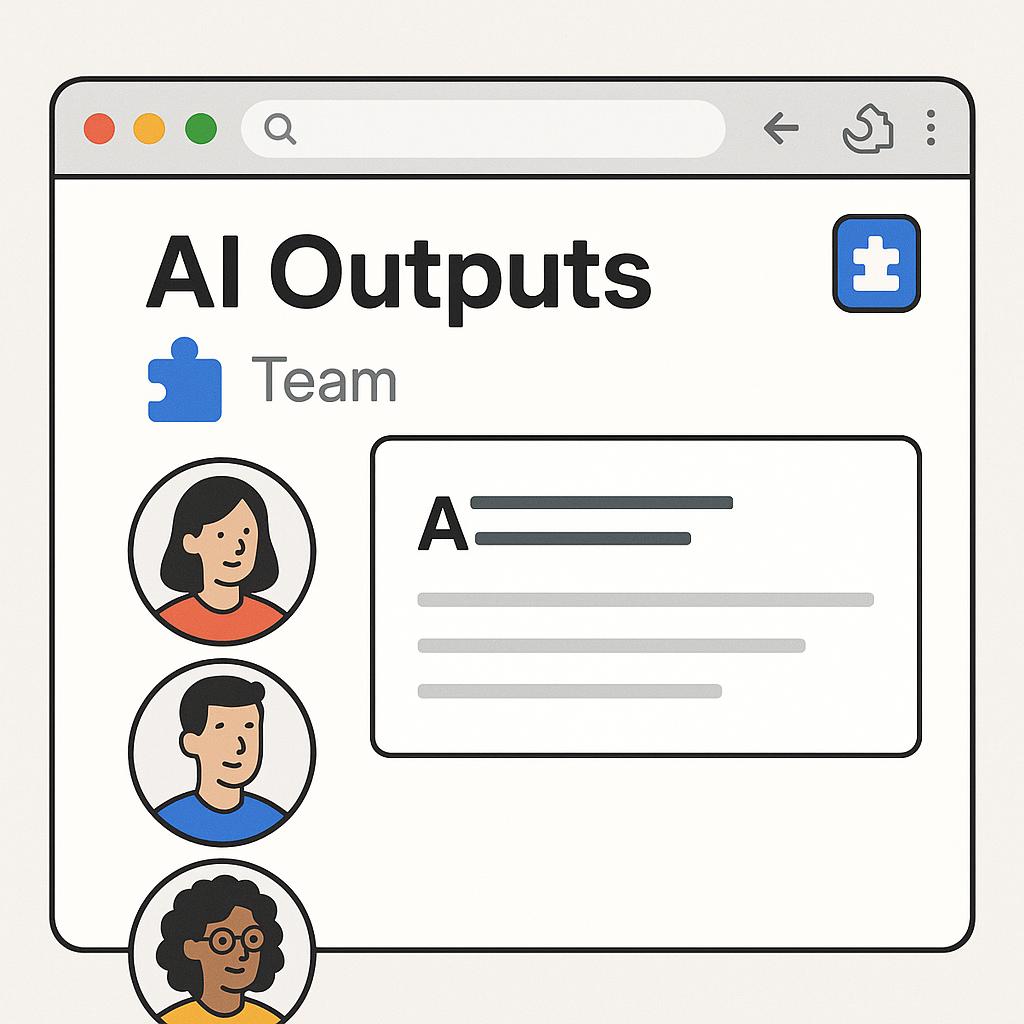
The Best Prompts for Writing Stronger CTAs
Ever find yourself or your team crafting a great piece of content, only to fall flat at the finish line with a generic, uninspiring call-to-action (CTA)? You’re not alone. Whether you’re writing emails, landing pages, or social posts, nailing a consistent, compelling CTA is a productivity challenge—especially when AI tools are involved. With every team member using their own prompt style, AI outputs can quickly become inconsistent, leading to “prompt drift” and diluted messaging.
Why Consistent AI Outputs Matter for Teams
In fast-paced environments, consistent AI outputs are essential for brand voice, conversion rates, and team efficiency. But when everyone improvises their own prompts, it’s tough to standardize results. Enter browser extensions and team Chrome tools—these help everyone tap into a shared library of proven, high-performing prompts without breaking their workflow.
Framework: The Anatomy of a High-Converting CTA Prompt
To generate strong CTAs with AI, use this simple framework:
- Goal: What do you want the reader to do?
- Audience: Who are you speaking to? What motivates them?
- Action: What’s the most direct, benefit-driven next step?
- Voice & Style: Should it be urgent, friendly, formal, or playful?
Example prompt for AI:
Write a clear, persuasive CTA for a landing page targeting small business owners, encouraging them to start a free trial. Use a friendly, confident tone.
Tips for Teams: Standardizing Prompts with Browser Extensions
- Centralize Your Best Prompts: Use a shared prompt library so every team member can access and contribute to the most effective CTAs.
- Tag and Organize: Label prompts by use case (emails, ads, product pages) for quick retrieval.
- Refine Collaboratively: Encourage feedback and versioning to continuously improve prompt quality and output consistency.
- Integrate Directly: Use a team Chrome extension so prompts are always at your fingertips—no copy-paste required.
Sample High-Impact CTA Prompts for Teams
| Use Case | Prompt Example |
|---|---|
| Email Newsletter | Generate a concise, actionable CTA for readers to download our latest eBook. Keep it energetic and benefit-focused. |
| Product Page | Write a persuasive CTA inviting visitors to try our free demo, highlighting ease-of-use and immediate value. |
| Blog Post | Create a CTA encouraging readers to subscribe, emphasizing exclusive tips and regular updates. |
FAQ: Consistent AI Outputs, CTA Prompts, and Team Browser Tools
How do browser extensions help teams write better CTAs?
Browser extensions let teams access a shared library of effective prompts, ensuring everyone generates high-quality, on-brand CTAs directly within their workflow.
What is “prompt drift” and how can it be avoided?
Prompt drift happens when different team members use slightly different prompts, leading to inconsistent AI outputs. A centralized prompt library and Chrome extension standardize results.
Can My Magic Prompt be customized for different team workflows?
Yes, My Magic Prompt supports collaborative libraries, tagging, and customization, making it easy to tailor prompt templates for any workflow.
Are there best practices for organizing team prompt libraries?
Absolutely. Tag prompts by channel, use case, and campaign. Regularly review and update prompts based on performance data and team feedback.
Which AI models are supported by most team Chrome tools?
Most leading tools, including My Magic Prompt, support major AI models like ChatGPT, Claude, and Gemini. Check the tool’s documentation for specifics. For more on prompt engineering best practices, see PromptingGuide.ai.
Level Up Your Team’s CTAs
Consistent, high-impact CTAs are within reach when you empower your team with the right tools and frameworks. If you’re ready to bring order to your team’s prompt process, explore how My Magic Prompt’s Chrome extension can be your secret weapon for standardized, standout AI outputs.