

The Best Prompts for Writing Better Briefs
August 10, 2026
The Best Prompts for Writing Stronger CTAs
August 11, 2026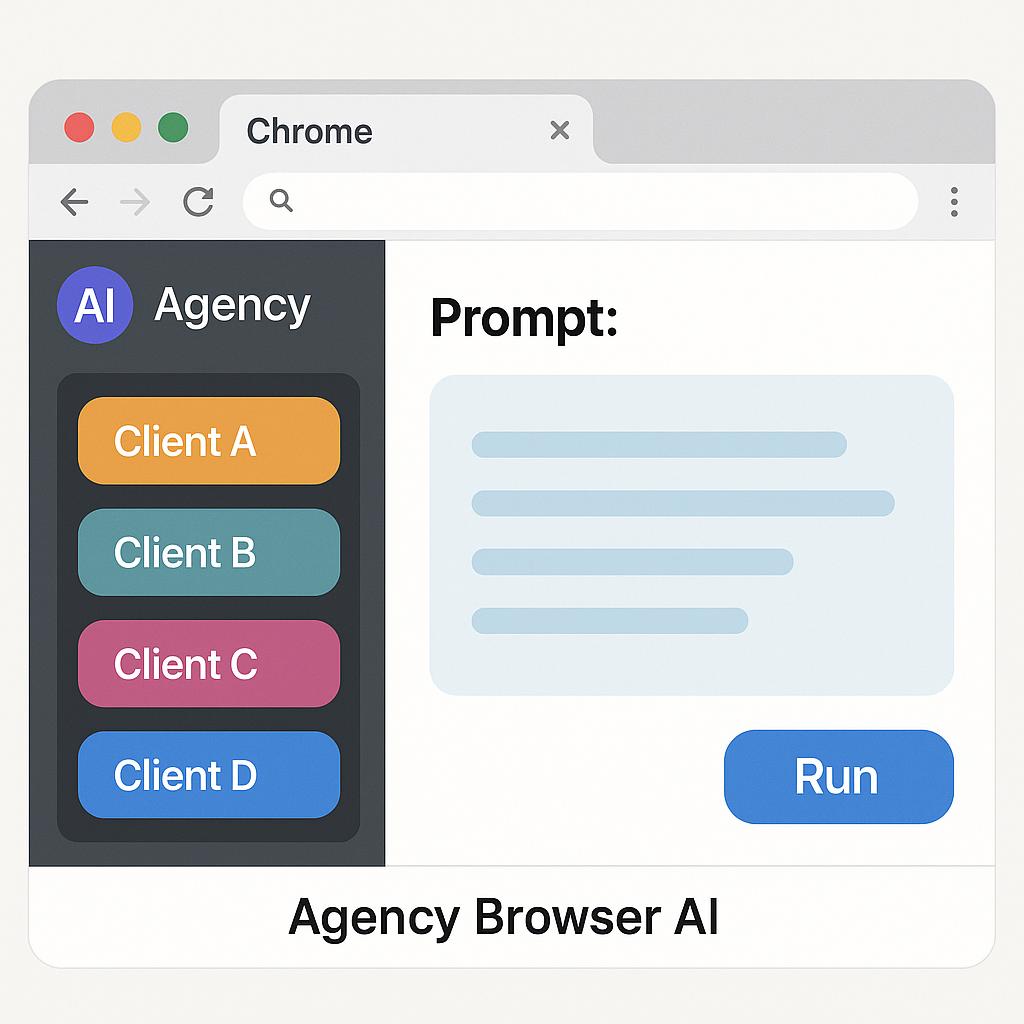
The Best Prompts for Writing Better Survey Questions
Managing multiple clients as an agency or freelancer means juggling countless surveys, feedback forms, and questionnaires. The challenge? Keeping your survey prompts organized and tailored for each client, especially when you’re toggling between projects in your browser. If you’ve ever wished for smarter multi-client prompt management Chrome tools, you’re not alone.
Why Prompt Organization Matters for Agencies and Freelancers
Whether you’re crafting market research surveys or gathering customer insights, the quality of your prompts directly impacts the data you collect. But with multiple clients, it’s easy to mix up templates or lose track of what works best for each brand. That’s where a structured approach—and smart browser AI tools—come in.
Framework: How to Write (and Organize) Better Survey Prompts
- Start with the End in Mind: Define what you want to learn from each survey. Is it customer satisfaction, product feedback, or demographic insights?
- Use Clear, Neutral Language: Avoid leading or confusing questions. For example, instead of “How much do you love our new product?”, ask “How satisfied are you with our new product?”
- Leverage AI to Generate Variations: Use AI tools like My Magic Prompt to brainstorm unbiased, targeted questions.
- Organize by Client and Purpose: Use folders and tags inside your agency browser AI Chrome extensions to keep prompts clearly separated.
Example Folder Structure & Tagging in a Chrome Extension
| Folder | Tags | Use Case |
|---|---|---|
| Client A – Product Feedback | #product, #feedback, #2024 | Launch survey for new product |
| Client B – Customer Satisfaction | #satisfaction, #monthly, #NPS | Track customer sentiment over time |
| Client C – Market Research | #market, #research, #Q2 | Explore new market segments |
Best Practices for Survey Prompt Engineering
- Test your prompts with AI before sending out surveys—AI can help flag ambiguous language.
- Save high-performing prompts as templates for repeat use in your Chrome extension.
- Regularly review and update tags/folders to avoid clutter and confusion.
- Collaborate with teammates by sharing prompt folders securely.
Platforms like MagicPrompt Chrome extension make it easy to implement these strategies, keeping your workflow frictionless and your client deliverables sharp.
FAQ: Multi-Client Prompt Management in Chrome Extensions
- How do I keep survey prompts separated for different clients?
- Use dedicated folders and unique tags for each client within your Chrome extension. This approach ensures no mix-ups and lets you quickly locate prompts for any project.
- What are the benefits of using a browser AI tool for agencies?
- Browser-based AI tools streamline prompt generation, save time, and help you maintain an organized, searchable prompt library across multiple client accounts.
- Can I share prompt folders with my team?
- Yes! Many AI prompt management tools support secure folder sharing, making team collaboration and version control much easier.
- How often should I update my survey prompts?
- Review and refine your prompts after each project or quarterly. Regular updates ensure relevance and keep your surveys performing at their best.
- Are there any recommended frameworks for writing survey questions?
- Yes! Follow best practices from resources like the Qualtrics guide on survey questions and use AI tools to check for clarity and neutrality.
Ready to Master Survey Prompts for Every Client?
With the right Chrome extension and workflow, managing multi-client survey prompts is a breeze. Want to see how My Magic Prompt can help you stay organized and inspired? Explore our features or try the MagicPrompt Chrome extension for yourself—and start making better surveys, faster.