

The Best Prompts for Writing Better Ad Angles
August 10, 2026
The Best Prompts for Writing Better Survey Questions
August 11, 2026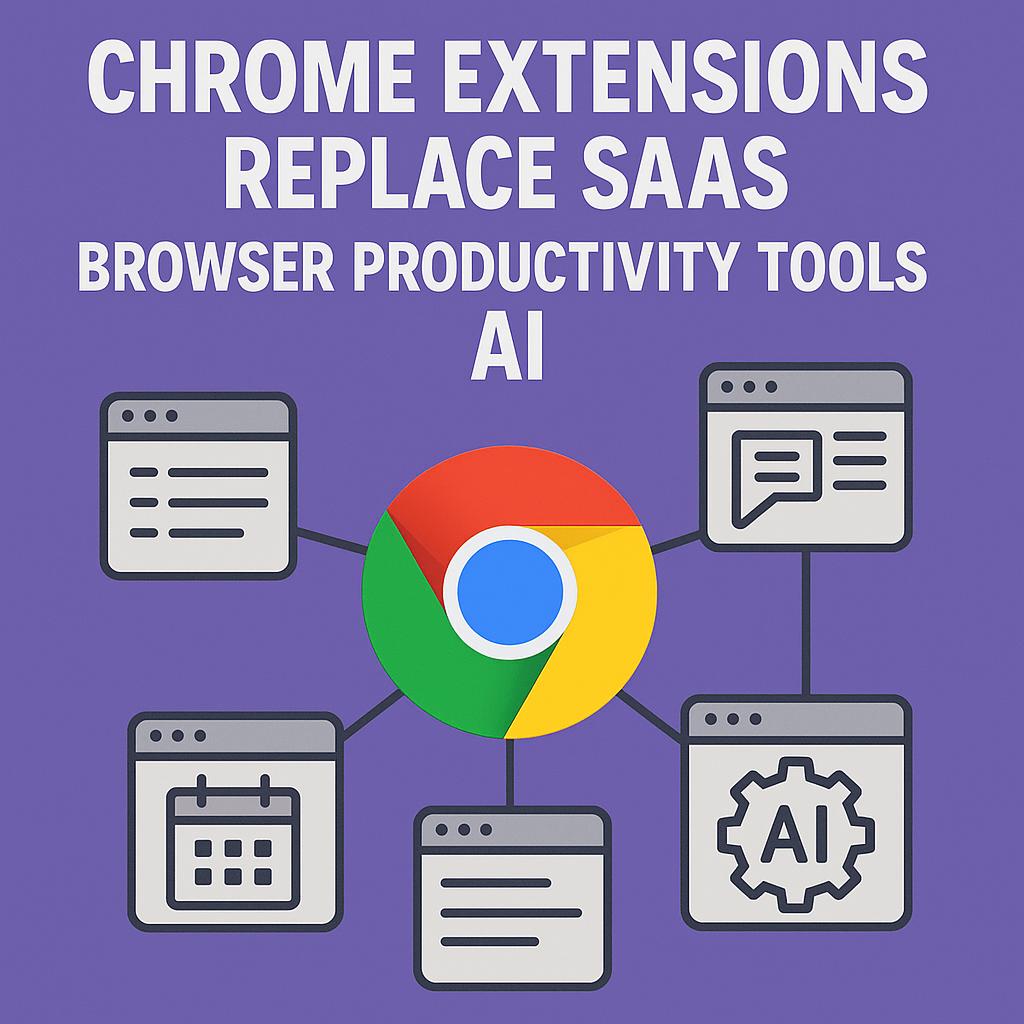
The Best Prompts for Writing Better Briefs
Meta Description: Examines how the right browser extensions — including AI prompt tools — can eliminate subscriptions and simplify workflows.
Ever spent more time than you’d like wrangling multiple SaaS subscriptions just to get a simple brief written? You’re not alone. The rise of browser productivity tools and AI-powered Chrome extensions is changing the game, helping users replace clunky SaaS tools and work smarter, not harder. If you’ve ever wished for a “magic button” to turn your scattered thoughts into clear, actionable briefs—this is your guide.
Why Smart AI Users Are Replacing SaaS with Chrome Extensions
Traditional SaaS tools are great, but they often mean juggling logins, managing overlapping features, and paying for more than you need. Modern browser extensions, especially those powered by AI, offer a streamlined alternative. They’re lightweight, work directly in your browser, and can be tailored to your workflow.
- Less clutter: Fewer tabs, fewer subscriptions, one focused tool.
- Instant access: Launch prompt generation or productivity features with a single click.
- AI integration: Work smarter by generating high-quality prompts for tools like ChatGPT, Claude, and Gemini on the fly.
Framework: The Anatomy of a Great Brief Prompt
Writing an effective brief—whether for content, design, or strategy—starts with the right prompt. Here’s a quick framework you can use (and adapt in My Magic Prompt):
| Component | What to Include | Example |
|---|---|---|
| Objective | What should the brief achieve? | “Summarize market trends for Q2.” |
| Context | Background or relevant info | “For a SaaS startup targeting remote teams.” |
| Constraints | Word count, format, tone, etc. | “Under 300 words, friendly and concise.” |
| Deliverable | What should the output look like? | “Bullet points for team email.” |
Plug these details into a prompt and let AI do the heavy lifting. Smart users leverage prompt tools to generate, refine, and adapt briefs in real time—right from their browser.
Tips for Using AI-Powered Browser Productivity Tools
- Start with a template: Use a prompt template for briefs, and tweak as needed for each project.
- Iterate quickly: Generate a first draft, then use follow-up prompts to clarify or expand sections.
- Use extensions to collaborate: Many Chrome extensions allow you to share or export prompts and drafts, streamlining teamwork.
- Stay organized: Save your best prompts for future use—most AI prompt generators support this.
Example Prompt for a Content Brief
Write a content brief for a blog post about “chrome extensions replace SaaS.” Include the target audience (busy professionals), key benefits, and a call to action. Keep the tone friendly and helpful, under 250 words.
FAQ: Chrome Extensions, AI, and Productivity Tools
- Can Chrome extensions really replace SaaS tools?
- For many everyday tasks—like generating prompts, writing briefs, or managing checklists—browser extensions can absolutely replace standalone SaaS platforms. They’re often faster, lighter, and more cost-effective. Learn more about top productivity extensions.
- How do AI-powered prompt generators improve workflow?
- They automate repetitive tasks, help structure your thoughts, and ensure consistency—saving you time and mental energy.
- Is it secure to use AI extensions in my browser?
- Most reputable extensions (like MagicPrompt) follow strict privacy guidelines. Always review permissions and check for a transparent privacy policy before installing.
- Can I customize prompts for different AI models?
- Yes! Tools like My Magic Prompt allow you to tailor prompts for ChatGPT, Claude, Gemini, and more, so your briefs are always on-point.
- Where can I find more resources on prompt engineering?
- Check out the My Magic Prompt homepage for guides, templates, and prompt libraries, or explore communities like PromptingGuide.ai.
Ready to Level Up Your Briefs?
With the right browser productivity tools and AI prompt generators, you can replace cluttered SaaS subscriptions and write better briefs, faster. If you’re curious about making your workflow smarter, explore My Magic Prompt and see how effortless prompt engineering can be.