

How to Save Your Best Prompts (And Why It’s Essential)
July 9, 2026
How to Write Prompts That Get Consistent Results
July 9, 2026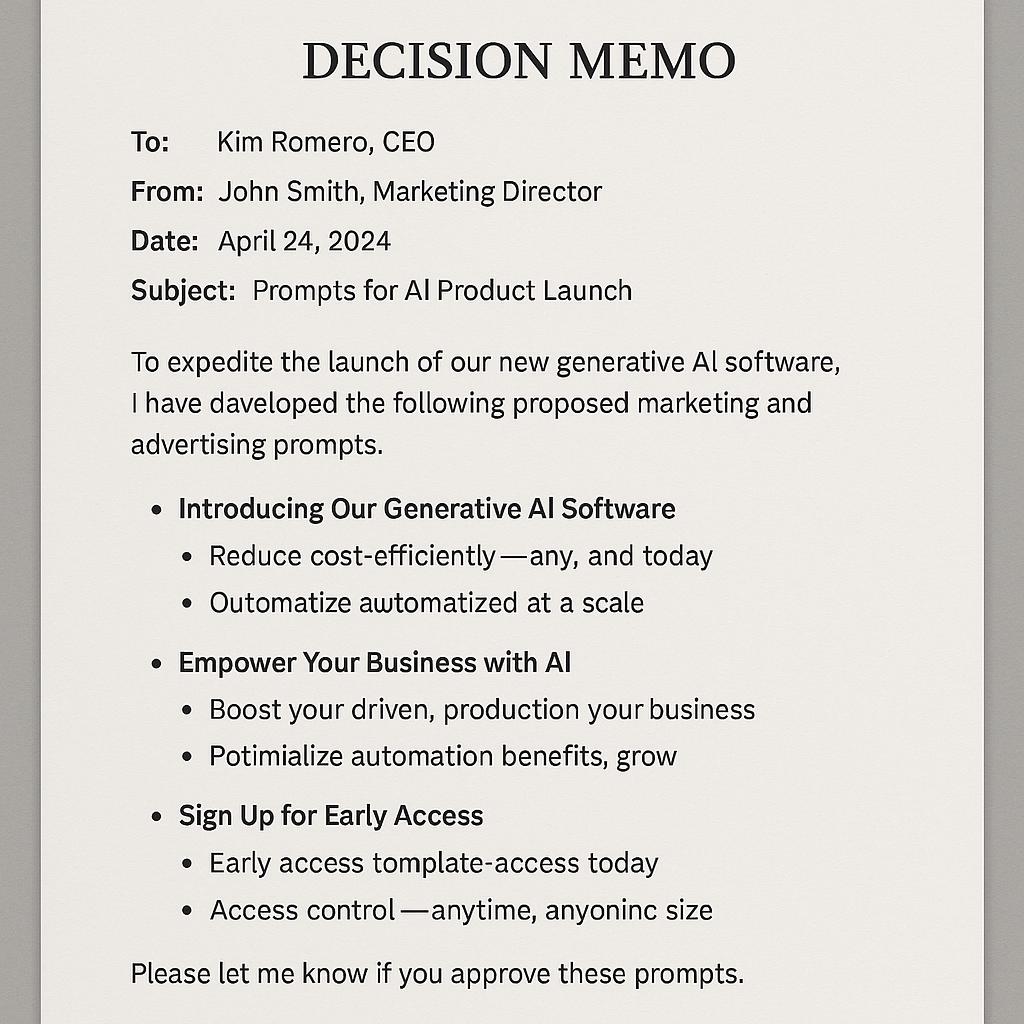
How to Build Prompts for Better Decision Memo Testimonials and Review Requests
Ever felt overwhelmed by the blank page when crafting decision memos or review requests for your team or stakeholders? You’re not alone. Whether you’re an executive summarizing key options, a project lead weighing risks, or a business writer aiming for clarity, the difference between a muddled memo and a decisive, actionable one often comes down to how you prompt your AI tools.
In this guide, you’ll learn how to build effective decision memo prompts and executive memo prompts that streamline your workflow and help you communicate recommendations clearly. We’ll share frameworks, practical examples, and smart strategies to help you get more out of AI in your business writing.
Why Prompts Matter for Business Writing
AI tools like ChatGPT, Claude, and Gemini can supercharge your productivity—but only if you ask them the right questions. A well-crafted prompt is your roadmap, guiding the AI to deliver relevant, structured, and actionable content. For complex documents like decision memos or review requests, this is even more critical.
Framework: The 4-Part Decision Memo Prompt
Here’s a simple but powerful structure for creating prompts that help AI generate high-quality memos:
- 1. Context: What’s the background? Who are the stakeholders?
- 2. Options: What possible paths or solutions are available?
- 3. Risks: What are the trade-offs or potential downsides?
- 4. Recommendation: What’s your preferred option and why?
Building your prompt around these four sections ensures that your memo will be comprehensive and decision-ready.
Example Prompt Template
Act as a business strategist. Write a decision memo for [project/issue] that provides: - Context: [brief background] - Options:- Risks: [potential risks or downsides] - Recommendation: [suggested option and reasoning] Use clear, concise language for an executive audience.
Tips for Crafting Better AI Prompts
- Be specific: The more detail you provide, the better the AI’s output.
- Set the tone: Specify your audience (e.g., “for executives” or “for product managers”).
- Ask for structure: Request bullet points, tables, or summaries if you want them.
- Iterate: Don’t be afraid to refine your prompt for even better results.
Streamline with My Magic Prompt
If you want to build and reuse high-quality decision memo prompts or executive memo prompts faster, tools like My Magic Prompt can help. With prompt templates and AI integrations, you can turn every review request into a productivity win. Try the Chrome extension for even more convenience.
FAQ: Decision Memo Prompts & AI Business Writing
- What are decision memo prompts?
- Decision memo prompts are structured instructions you give to AI tools to generate memos that summarize context, options, risks, and recommendations.
- How do executive memo prompts improve productivity?
- They help you organize thoughts, clarify recommendations, and communicate with stakeholders more efficiently, saving hours of manual writing.
- Can AI-generated memos match human quality?
- With clear, detailed prompts and structured frameworks, AI-generated memos can rival human-written ones in clarity and professionalism. Learn more from Harvard Business Review on executive summaries.
- What are best practices for AI business writing?
- Be specific, use clear frameworks, and review outputs for accuracy. For more tips, check out Zapier’s guide to AI writing best practices.
- How can I create and manage prompt templates efficiently?
- Use a prompt management tool like My Magic Prompt to build, organize, and reuse your best prompts across teams and projects.
Ready to supercharge your AI business writing? Explore more prompt templates and productivity boosters at My Magic Prompt.