

How to Save AI Outputs and Prompts Together in Your Browser
July 16, 2026
How to Switch Between AI Models Without Losing Your Prompts
July 18, 2026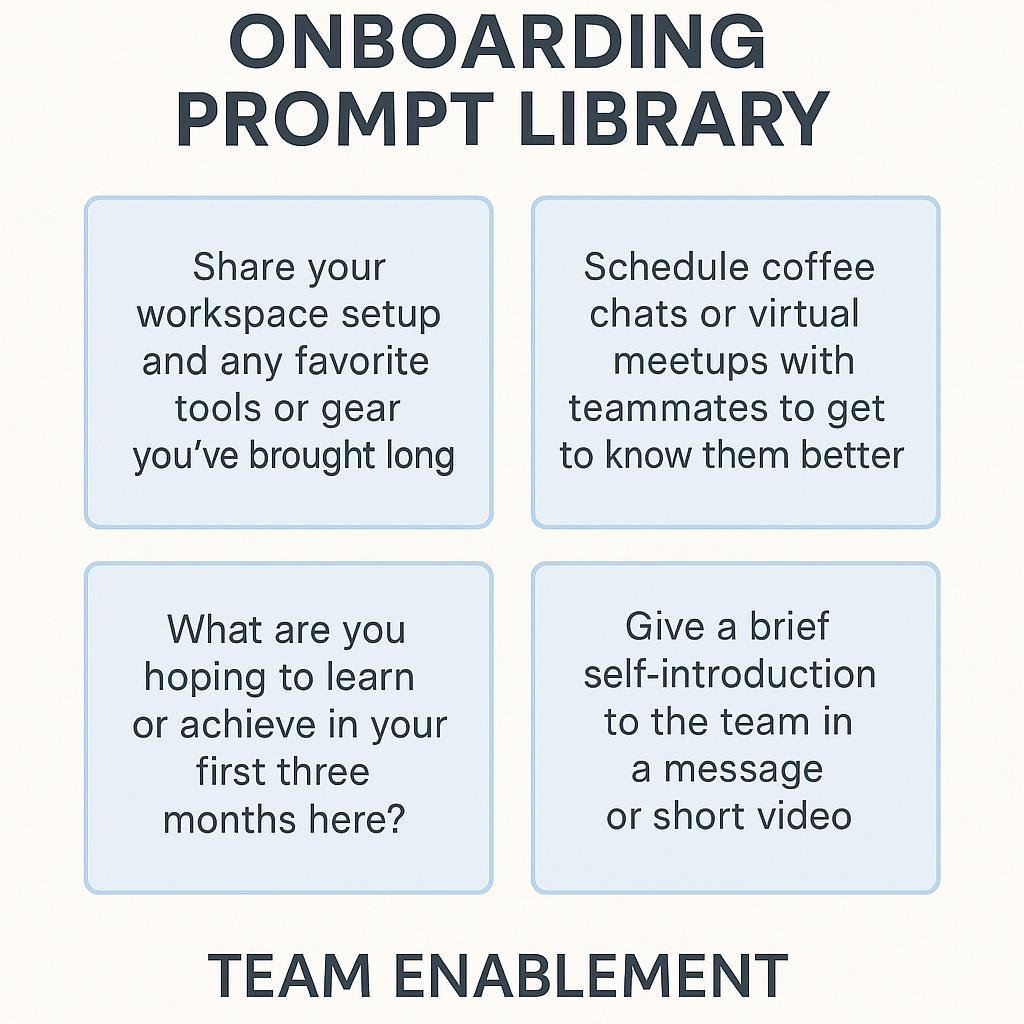
How to Set Up Your AI Workflow Entirely From Your Browser
Imagine this: a new hire joins your team, eager to contribute—but the onboarding process means sifting through scattered docs, half-finished templates, and unclear instructions. You’ve invested in AI tools, but the real productivity boost comes only when everyone knows exactly how to use them, right from day one. The solution? Building an onboarding prompt library and equipping your team with new hire prompts—all accessible, editable, and executable directly from your browser.
Why Browser-Based AI Workflows Are Game-Changers for Teams
Managing prompts and AI workflows in the cloud isn’t just a technical convenience—it’s a strategic advantage. Here’s why:
- Faster onboarding: New hires can start using AI tools like ChatGPT, Claude, and Gemini without wrestling with local installs or scattered documents.
- Consistent results: Well-designed prompts mean less guesswork and more reliable outputs, every time.
- Seamless collaboration: Teams can co-create, share, and update prompt libraries in real-time, eliminating silos.
Building an Effective Onboarding Prompt Library
Think of your onboarding prompt library as your team’s AI playbook. Here’s how to set it up for maximum clarity and team enablement:
- Start with context: For each prompt, include a brief intro that explains the task, its purpose, and any relevant company info. This cuts down on confusion for new team members.
- Add concrete examples: Show sample inputs and outputs. This helps new hires understand both what to provide and what to expect from the AI.
- Use step-by-step instructions: Break down complex tasks into clear, actionable steps. Even experienced users benefit from a checklist-style approach.
Example: New Hire Prompt for Customer Email Replies
- Context: Use this prompt to draft replies to common customer questions.
- Instructions: “Given the following customer question and our company FAQ, generate a polite, concise reply.”
- Example Input: “Can I change my subscription plan after signing up?”
- Example Output: “Absolutely! You can change your subscription plan anytime from your account settings.”
Choosing the Right Tools for Browser-Based AI Workflows
To manage your onboarding prompt library and enable seamless team collaboration, look for tools that:
- Work directly in your browser (no downloads needed)
- Let you organize prompts by role, task, or project
- Support prompt sharing and team comments
- Integrate with popular AI platforms like ChatGPT, Claude, and Gemini
My Magic Prompt checks all these boxes, letting you quickly save, organize, and refine prompts right from a Chrome extension. Install Magic Prompt for Chrome and start building your prompt library in minutes.
FAQ: New Hire Prompts and Browser-Based AI Workflows
- What are new hire prompts?
- New hire prompts are pre-written instructions and templates that guide new team members in using AI tools for specific tasks. They reduce onboarding friction and ensure consistent results.
- How do I create an onboarding prompt library?
- Organize prompts by team role or workflow, provide clear context, include input/output examples, and use a browser-based tool for easy access and updates.
- Can browser-based AI prompt tools improve team enablement?
- Yes! They centralize knowledge, make collaboration easier, and help every team member—from new hires to veterans—work smarter and faster.
- Which browser extensions are best for managing prompts?
- Look for extensions that integrate with leading AI models, allow prompt organization, and support sharing/editing. Magic Prompt for Chrome is one of the top choices for teams.
- Where can I find best practices for prompt engineering?
- For foundational advice, check out Prompting Guide and the OpenAI Prompt Engineering Guide.
Ready to Supercharge Your Team’s AI Workflow?
Empower your new hires and unlock your team’s full productivity potential with a streamlined, browser-based onboarding prompt library. Explore My Magic Prompt to see how easy prompt management can be.