

Prompt Systems for Consultants: From Discovery to Deliverable
April 22, 2026
5 Prompts for Product Managers to Write Better User Stories
April 23, 2026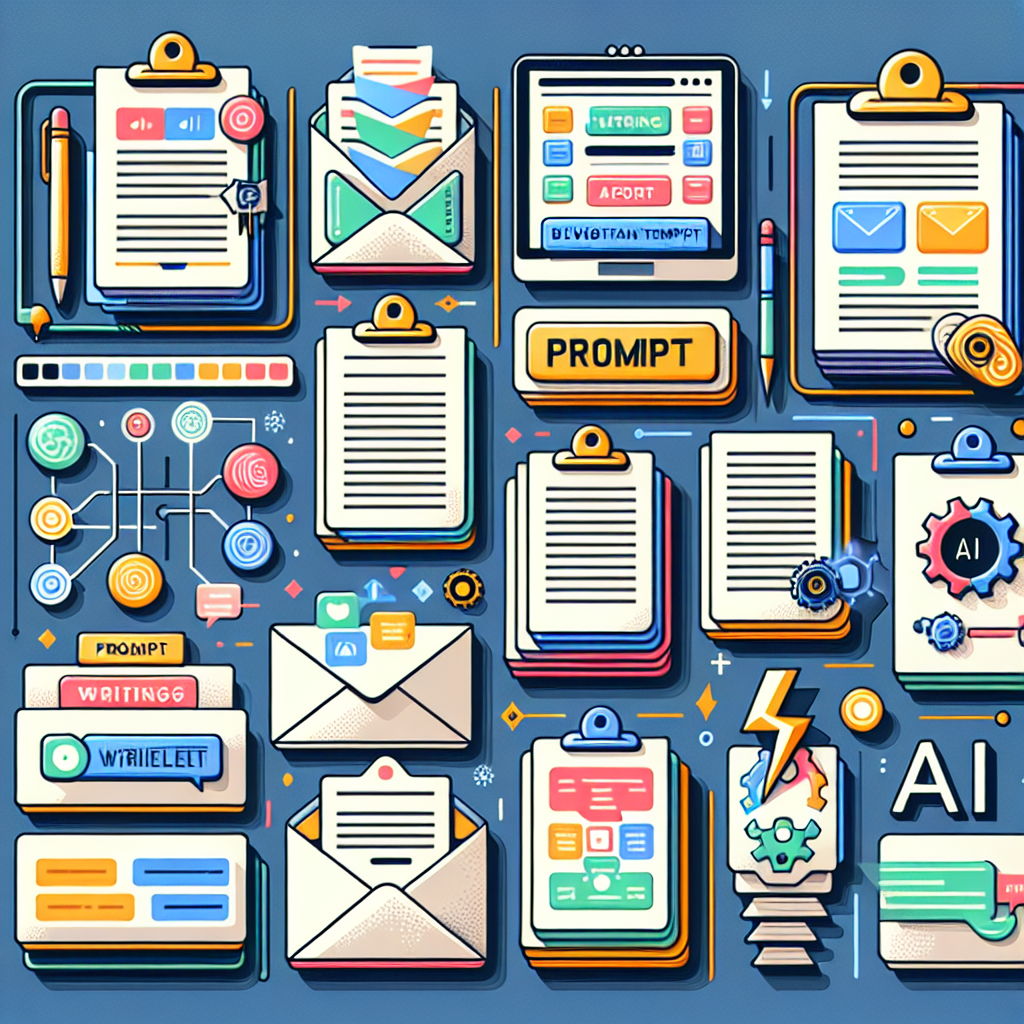
How to Turn Repetitive Writing Tasks Into Prompt Templates
Ever find yourself writing the same type of email, blog intro, or meeting summary over and over? You’re not alone. Repetitive writing tasks can drain your time and creativity, especially when your to-do list is already overflowing. But what if you could turn those routines into powerful prompt templates that keep your quality high—and your workflow fast?
Spotting Repetitive Writing Tasks in Your Workflow
The first step in supercharging your AI writing workflow is identifying which tasks you repeat most. Ask yourself:
- Do I often write similar emails, reports, or support responses?
- Are my blog outlines or social posts following a familiar pattern?
- Do I spend time rephrasing the same core message for different audiences?
Once you recognize these patterns, you’re ready to template them for smarter, more consistent results.
Framework: Turning Tasks Into Prompt Templates
Here’s a simple three-step process to convert repetitive writing tasks into reusable prompt templates:
- Analyze the Task: Break down the writing task into sections and note which parts change and which stay the same.
- Create a Modular Prompt: Write a prompt that includes placeholders for the variable parts (like [Recipient Name], [Topic], or [Key Point]).
- Test & Refine: Use your AI tool (such as ChatGPT, Claude, or Gemini) to generate outputs, tweaking your prompt template for clarity and performance.
For example, a prompt template for meeting summaries might look like:
Summarize the following meeting notes for [Team/Project]:
[Paste notes here]
Highlight key decisions, action items, and next steps.
Pro Tip: Leverage MagicPrompt to Save and Share Your Best Templates
With My Magic Prompt, you can easily save, organize, and deploy your favorite prompt templates—no more hunting through docs or sticky notes.
Best Practices for Building Effective Prompt Templates
- Keep It Modular: Use clear placeholders so anyone (or any AI) can quickly swap in specifics.
- Be Specific with Instructions: The more context you add, the better the output quality.
- Iterate Often: Collect feedback and adjust your templates over time for even better results.
For more on prompt engineering, check out this external guide to prompt engineering.
FAQ: Repetitive Writing Tasks & Prompt Templates
What are repetitive writing tasks?
These are writing jobs you do regularly—like standard emails, reports, or responses—that often follow the same structure or purpose.
How can prompt templates improve my AI writing workflow?
Prompt templates save you time, reduce errors, and ensure consistent quality by standardizing your instructions to AI tools.
Can I use prompt templates across different AI tools?
Absolutely! Most prompt templates work for ChatGPT, Claude, Gemini, and more. Just tweak details as needed for each platform.
What’s the easiest way to start building prompt templates?
Begin by documenting your most common writing tasks, then turn them into prompts with fill-in-the-blank sections. Tools like MagicPrompt’s Chrome extension make this even easier.
How do I know if a prompt template is working well?
Look for faster turnaround times, fewer edits, and more consistent AI-generated outputs. Iterate based on real-world results.
Ready to Level Up Your Writing Workflow?
Turning repetitive writing tasks into prompt templates is a game-changer for anyone using AI in their daily work. Want to organize and optimize your prompt library? Explore My Magic Prompt for smarter, faster results—no more reinventing the wheel.