
The Best AI Chrome Extension for Marketing Teams
August 3, 2026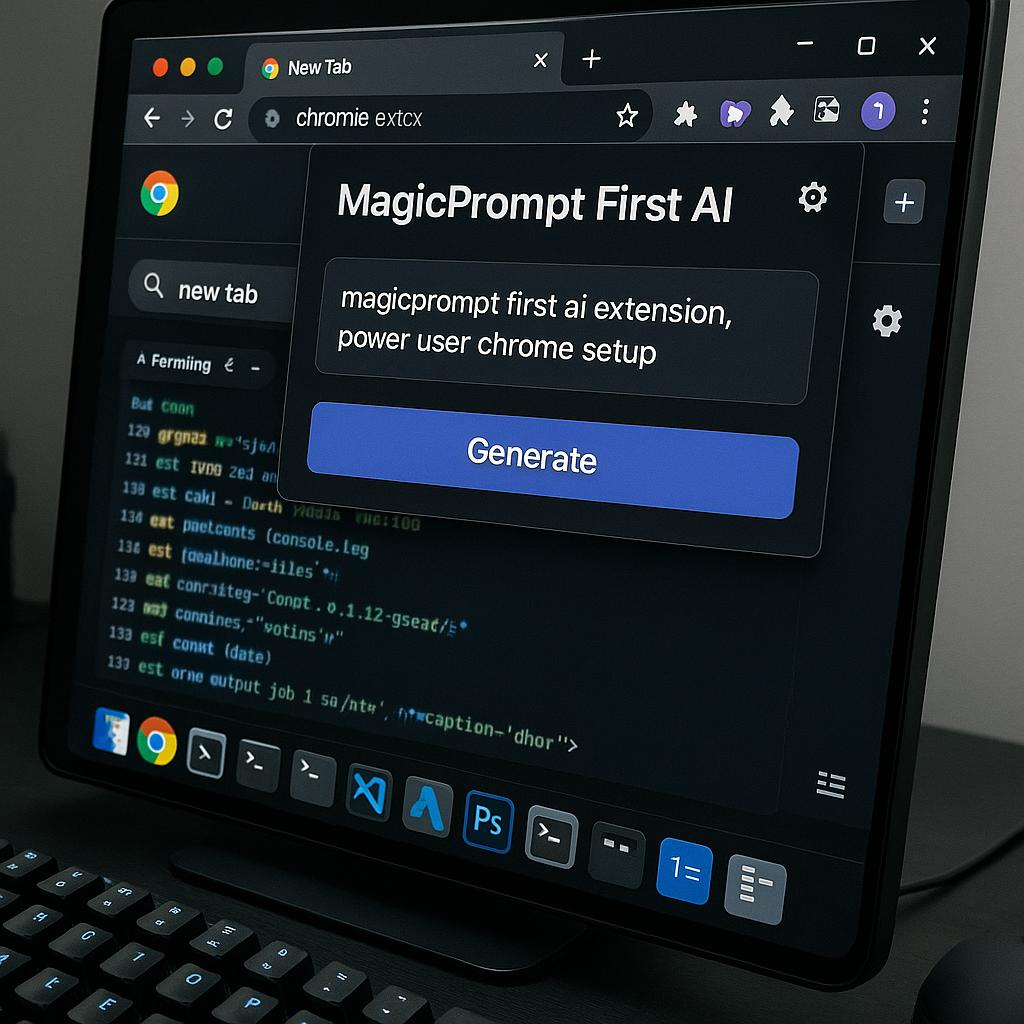
The Best Chrome Extension for Freelancers Who Use AI Daily
Freelancers everywhere are riding the AI wave, using tools like ChatGPT, Claude, and Gemini to boost productivity and creativity. But with so many Chrome extensions promising to supercharge your workflow, where should you start? If you want to become a true power user, your first AI extension should be a prompt manager—specifically, MagicPrompt.
Why “MagicPrompt First” Is the Secret to a Power User Chrome Setup
Imagine you’re juggling multiple clients, projects, and deadlines. You rely on AI daily, but finding or reusing your best prompts slows you down. That’s where a prompt manager shines. Before you add AI writing assistants, summarizers, or research tools, having your prompt workflow organized is the real game changer.
- Centralize your prompts: Save, categorize, and instantly reuse winning prompts across different AI models.
- Accelerate iteration: Quickly edit, test, and perfect prompts without leaving your browser or losing context.
- Stay in flow: No more hunting through docs or Notion pages—your entire prompt library is just a click away.
With MagicPrompt, freelancers gain a single extension that works seamlessly with ChatGPT, Claude, Gemini, and more—making it the ideal foundation for your AI browser stack.
Prompt Engineering Frameworks for Freelancers
Ready to level up your prompt game? Use these frameworks to get better results in less time:
-
Role + Task + Context:
“You are a senior copywriter. Write a concise product description for a new eco-friendly notebook, targeting college students.” -
Iterative Refinement:
Start with a broad prompt, then tweak and save improved versions in MagicPrompt as you go. -
Template Library:
Build reusable prompt templates for repeat tasks—blog outlines, email drafts, client proposals, and more.
Organizing your prompts by project, client, or use case within MagicPrompt helps you scale your freelance business with less effort and greater consistency.
Quick Checklist: Building Your AI Browser Stack
- Step 1: Install MagicPrompt as your first AI extension (learn more).
- Step 2: Curate your best prompts and organize them by project or workflow.
- Step 3: Add specialized AI tools as needed—writing, research, summarization, etc.
- Step 4: Regularly review and refine your prompt library for even better results.
Starting with a prompt manager saves you from workflow chaos and ensures every new AI extension fits neatly into your system—for more on building a smart AI browser setup, check out resources from Zapier and Product Hunt.
Frequently Asked Questions
- What makes MagicPrompt the best first AI extension for freelancers?
- MagicPrompt centralizes your prompts, making it easy to save, organize, and reuse them across multiple AI tools. This foundation streamlines your workflow and sets you up for long-term productivity gains.
- Can I use MagicPrompt with different AI models?
- Absolutely! MagicPrompt is designed to work seamlessly with ChatGPT, Claude, Gemini, and other popular AI chatbots—so you can manage prompts for all your tools in one place.
- How do I organize prompts for multiple clients or projects?
- You can tag, categorize, and create folders for prompts by client, project, or use case within MagicPrompt. This keeps everything tidy and easy to access when you need it.
- Is MagicPrompt free to use?
- MagicPrompt offers a free version with essential features. For power users, there are advanced options to further supercharge your prompt workflow.
- How does a prompt manager save time compared to using Notion or Google Docs?
- Unlike docs or spreadsheets, MagicPrompt is always at your fingertips in the browser—no switching tabs, no copy-pasting. This means faster access, smoother editing, and less context-switching.
Ready to Upgrade Your AI Workflow?
If you’re serious about becoming a power user, make MagicPrompt your first AI Chrome extension. Explore all the features and see how an organized prompt library can transform the way you work—one prompt at a time.