

Prompt Systems for Real Estate Agents and Teams
August 1, 2026
The Best Chrome Extension for Freelancers Who Use AI Daily
August 3, 2026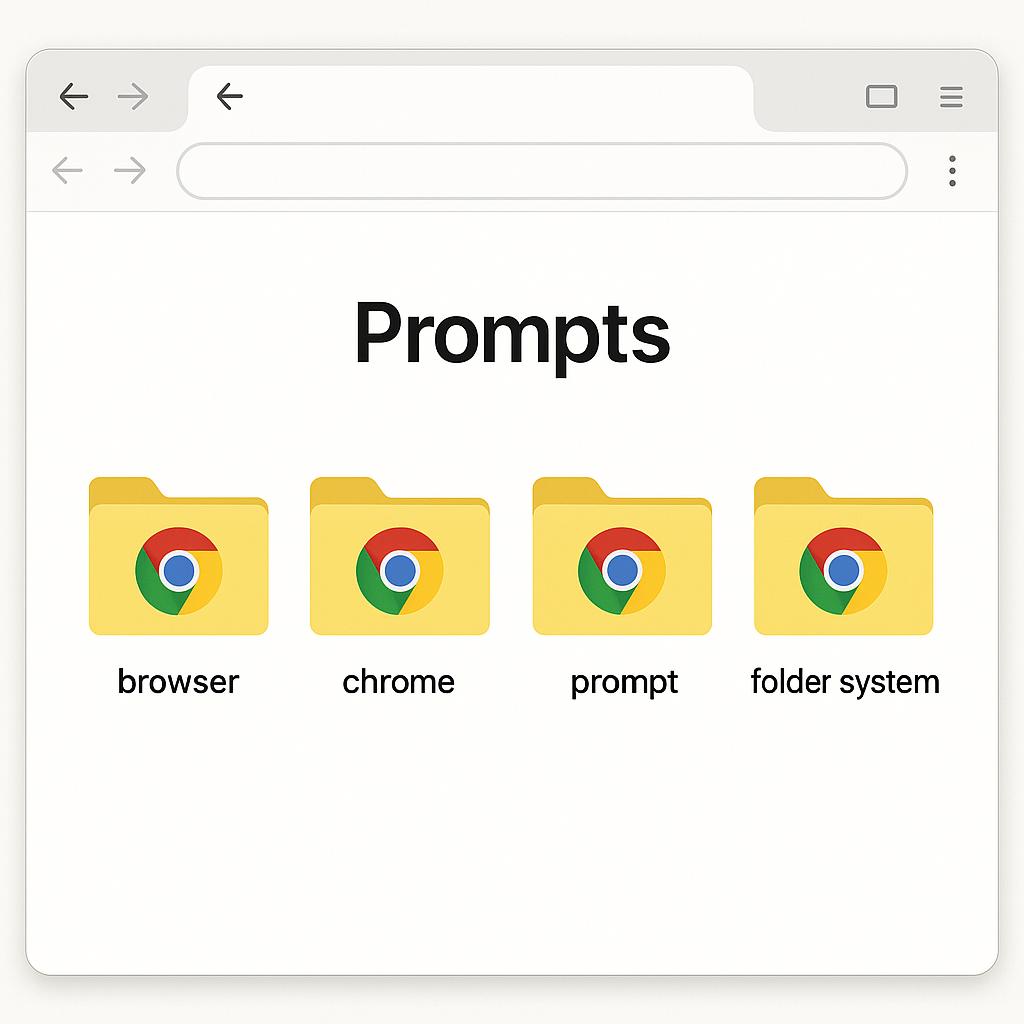
The Best AI Chrome Extension for Marketing Teams: Organize Prompts in Your Browser
Meta Description: Learn how tagging, folders, and search features in an AI Chrome extension prompt library help marketing teams organize prompts for fast in-browser access.
Ever found yourself hunting through endless Google Docs or Slack threads for that perfect AI prompt you wrote last quarter? If you’re part of a marketing team using AI tools like ChatGPT, Claude, or Gemini, you know that organizing prompts in your browser can make or break your productivity. The right Chrome prompt folder system transforms scattered ideas into a smart, searchable library—right where you work.
Why Marketers Need a Chrome Prompt Folder System
Modern marketing is fast-paced, and AI is your secret weapon—if you can find the right prompt when you need it. Without a structured way to organize prompts in your browser, you risk:
- Duplicating work by rewriting prompts
- Wasting time searching for previous examples
- Missing out on strategic prompt variations for campaigns
That’s where a dedicated Chrome extension, like MagicPrompt, comes in—offering an intuitive way to organize, search, and reuse your best AI prompts.
Core Features: Tagging, Folders, and Search
Here’s how a prompt organizing Chrome extension supercharges your workflow:
1. Folders for Campaigns, Channels, and Personas
- Campaign Folders: Group prompts by marketing campaign for quick access and iteration.
- Persona-Based Folders: Store prompts tailored for different buyer personas or customer segments.
- Channel Folders: Separate prompts for email, social, blog, and ads.
2. Tagging for Instant Retrieval
- Add tags like SEO, product launch, or B2B to prompts for multi-dimensional sorting.
- Combine tags to filter and find exactly what you need, when you need it.
3. Search That Works Like Your Brain
- Keyword search lets you find prompts by topic, use case, or even by AI model.
- Results appear instantly in your browser—no app switching required.
With these features, your prompt library becomes a living resource for your entire team. Need inspiration for a new product launch email? Just open your Chrome extension, filter by tags or folders, and copy the perfect prompt into ChatGPT or Claude.
Best Practices for Organizing Prompts in Your Browser
- Standardize Naming: Use clear, descriptive titles for each prompt.
- Review Regularly: Set a monthly date to clean up, archive, or update prompts.
- Document Results: Add notes on what works and what doesn’t for future reference.
For more prompt strategies and examples, check out My Magic Prompt’s blog.
FAQ: Organizing Prompts with Chrome Extensions
- How do I organize prompts in my browser for team use?
- Use a Chrome extension with folders and tagging features so everyone can access, edit, and reuse shared prompts easily.
- Can I search for prompts by keyword or tag?
- Yes, advanced prompt library extensions offer fast in-browser search by keyword, tag, or custom fields.
- Is it secure to store prompts in a Chrome extension?
- Top extensions prioritize user privacy and often offer cloud backup with encryption. Always review their privacy policy for details. Learn more from MakeUseOf’s guide on Chrome extension security.
- What are the benefits of prompt folders vs. plain text docs?
- Folders and tags create a flexible, searchable structure, saving time and reducing duplication—especially when you scale prompt usage across a team.
- Can I use one library for different AI models?
- Absolutely. Save prompts for ChatGPT, Claude, Gemini, and more in the same organized system, tagging each by model if needed.
Ready to Level Up Your Team’s AI Prompt Game?
Organizing prompts in your browser isn’t just about saving time—it’s about building a smarter, more agile marketing team. If you’re curious how MagicPrompt can help, explore the extension here or visit our homepage for more productivity resources. Start working with your prompts, not against them!