

The Best Prompts for Client Kickoff Documents
August 5, 2026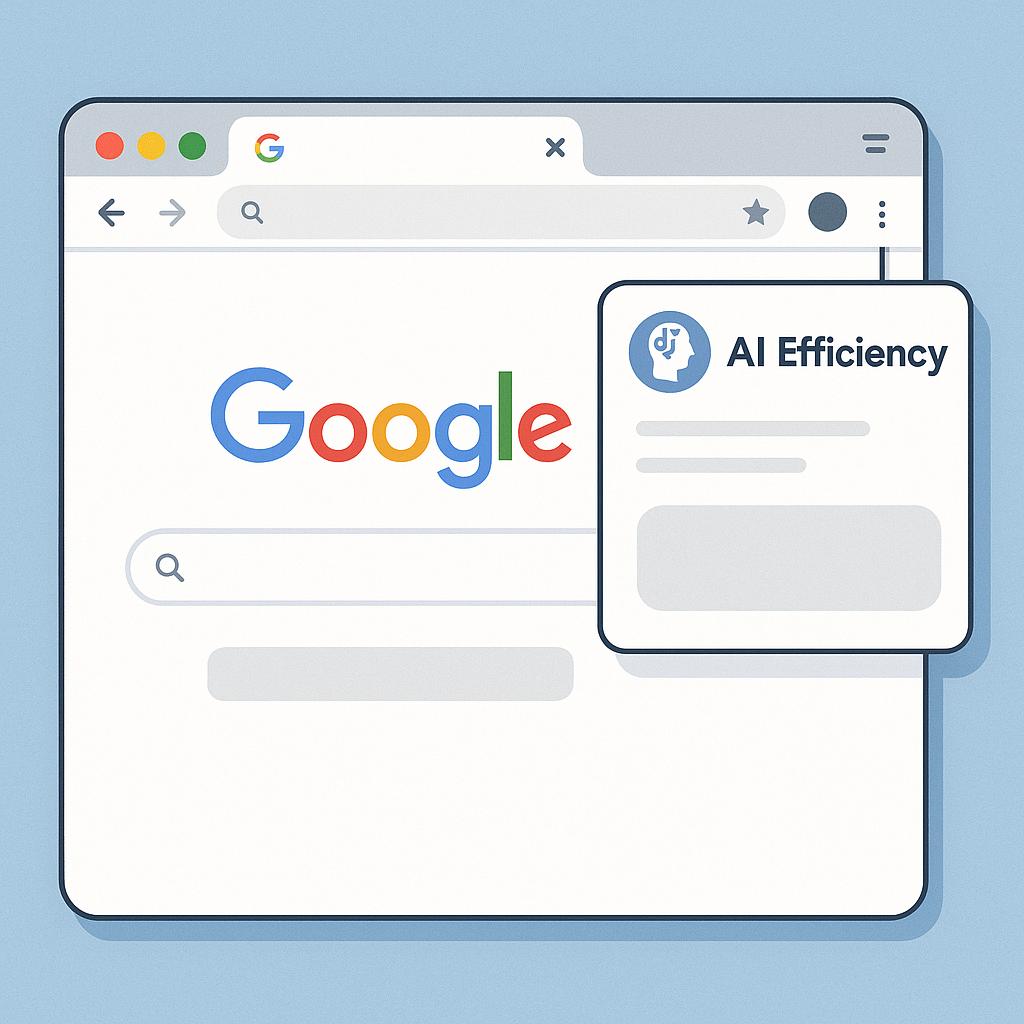
The Best Prompts for Content Calendars That Don’t Feel Generic
Discover how to prompt without tab switch and boost your Chrome extension AI efficiency when planning irresistible content calendars.
Ever find yourself juggling a dozen browser tabs and losing your creative spark while building your content calendar? You’re not alone. Even with powerful AI tools like ChatGPT, Claude, or Gemini, crafting engaging, non-generic content ideas can feel repetitive—especially when you’re constantly switching tabs to prompt your AI assistant. But what if you could prompt smarter and faster, right where you work?
Why Most Content Calendar Prompts Fall Flat
It’s easy to default to bland, recycled prompts when deadlines loom. The result? Uninspired posts, missed opportunities, and fatigue for both you and your audience. The good news: the right frameworks and tools can help you generate standout content ideas, without the headache of constant tab toggling.
Prompt Without Tab Switch: Your AI Efficiency Cheat Sheet
Using a Chrome extension for AI efficiency—like My Magic Prompt—lets you overlay AI-generated prompts directly onto your working page. No more copying, pasting, or losing your train of thought.
Frameworks for Standout Content Calendar Prompts
- Theme Layering: Ask AI to suggest monthly themes based on your brand’s pillars. Example prompt: “Generate unique monthly content themes for a wellness blog, focusing on holistic health, nutrition, and stress management.”
- Audience First: Prompt AI to surface topics tailored to your audience’s pain points and interests. Example: “List 10 blog post ideas addressing common challenges for remote team leaders in tech startups.”
- Format Variety: Keep things fresh by requesting a mix of formats—think polls, infographics, interviews, and how-tos. Example: “Suggest a weekly content calendar with diverse formats for engaging LinkedIn followers.”
With an overlay extension, you can refine, iterate, and expand on prompts without leaving your editorial tool—saving time and keeping your creative momentum strong. Learn more about how My Magic Prompt streamlines your workflow.
Pro Tips for Better, Non-Generic Prompts
- Be Specific: The more context you give, the more unique your results (e.g., “Suggest evergreen blog ideas for B2B SaaS founders in HR tech”).
- Iterate Quickly: Use the overlay to tweak your prompts in real time, zeroing in on what resonates.
- Leverage Trends: Prompt AI to incorporate trending topics relevant to your industry (see how leaders do it).
- Batch Brainstorm: Generate a month’s worth of ideas in one focused session using prompt templates.
FAQ: Smarter Prompting for Content Calendars
- How can I prompt AI for content ideas without switching tabs?
- Use a Chrome extension like My Magic Prompt, which overlays a prompt box onto your current page, letting you generate and iterate ideas without losing focus.
- What makes a prompt less generic?
- Adding details about your brand, target audience, formats, and goals makes prompts more tailored and unique.
- Can I use My Magic Prompt with different AI models?
- Yes! My Magic Prompt supports multiple AI assistants, including ChatGPT, Claude, and Gemini, for flexible, cross-platform productivity.
- How do I keep my content calendar ideas fresh?
- Regularly prompt for new formats, incorporate trending topics, and request audience-specific content to avoid repetition.
- Is there a way to batch-generate content ideas efficiently?
- Absolutely. Try batching your prompts using templates, and use the overlay extension to iterate quickly without workflow interruptions.
Level Up Your Content Calendar Workflow
Ready to prompt without tab switch and finally make your content calendar stand out? Explore My Magic Prompt for a smarter, more efficient way to spark creative, non-generic ideas—right where you work.