

Stop Prompt Engineering: The Power of AI Prompt Templates for Beginners
January 29, 2026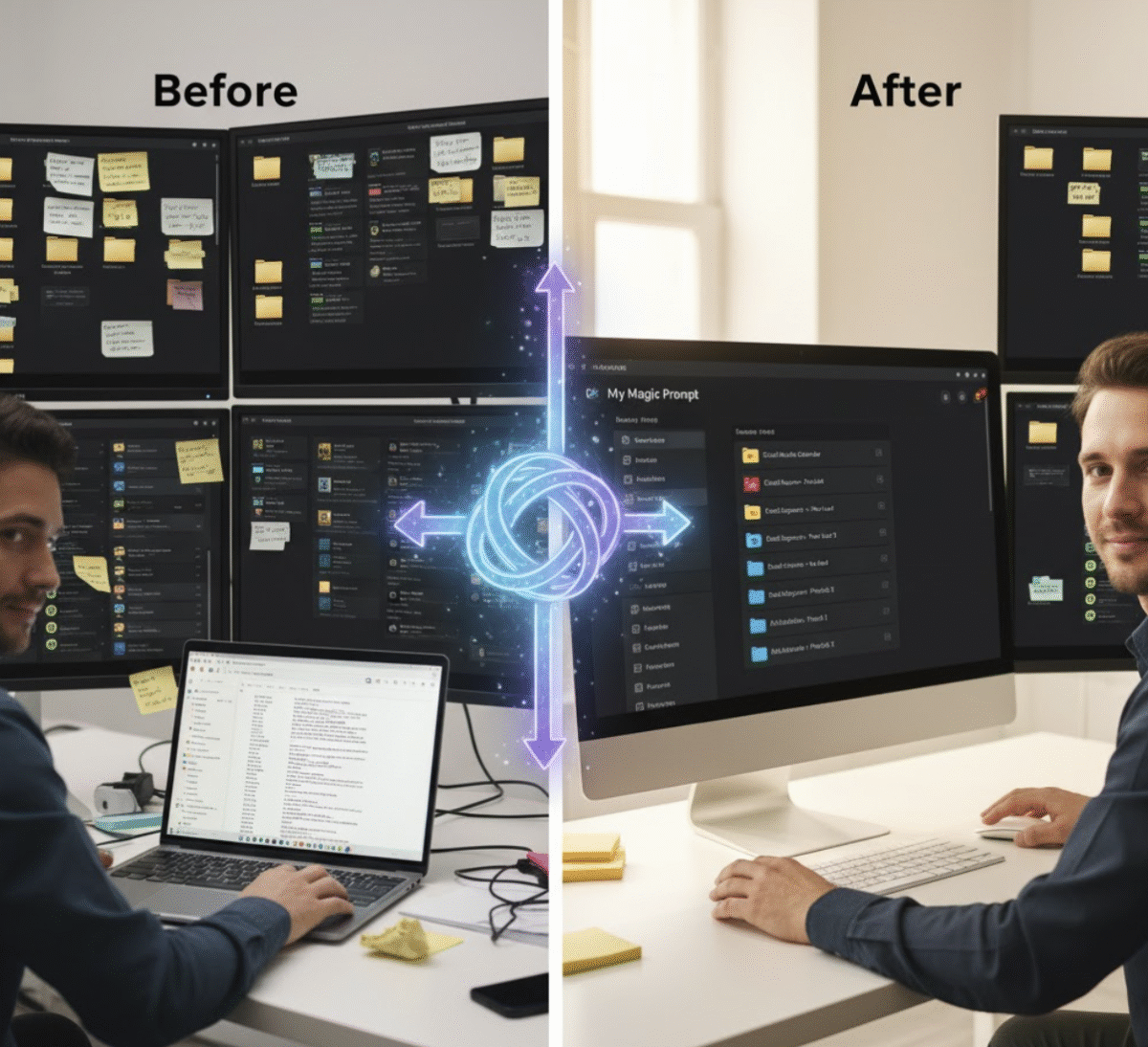
✍️ Introduction: The Hidden Chaos Behind Great Prompts
If you’ve been using ChatGPT, Claude, or Gemini for a while, you’ve probably collected a ton of prompts — from marketing frameworks to brainstorming templates. But let’s be honest: most of them are buried somewhere in your Notes app, Google Docs, or a long Discord thread.
That disorganization isn’t just messy — it’s a productivity killer.
Every time you search for that “perfect prompt” you used last week, you’re losing focus and momentum. Imagine if your prompts were neatly categorized, searchable, and synced across devices — ready to launch at any time. That’s how power users scale their output.
In this guide, you’ll learn 5 smart ways to organize AI prompts so you can get more done in less time — and never lose another great idea again.

⚡ Why Organizing Your Prompts Matters
Think of your prompts as intellectual assets. Just like designers manage brand kits and developers manage code, prompt users need a system. Organized prompts mean:
- Faster project execution (no more retyping the same setup)
- Consistent tone and quality across your AI outputs
- Easier collaboration with your team
- A clear record of what works best for different goals
When you treat prompts as reusable tools — not throwaway text — your entire AI workflow becomes smoother and more strategic.
🧭 1. Use Folders to Categorize by Function or Goal
Start with a simple folder system. The best structure depends on how you use AI:
Example Folder Structure:
- 📁 Content Creation
- Blog Intros
- Social Media Captions
- Email Copy
- 📁 Strategy & Research
- Audience Personas
- Market Analysis Prompts
- 📁 Productivity & Automation
- Daily Planners
- Workflow Optimizers
By sorting prompts by purpose, you’ll know exactly where to look — and spend less time hunting.
Pro Tip: Tools like My Magic Prompt let you create and manage categorized collections automatically, so you can tag, rename, and access prompts with just a few clicks.
🧩 2. Label Prompts with Keywords or Tags
Folders are great, but tags make your system flexible. Tags let you filter prompts by:
- AI tool (e.g., ChatGPT, Gemini, Claude)
- Type of task (e.g., writing, ideation, research)
- Tone or audience (e.g., professional, playful, educational)
Example: A single “Product Launch Copy” prompt could live under:
- Folder: Content Creation → Email Copy
- Tags: marketing, sales, launch, ChatGPT
When your library grows, tags make it easy to find the exact prompt you need in seconds.
My Magic Prompt Tip: The built-in tagging system lets you combine filters (e.g., “marketing + Gemini”) for faster retrieval.
☁️ 3. Sync and Store Prompts in the Cloud
If you’re still managing prompts locally or in random documents, you’re missing out. Cloud sync ensures your prompts are:
- Accessible from any device
- Automatically backed up
- Shareable with teammates or collaborators
My Magic Prompt’s Chrome Extension (Get it here) lets you access all your prompts inside ChatGPT or Claude — no switching tabs or digging through folders.
🗂️ 4. Create a “Prompt Playbook” for Reuse and Optimization
Once you’ve collected enough high-performing prompts, create a central document or dashboard — your Prompt Playbook.
This is where you store your best, tested prompts organized by use case, along with notes on performance.
Playbook Example:
| Category | Prompt Name | Best For | Notes |
|---|---|---|---|
| Marketing | Product Launch Copy | Email Campaigns | Strong open rates; use when launching new features |
| Research | Competitor Analysis | Market Reports | Great for summarizing multi-source data |
| Content | 30-Day Post Generator | Social Planning | Time-saver; pairs well with Content Calendar prompt |
With a playbook, you turn your prompts into a personal AI operating system.
My Magic Prompt Feature: Save, label, and favorite prompts with one click — perfect for building your custom playbook.
🧠 5. Review and Refresh Your Prompt Library Monthly
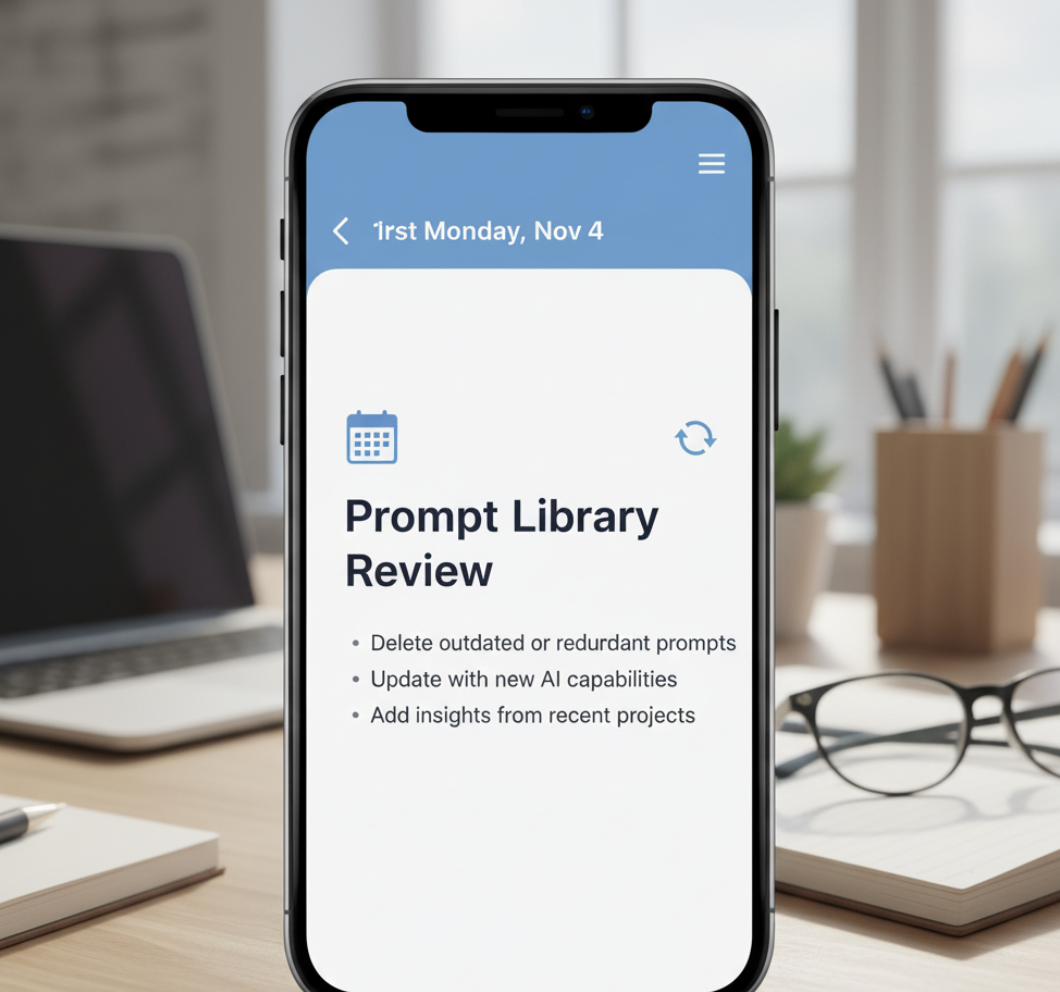
AI evolves fast — and so should your prompts. Set a recurring reminder (once a month) to:
- Delete outdated or redundant prompts
- Update older ones with new AI capabilities
- Add insights from your recent projects
By keeping your library fresh, you’ll always be working with optimized, relevant prompts that reflect your current needs.
🛠 Tool Spotlight: How My Magic Prompt Simplifies Organization
While you can manage prompts manually, My Magic Prompt was built to automate and scale your workflow. Here’s how:
- Prompt Builder: Customize, save, and label prompts in seconds.
- Prompt Templates: Start from ready-made structures to avoid repetitive typing.
- AI Toolkit: Store your prompts, workflows, and strategies in one clean dashboard.
- Cloud Sync: Your entire library travels with you — across browsers and sessions.
❓ FAQ: Organizing AI Prompts Like a Pro
1. How can I organize AI prompts efficiently?
Start by categorizing them by goal, tagging them by task, and syncing them in a cloud-based system like My Magic Prompt.
2. What’s the best tool to store prompts?
You can use Notion, Google Drive, or specialized tools like My Magic Prompt, which offers tagging, search, and Chrome integration.
3. How often should I update my prompt collection?
Monthly reviews help ensure your prompts stay relevant and effective.
4. Can I share prompts with my team?
Yes — cloud tools make collaboration easy. In My Magic Prompt, you can share templates or collections directly.
5. What’s the benefit of organizing prompts?
Efficiency. An organized library saves time, reduces repetition, and helps you scale creativity without burnout.
6. Are prompt templates different from saved prompts?
Yes — templates are reusable frameworks you can customize, while saved prompts are specific use cases you’ve already refined.
🤍 Final Takeaway: Organization Is the Real Productivity Hack
The most successful AI users don’t write more prompts — they reuse smarter ones.
By organizing your prompts into a clean, searchable system, you’ll triple your productivity, reduce friction, and stay focused on what actually matters: creating great work.
If you’re ready to bring structure to your AI workflow, try My Magic Prompt — the easiest way to store, sync, and scale your best ideas.