

The Best Prompts for Writing Stronger CTAs
August 11, 2026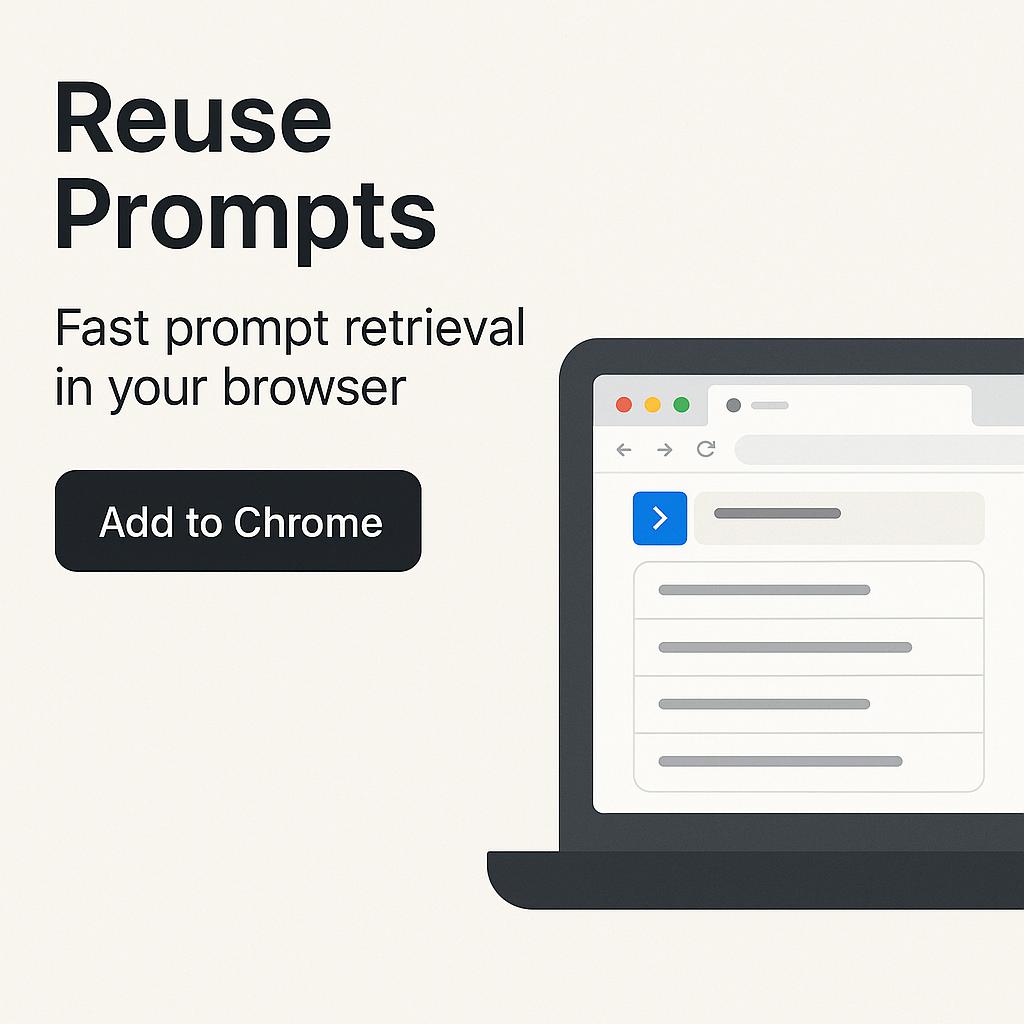
The Chrome Extension Checklist for AI-Assisted Research
Ever found yourself hunting through endless docs, chat logs, or sticky notes just to find that one perfect AI prompt? If you’re constantly toggling between browser tabs and losing momentum, you’re not alone. As AI becomes central to our workflows, the bottleneck is no longer crafting the perfect prompt—it’s retrieving and reusing your best ones, fast. Here’s where a smart Chrome extension for prompt management turns minutes lost into seconds gained.
Why Fast Prompt Retrieval Matters
Whether you’re a researcher, student, or productivity enthusiast, the ability to reuse prompts with a Chrome extension can be transformative. Instead of rewriting or digging up old queries, you can surface your top-performing prompts instantly—giving you more time to focus on analysis, synthesis, or creative output.
- Speed: Jump from idea to execution in seconds with fast prompt retrieval in your browser.
- Consistency: Ensure your best prompt frameworks are always on hand, reducing errors and cognitive load.
- Scalability: As you build a personal prompt library, you can scale your AI productivity without extra effort.
The Essential Chrome Extension Checklist for Prompt Power Users
If you want to level up your prompt engineering and research game, look for these features in your browser extension:
- Instant Search: Find your saved prompts by keyword or use case, directly from your Chrome toolbar.
- One-Click Insertion: Instantly drop a prompt into ChatGPT, Claude, Gemini, or your favorite AI tool.
- Organizational Tools: Tag, categorize, or favorite prompts for quick access.
- Cross-Platform Sync: Access your prompt library from any device or AI platform.
- Privacy & Security: Ensure your prompts and research data are stored securely.
My Magic Prompt’s Chrome Extension checks every box—designed for fast prompt retrieval and seamless reuse across your favorite AI models.
How to Streamline Your Research Workflow with Prompt Reuse
Ready to supercharge your AI-assisted research? Try this workflow:
- Save: As you craft high-performing prompts, save them in your extension with clear tags (e.g., “data analysis”, “summarize articles”).
- Retrieve: Use the extension’s search bar for fast prompt retrieval—no more sifting through old docs.
- Reuse: With one click, insert your best prompt into your AI tool—get consistent, high-quality results every time.
- Iterate: Regularly update and optimize your library with new, improved prompts as your research evolves.
For a deeper dive into prompt engineering, check out our resources on building your own prompt library and maximizing AI productivity.
FAQ: Chrome Extensions & Fast Prompt Retrieval
- How does a Chrome extension speed up prompt retrieval?
- By storing your best prompts in-browser, an extension lets you search and insert them in seconds—skipping the hassle of manual copy-paste or hunting through files.
- Can I use the same prompts across different AI tools?
- Yes! A good prompt manager, like MagicPrompt, lets you reuse prompts for ChatGPT, Claude, Gemini, and more—streamlining your workflow across platforms.
- Is my prompt data secure with a Chrome extension?
- Look for extensions with strong privacy policies and encryption. MagicPrompt never shares your prompts—your data stays yours.
- What’s the best way to organize prompts for research?
- Use tags, folders, and clear naming conventions to group prompts by task or topic. This makes fast retrieval simple, even as your library grows.
- Do Chrome extensions work offline?
- Some extensions offer offline access to saved prompts. Check the extension’s documentation for specifics on data storage and sync features. Learn more about Chrome extensions here.
If you’re ready to stop wasting time and start working smarter, explore MagicPrompt’s Chrome extension—your secret weapon for fast, frictionless prompt engineering.