
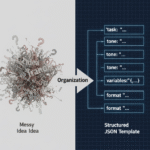
What Is a JSON-Based Prompt Template?
July 14, 2026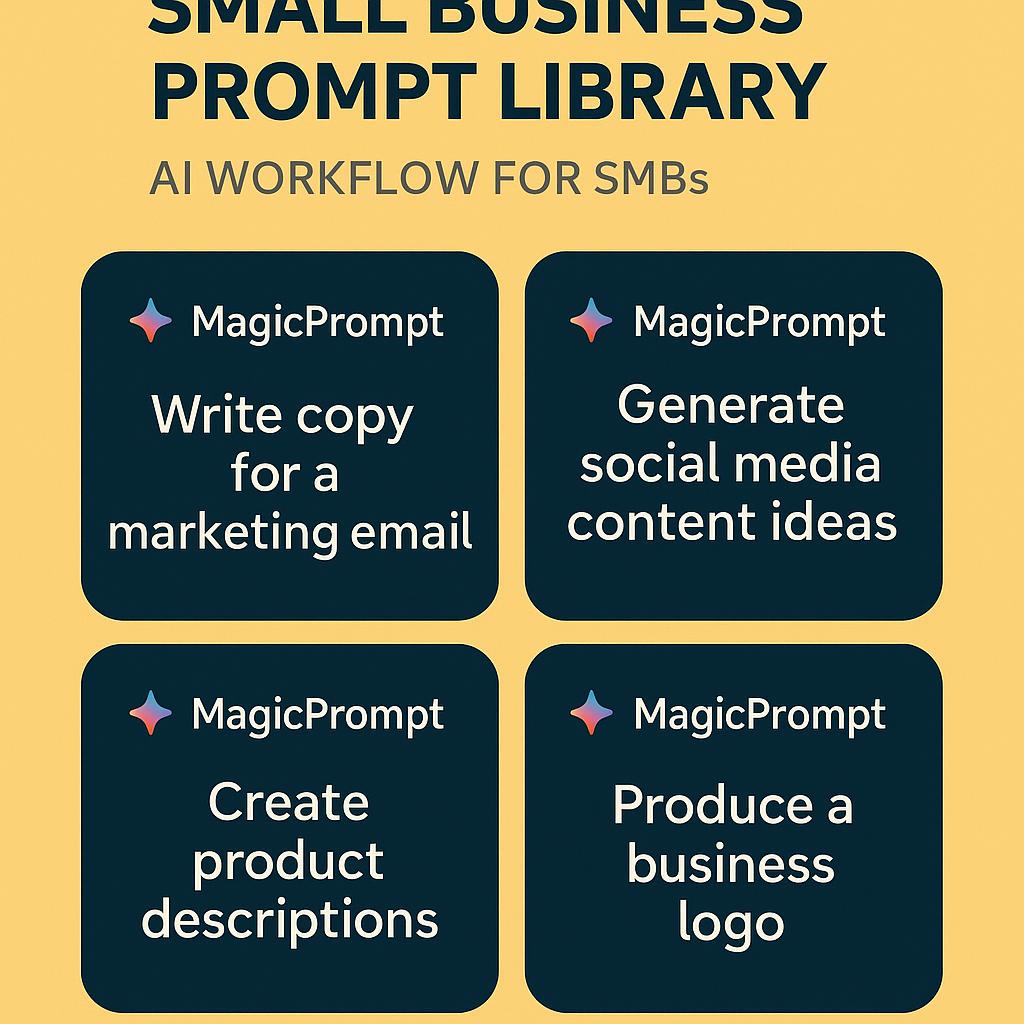
How to Launch Any AI Tool in One Click from Chrome
Picture this: it’s Monday morning, you’re juggling marketing emails, customer support tickets, and a to-do list that’s growing by the minute. You know AI could help, but switching between prompt docs, different chatbots, and browser tabs is slowing you down. What if you could launch your favorite AI tools—and your most effective prompts—with just one click, right from Chrome?
Why a Small Business Prompt Library Changes the Game
Small business owners and teams are discovering a secret weapon: a centralized small business prompt library that organizes and streamlines all those essential AI workflows. Imagine having ready-to-go prompts for:
- Marketing content creation
- Operations checklists and SOPs
- Hiring and onboarding
- Customer communication
No more scattered docs or lost ideas. With the right workflow, you can access your best prompts for ChatGPT, Claude, or Gemini instantly—without searching or copy-pasting.
Build a One-Click AI Workflow for SMBs
Here’s how smart teams are turning Chrome into their AI control center using tools like MagicPrompt:
-
Add the MagicPrompt Chrome Extension.
Install it from the Chrome Web Store—it takes seconds. -
Centralize Your Prompts.
Organize high-impact prompts by category (marketing, ops, hiring, etc.). Tag them for easy search and reuse. -
Launch AI Tools in One Click.
Simply click the MagicPrompt icon, search or select your prompt, and instantly open it in the AI tool of your choice—no more manual copy/paste. -
Iterate and Improve.
Track which prompts get results, update them as needed, and share your best workflows with your team.
Framework: The “Prompt Hub” for SMB Efficiency
Think of your prompt library as the “hub” that powers everything from email campaigns to customer support. Here’s a quick checklist to set it up:
- Identify top use cases (e.g., customer FAQs, LinkedIn posts, onboarding checklists)
- Write and test prompts for each scenario
- Organize and tag prompts for easy access
- Share access with team members
FAQ: One-Click AI Workflows for Small Business
- What is a small business prompt library?
- A prompt library is a centralized collection of pre-written AI prompts tailored for your business needs—making it easy to launch marketing, operations, and customer tasks in seconds.
- How does MagicPrompt speed up my AI workflow?
- MagicPrompt lets you save, organize, and launch your favorite prompts from Chrome, so you can open any AI tool (like ChatGPT or Claude) with the right prompt in one click.
- Can I use MagicPrompt with different AI tools?
- Yes! MagicPrompt supports popular AI platforms like ChatGPT, Claude, Gemini, and more, making it simple to switch between tools without losing your best prompts.
- How do I organize prompts for a small business team?
- Group prompts by use case or department, tag them for easy search, and share your prompt library with your team to ensure everyone works efficiently and consistently.
- Is it secure to store business prompts in a Chrome extension?
- Reputable tools like MagicPrompt prioritize user privacy and data security. Always review a tool’s privacy policy and opt for solutions with strong security practices. Learn more about data security best practices.
Ready to Supercharge Your AI Workflow?
Whether you’re a founder, marketer, or operations lead, a small business prompt library and a one-click AI workflow can save you hours every week. Want to see it in action? Explore MagicPrompt and start building your own productivity hub today.
For more on optimizing your AI workflow, check out Zapier’s AI productivity tools guide.