

How to Use a Chrome Extension to Manage Prompts for Multiple Clients
July 21, 2026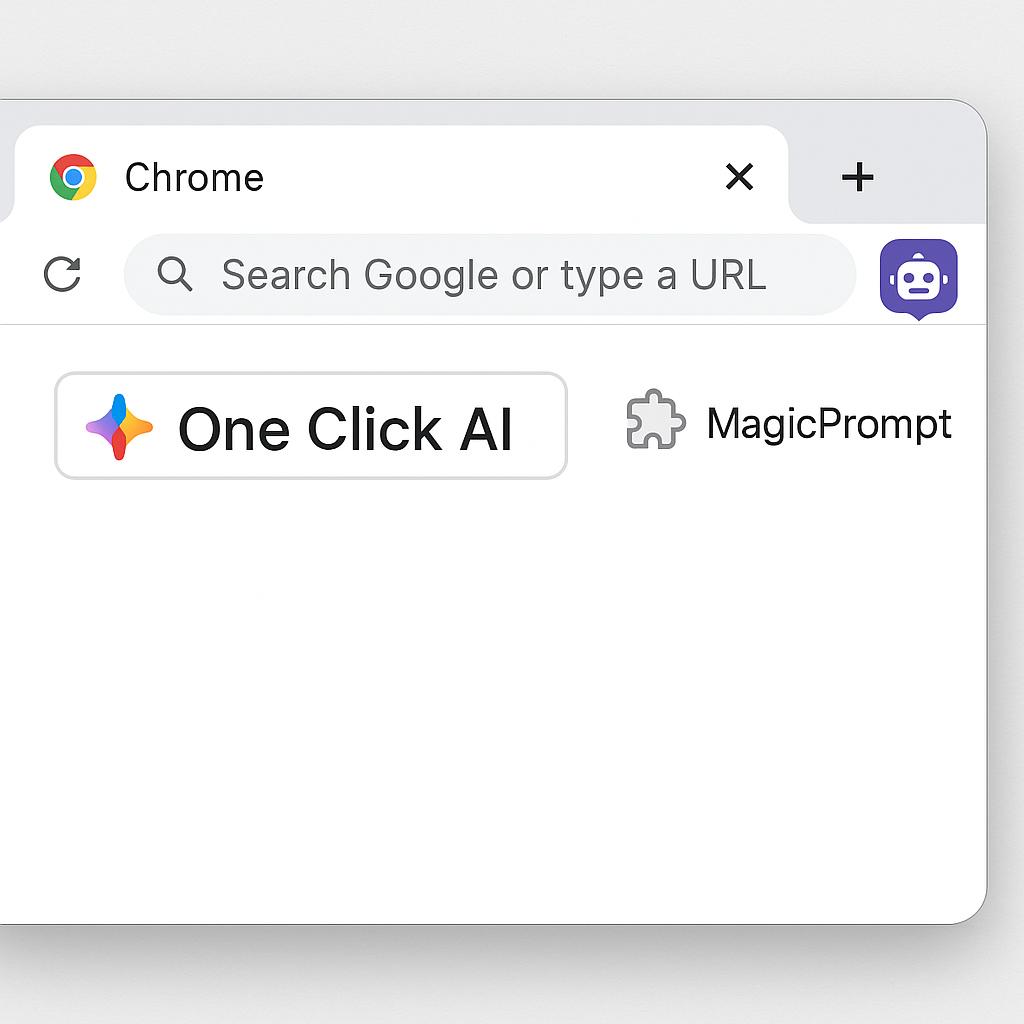
How to Use a Chrome Extension to Speed Up Daily AI Tasks
If you’ve ever found yourself juggling between browser tabs, copying and pasting prompts into ChatGPT, Claude, or Gemini, you’re not alone. For anyone who relies on AI for brainstorming, content creation, or research, that “tab tango” quickly becomes a productivity drain. But what if you could launch your favorite prompts into any AI chatbot with just one click—no tab-switching required? That’s where a smart one click AI Chrome extension can become your secret shortcut.
Why Browser AI Shortcuts Matter for Everyday Productivity
Time adds up when you’re manually managing AI prompts. A browser AI shortcut helps you:
- Save those precious seconds (that become hours over a week)
- Keep your workflow focused and distraction-free
- Prompt your favorite AI (ChatGPT, Claude, Gemini, etc.) without breaking your stride
Tools like the MagicPrompt Chrome extension are designed for exactly this. Think of it as your AI “command palette”—one click, and you’re ready to go.
How to Use MagicPrompt’s Chrome Extension for Instant AI Access
Let’s break down how MagicPrompt can shave minutes off every AI-powered task:
- Install the Extension: Grab the MagicPrompt Chrome extension from the Chrome Web Store.
- Highlight Any Text: Select any text you want to expand, rewrite, or analyze—or simply launch a fresh prompt from scratch.
- Right-Click or Use the Toolbar: With one click, send your prompt to ChatGPT, Claude, or Gemini—no copy-paste, no extra tabs.
- Reuse or Tweak Prompts: MagicPrompt lets you save, iterate, and personalize prompt templates for faster results over time.
Best Practices for Lightning-Fast AI Prompting
- Organize Your Go-To Prompts: Save your most-used prompts in MagicPrompt for even quicker access.
- Use Contextual AI: Right-click to send a selected paragraph for summarization or idea generation, all within your browser workflow.
- Experiment and Iterate: Test different prompt phrasings to see what yields the best results—and refine as you go.
FAQs: One Click AI Chrome & Prompt Productivity
- What is a one click AI Chrome extension?
- A one click AI Chrome extension lets you send prompts directly to AI chatbots like ChatGPT, Claude, or Gemini from any browser tab, eliminating the need to switch tabs or manually copy and paste.
- How does MagicPrompt improve browser AI shortcuts?
- MagicPrompt streamlines prompt generation and submission, saving time by integrating directly into your Chrome workflow. It also allows saving and customizing prompts for repeated use.
- Can I use MagicPrompt with multiple AI chatbots?
- Yes! MagicPrompt supports sending prompts to several AI models, including ChatGPT, Claude, and Gemini, making it versatile for various use cases.
- Is MagicPrompt secure to use?
- MagicPrompt does not store your private data or AI logins. For more details, check their privacy and security policy.
- How do I get started with MagicPrompt?
- Simply install the extension and follow the onboarding steps to connect your favorite AI chatbots.
Unlock Smoother AI Workflows Today
Whether you’re a writer, marketer, or knowledge worker, using a one click AI Chrome extension like MagicPrompt can transform how you interact with AI—making your daily tasks faster and smarter. Ready to take your prompt game to the next level? Explore MagicPrompt and discover even more ways to work efficiently with AI.